01
Create video
Write the scene you want and get a video of it. Length and quality come from the options each model offers.
Seedance 2.0 Fast
Glowing blue-white molten metal pours into a hexagonal mold as sparks drift in slow motion
Video Studio
FastMetal Video Studio is an AI video generator that runs in your browser. Add a photo of a person and a video of the moves you want, and the person in the photo dances the same moves. A face photo and a line of dialogue make a talking video, and a source video with a reference photo makes a video with new clothes.
The price of each video is shown on the generate button before you generate.
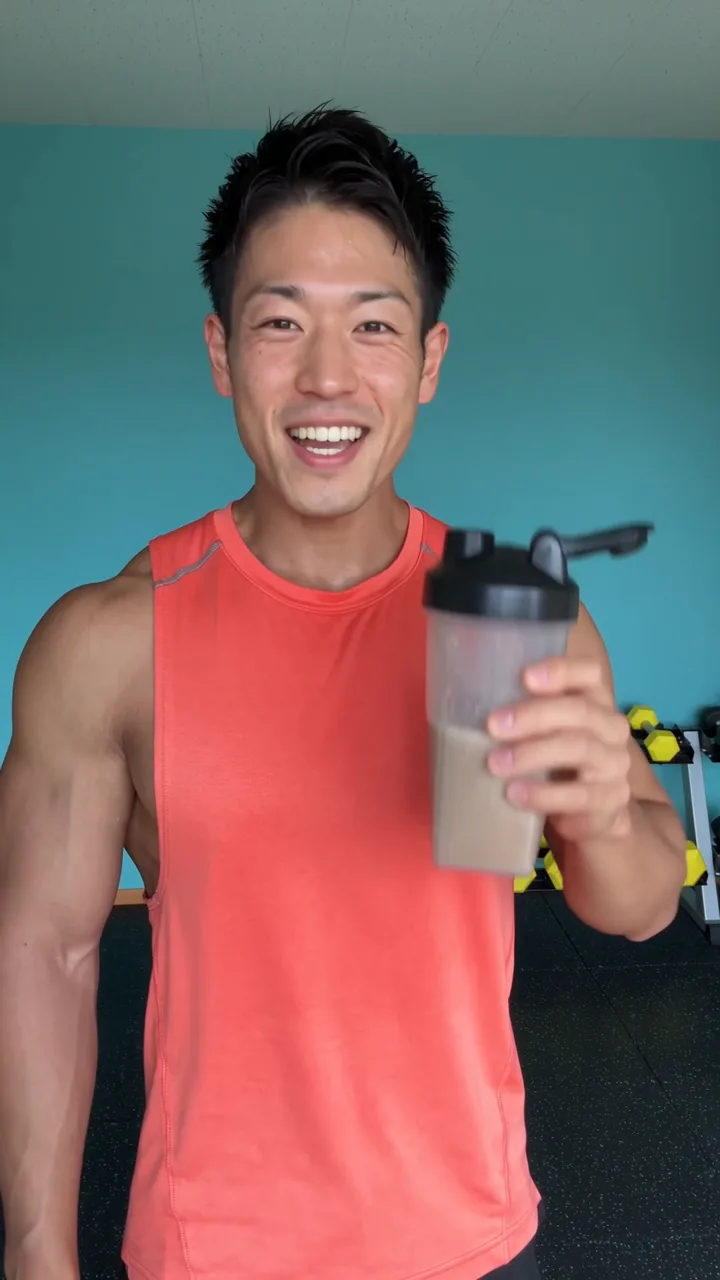
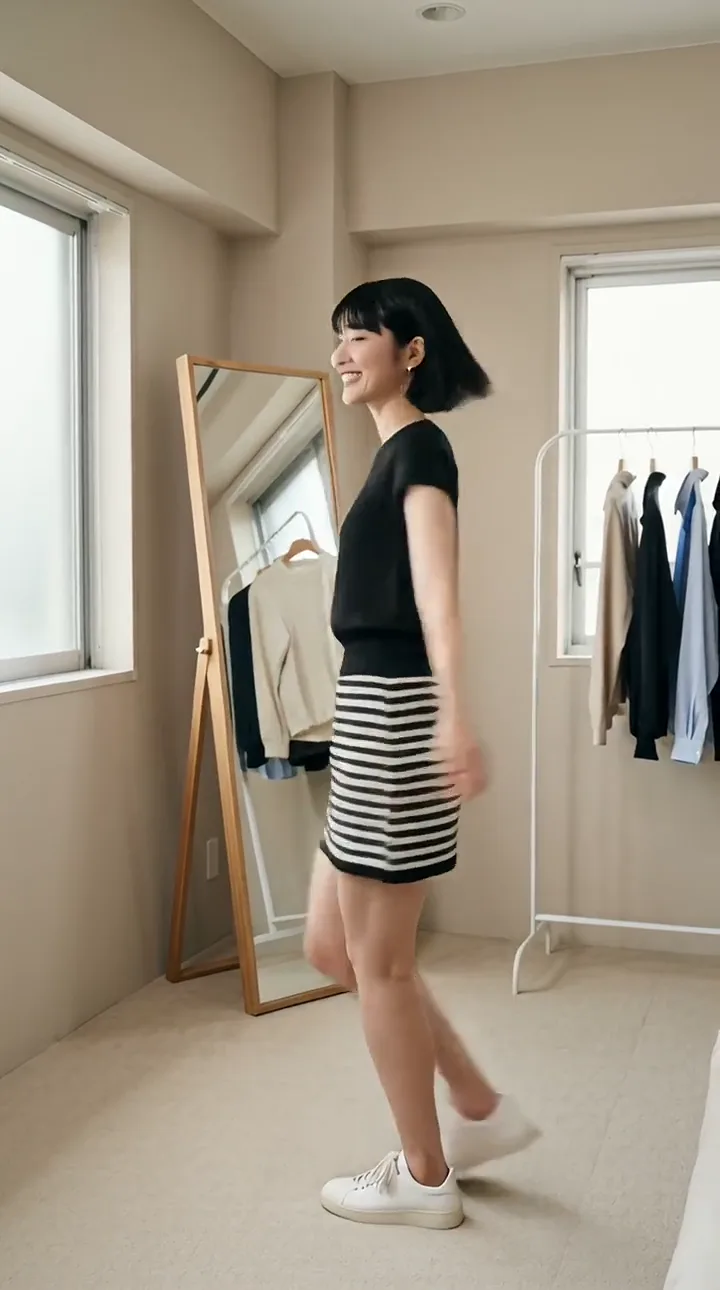
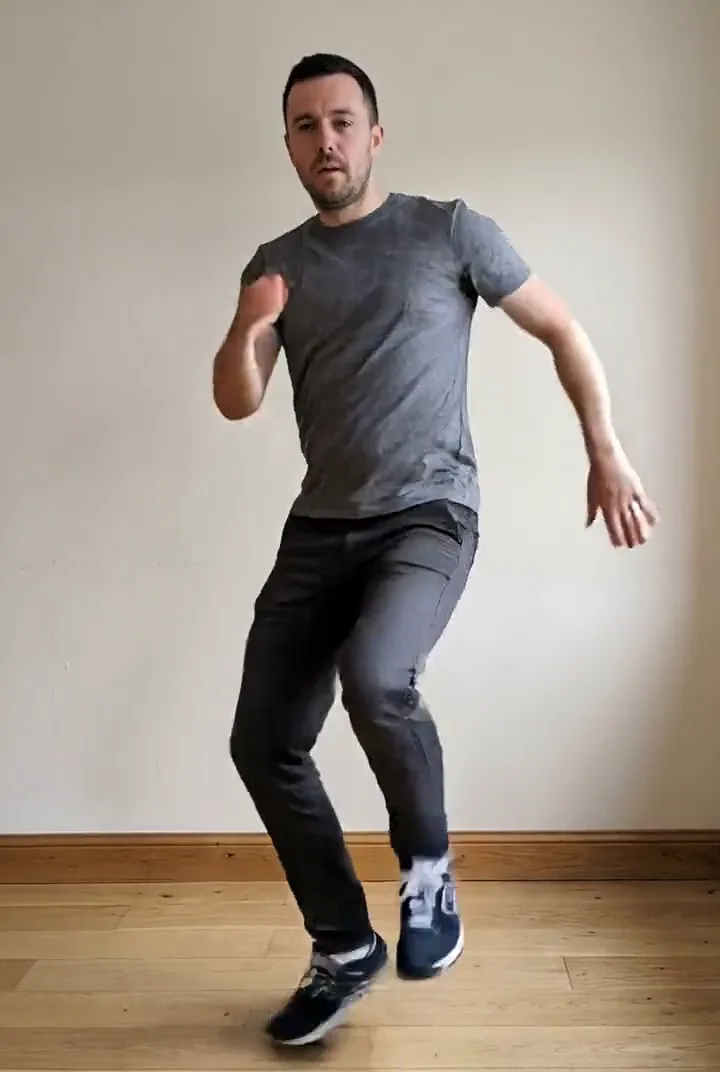
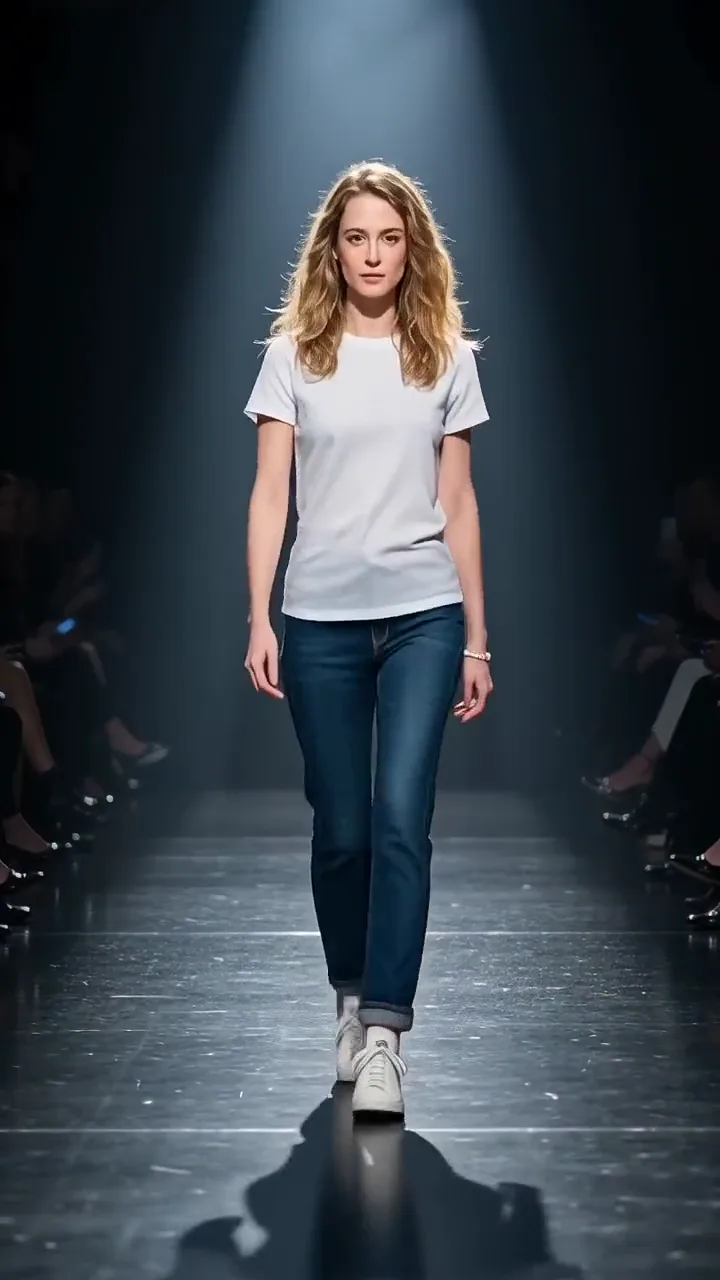
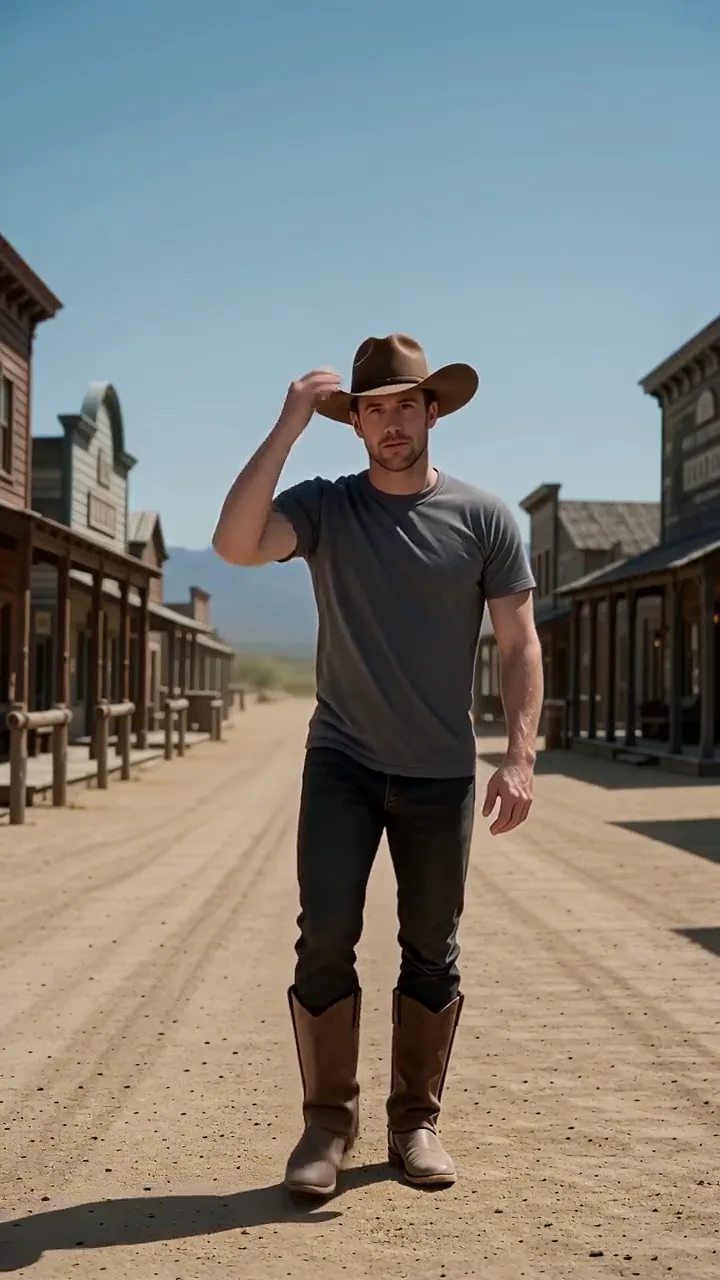
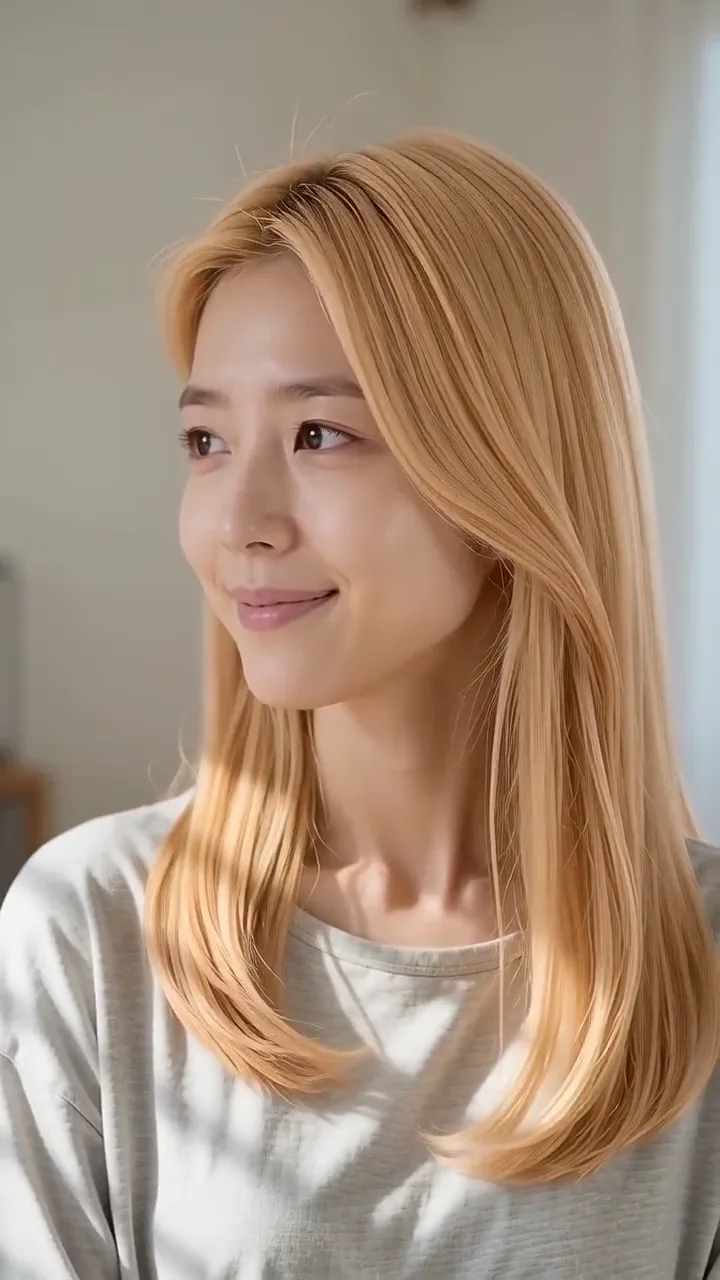
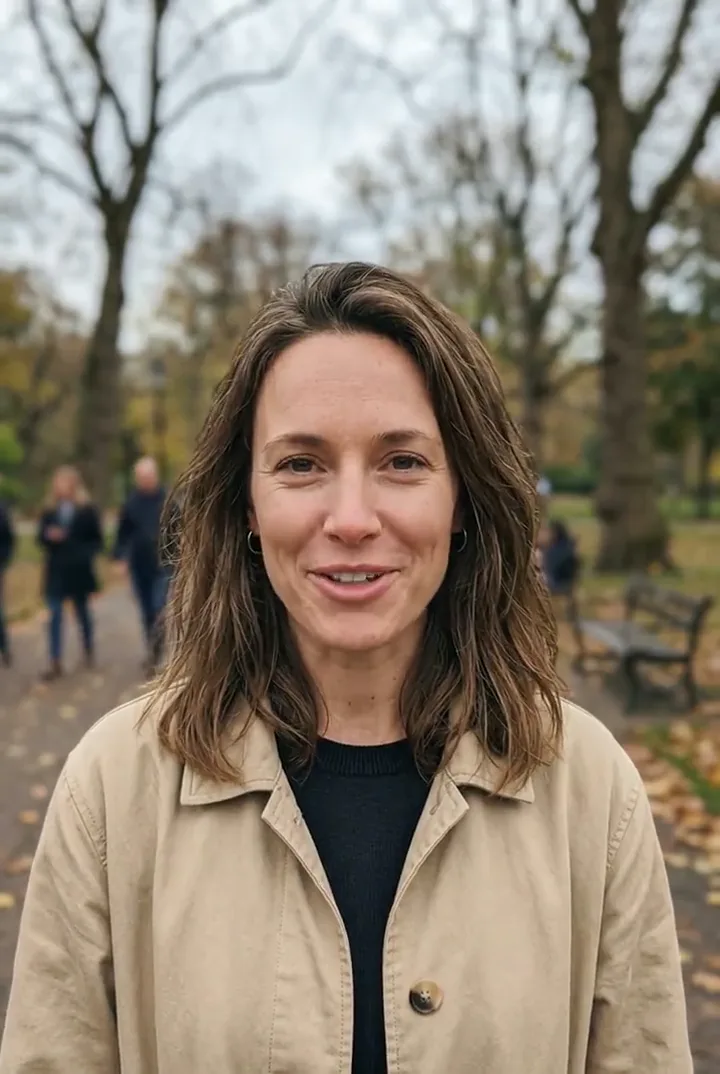
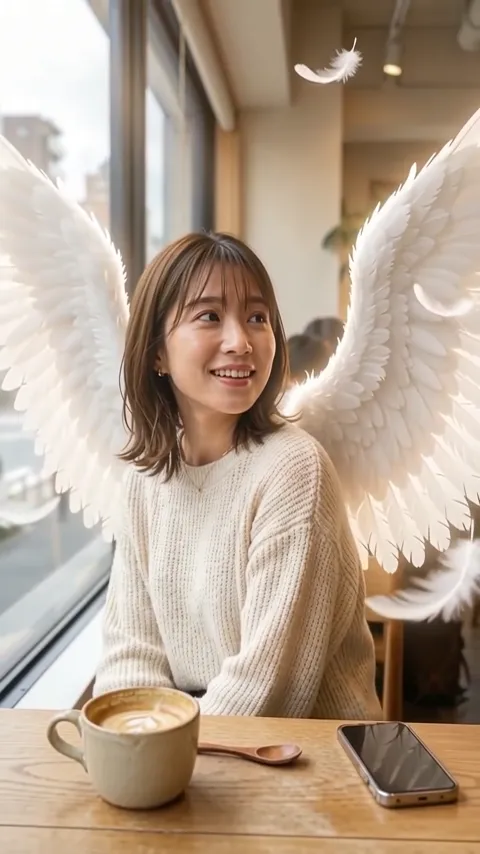
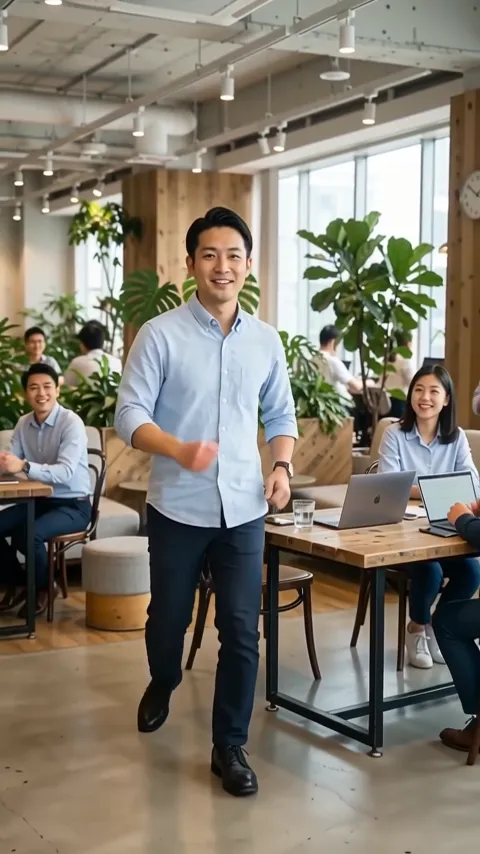
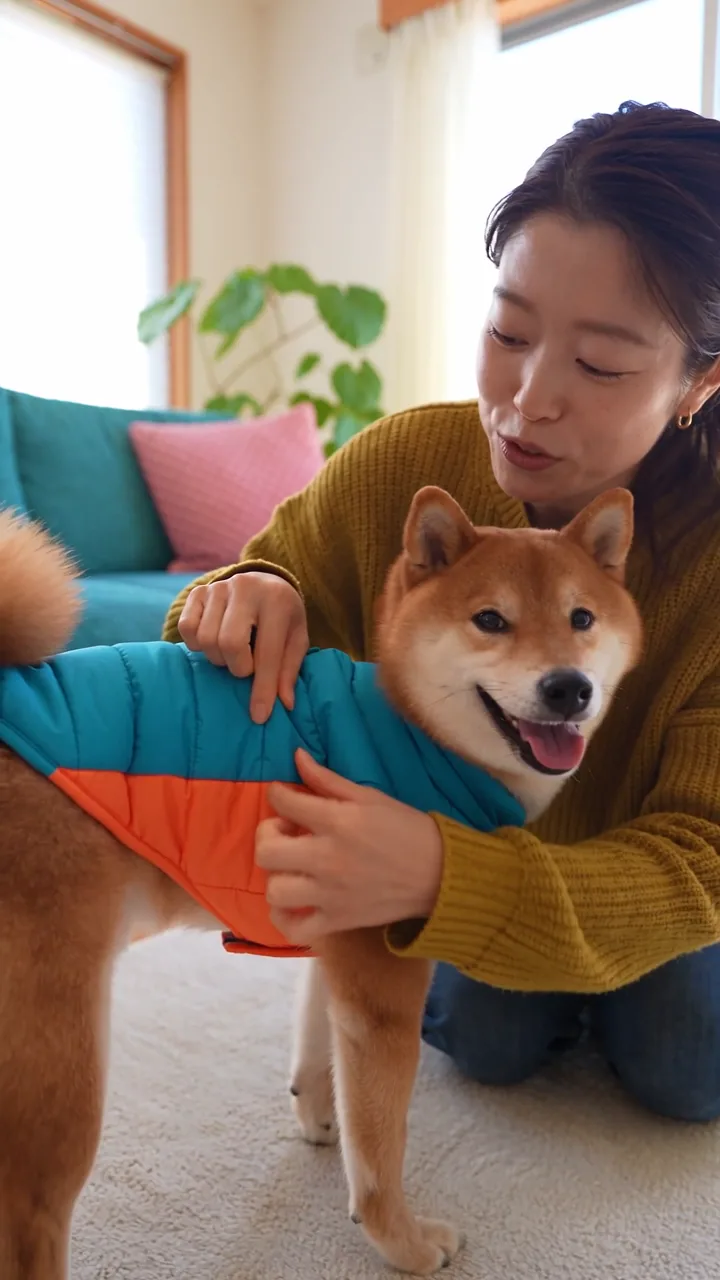
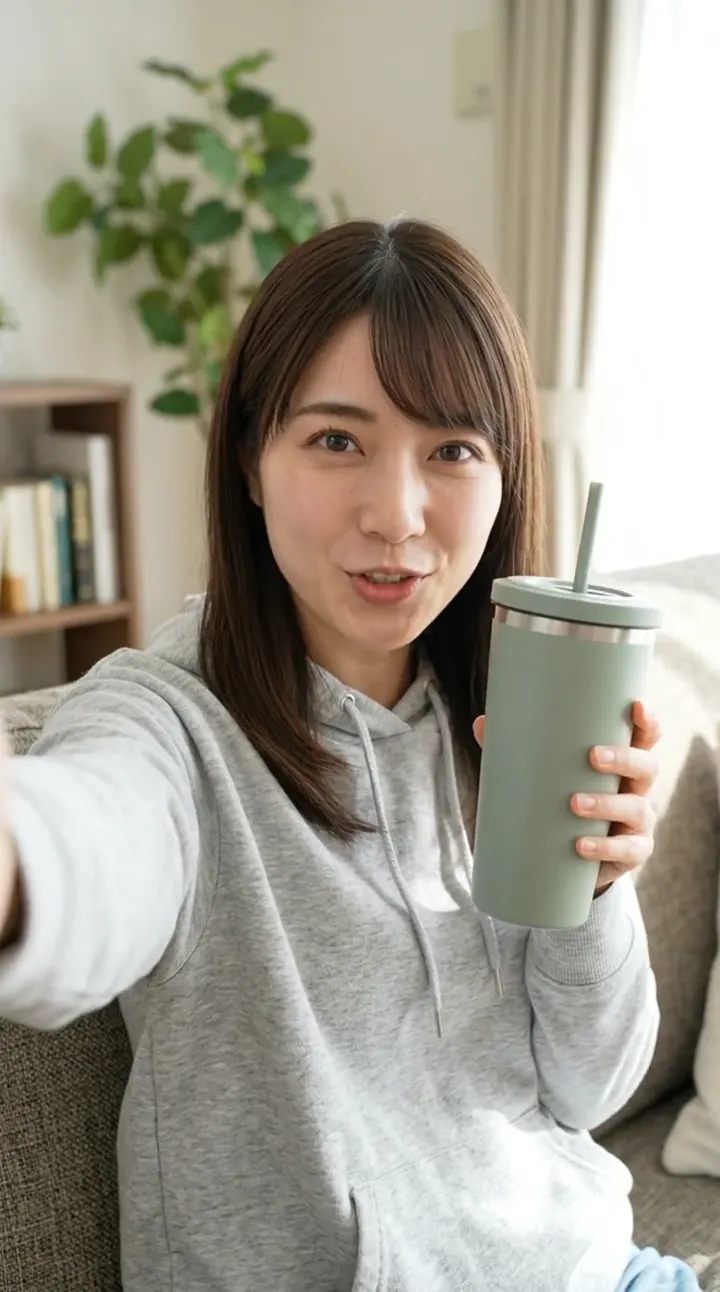
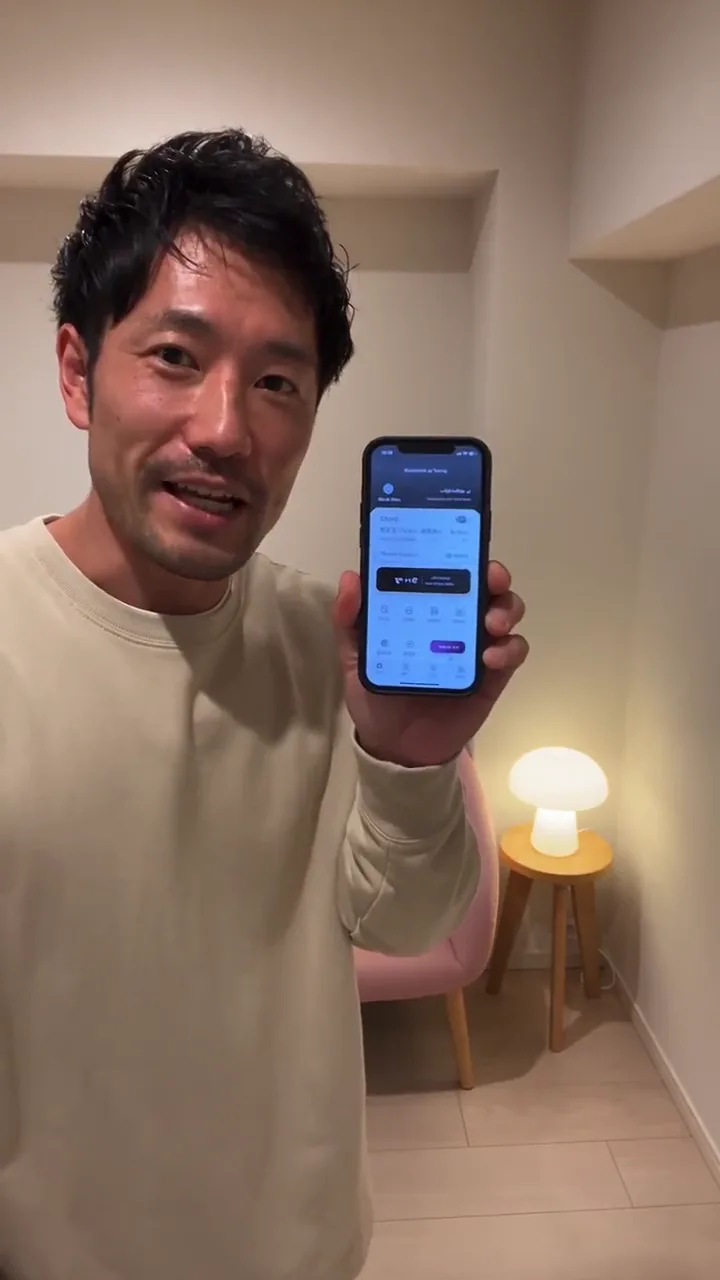
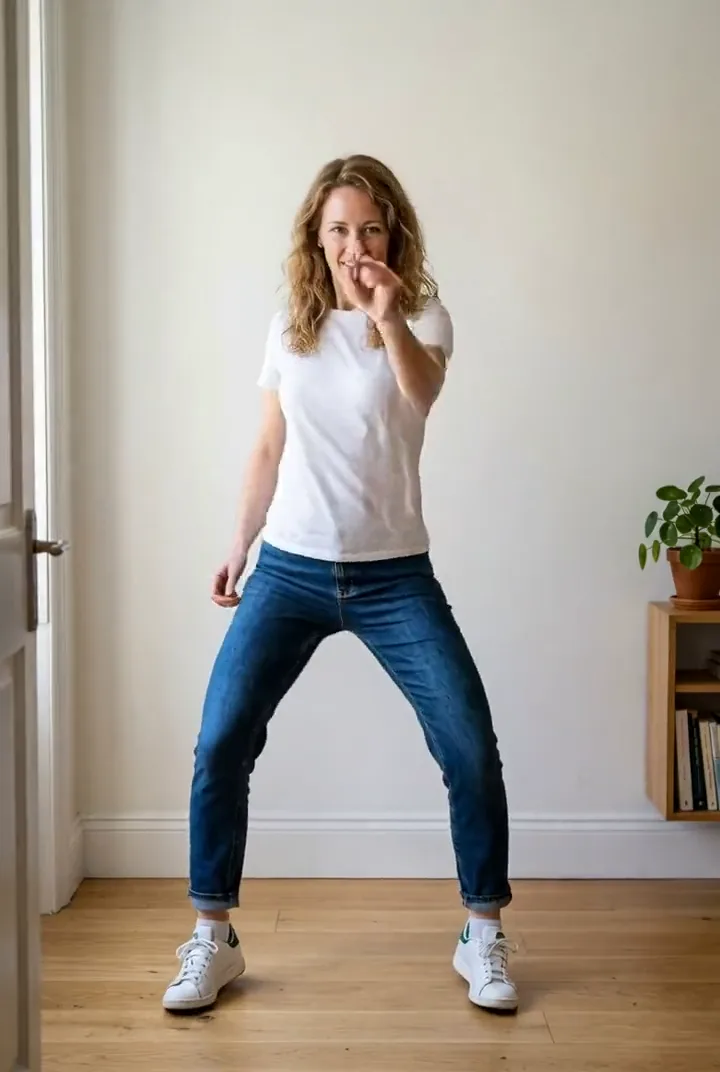
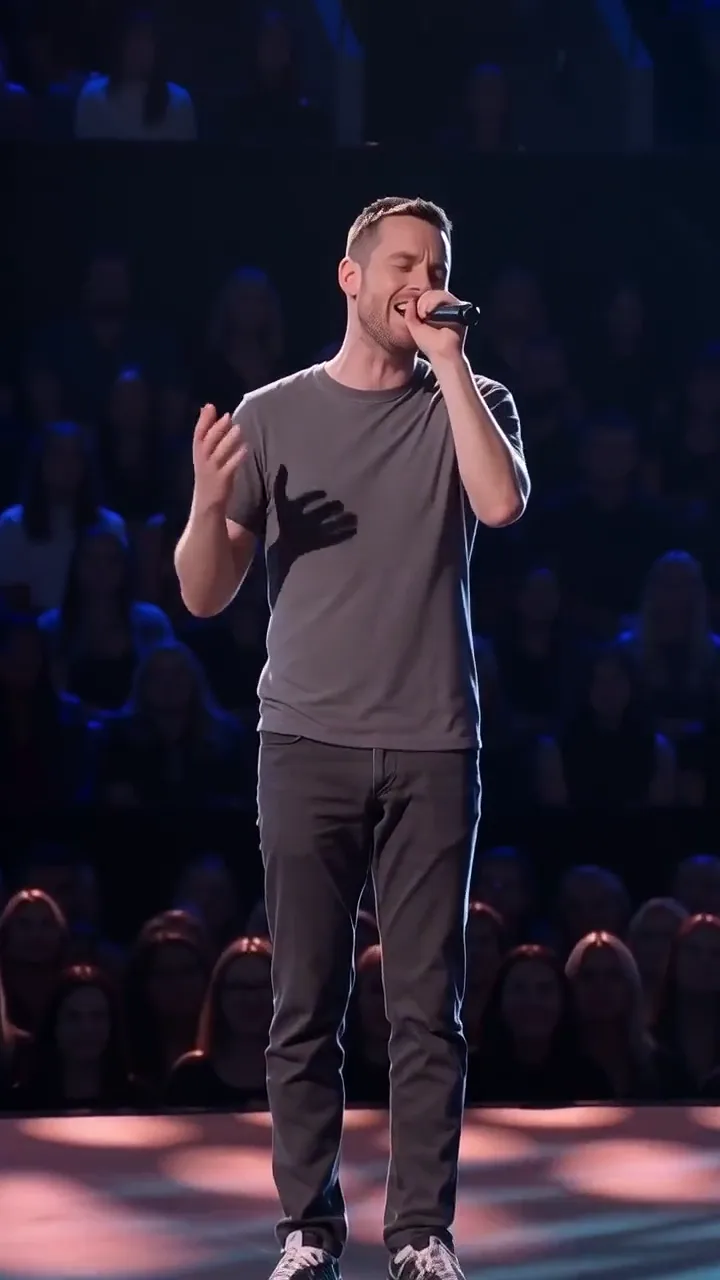
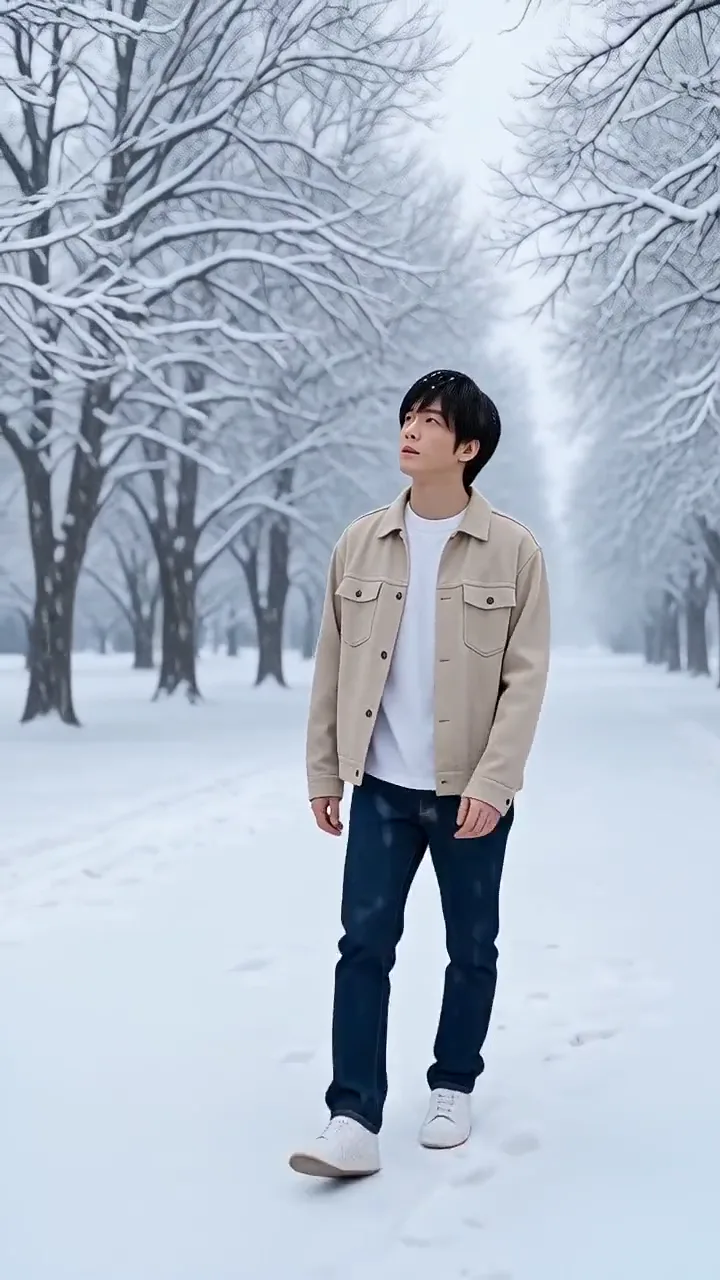
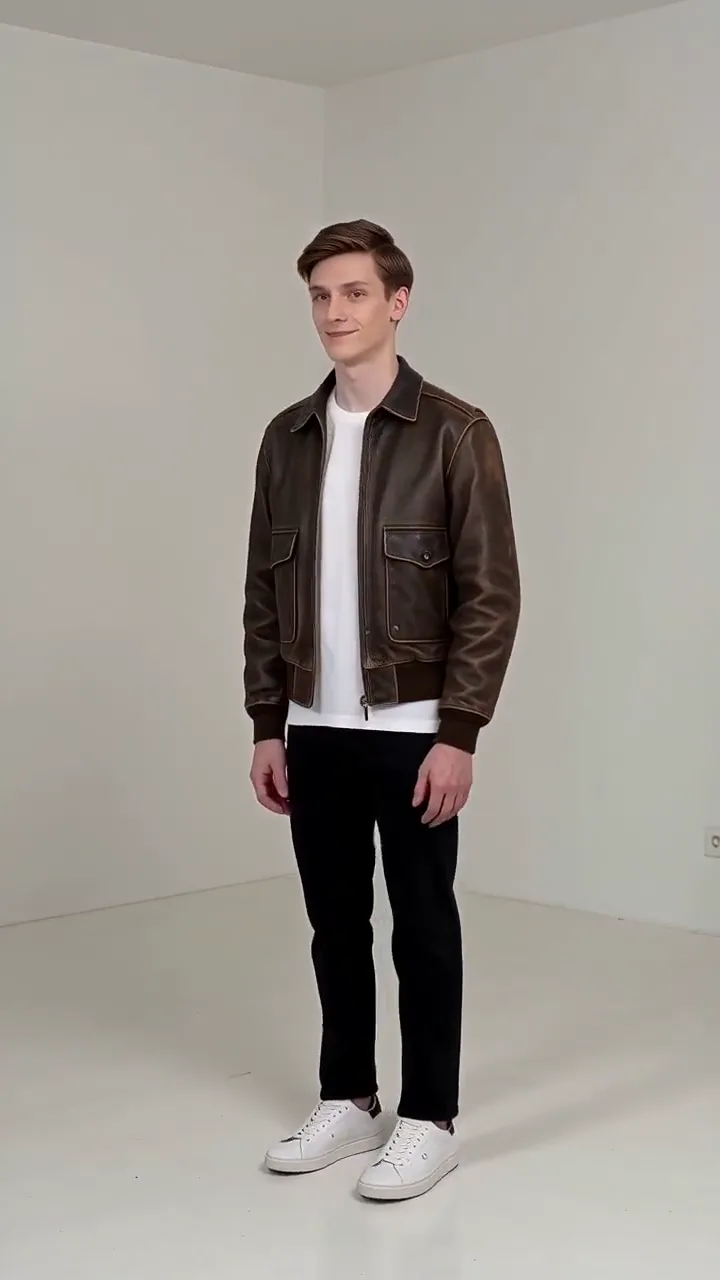
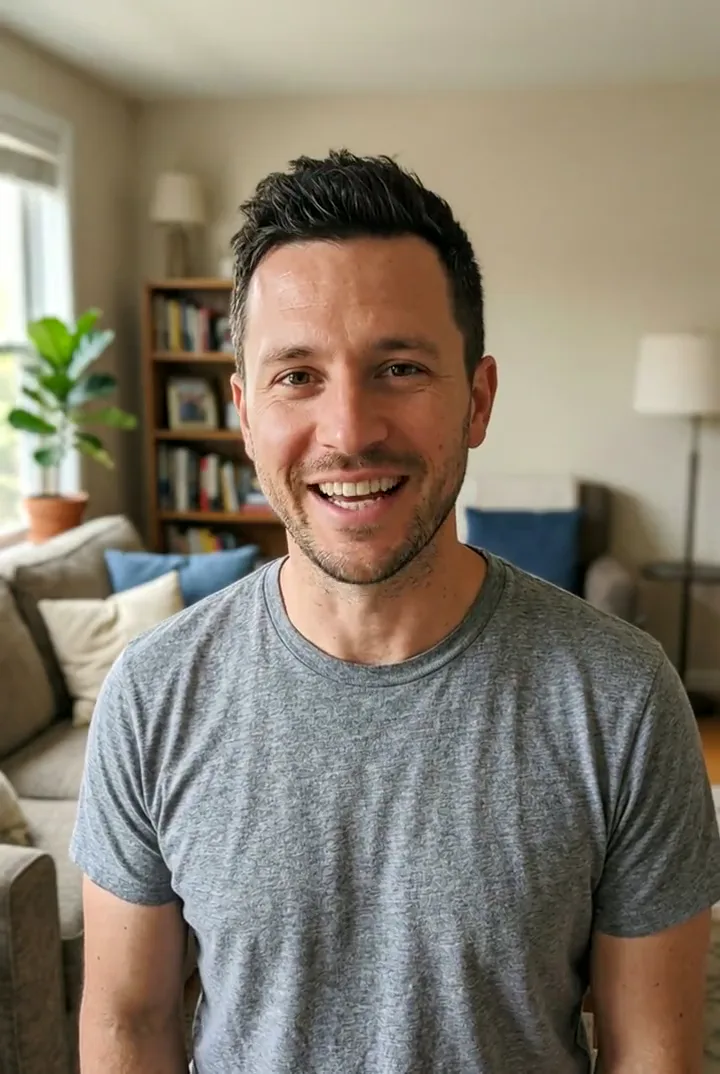
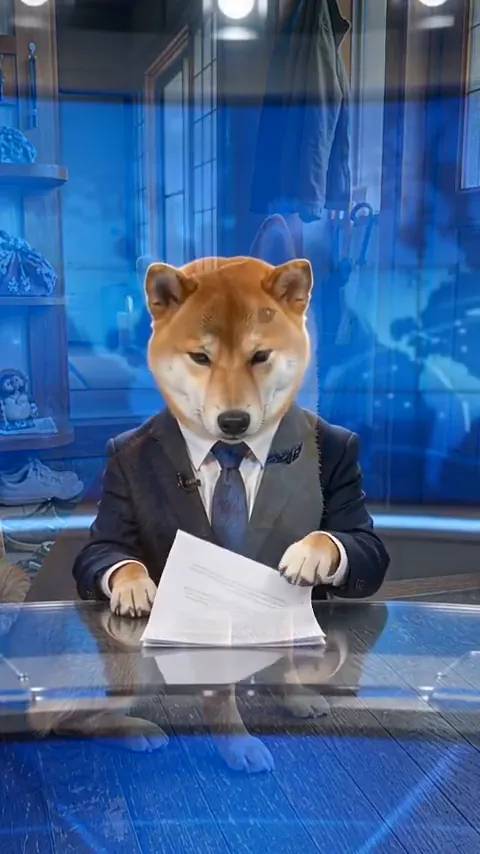
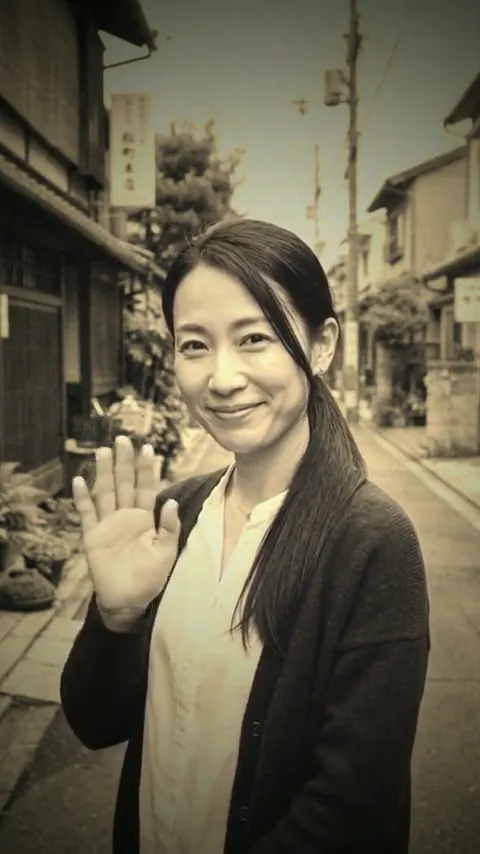
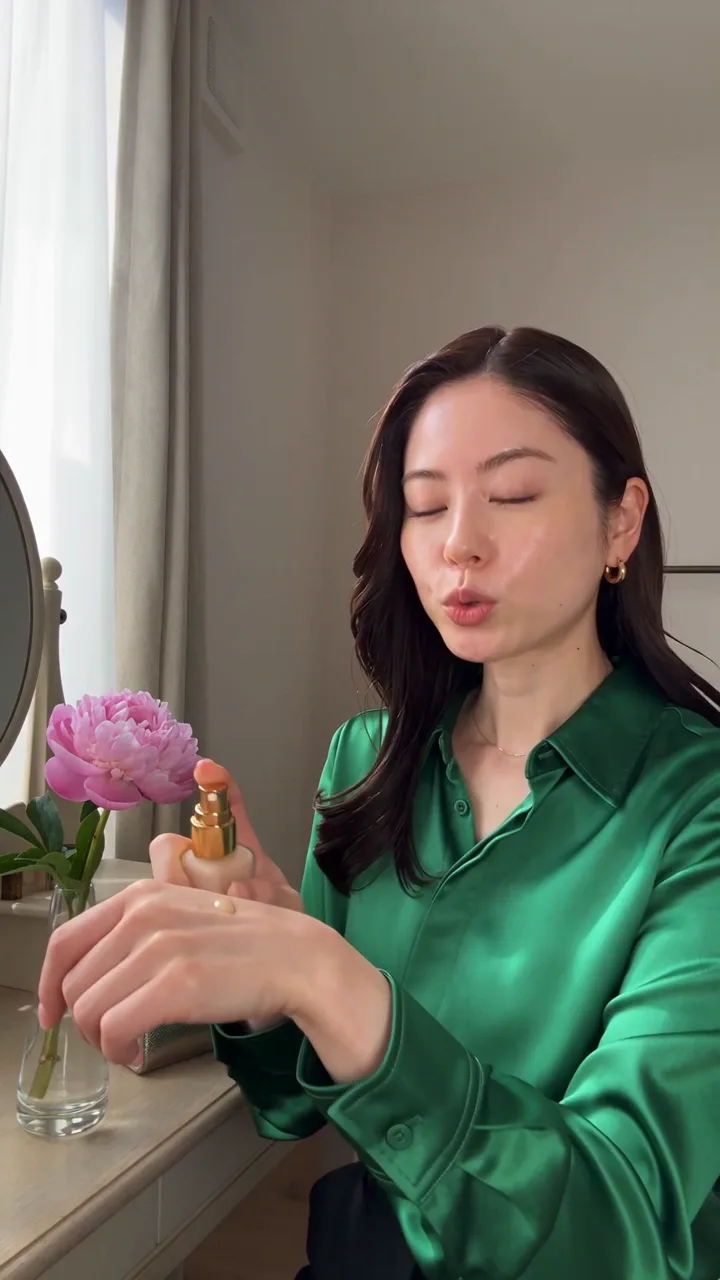
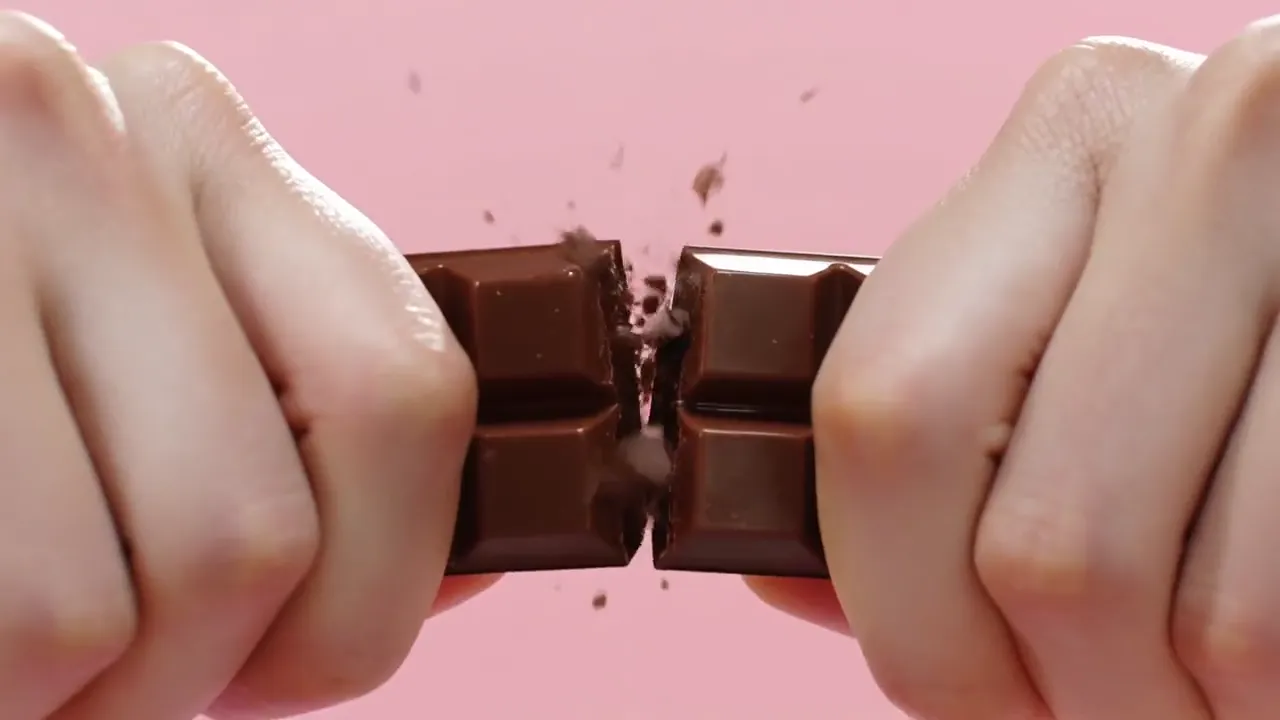
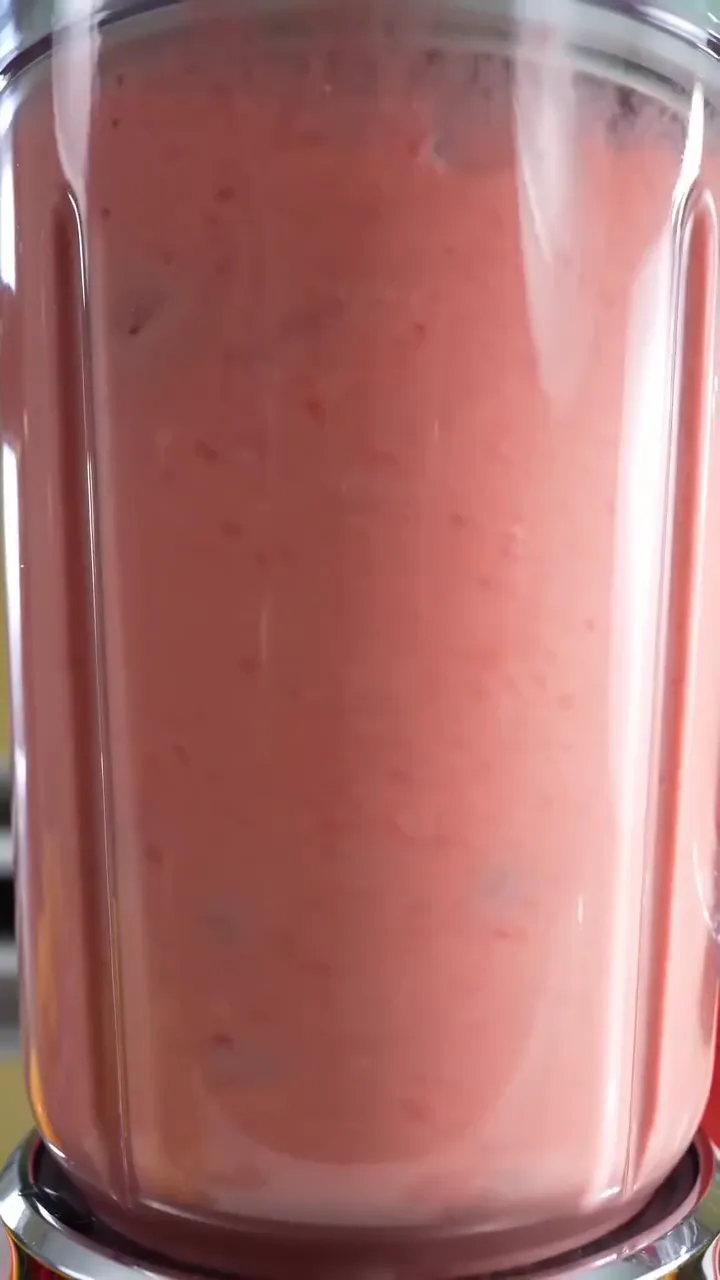
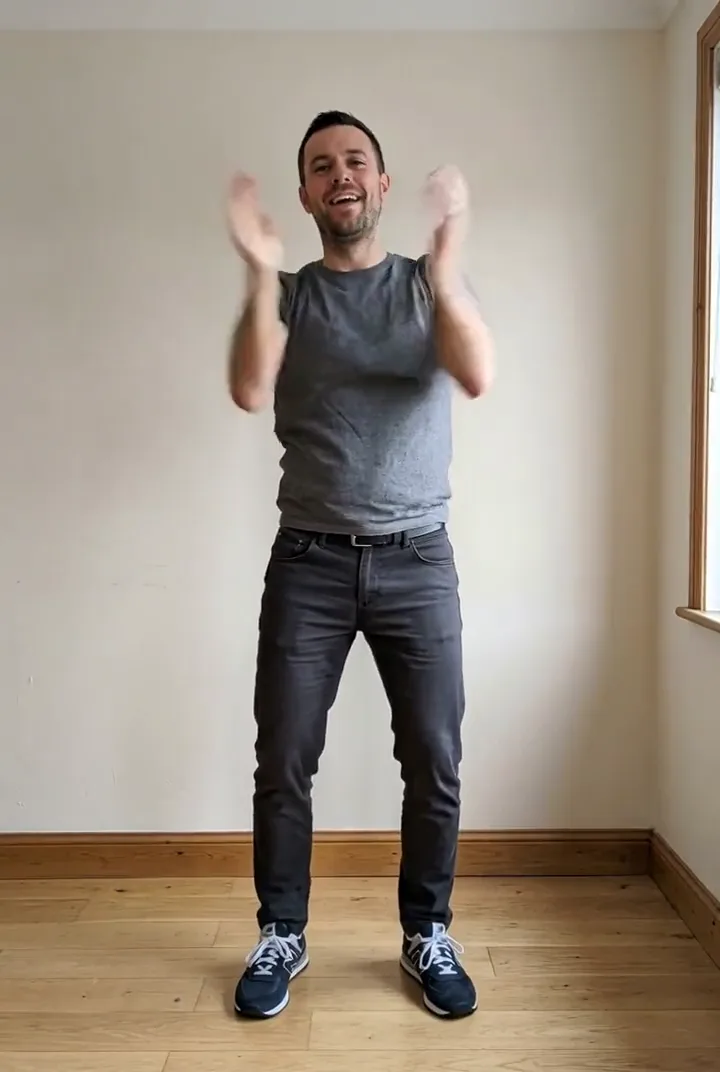
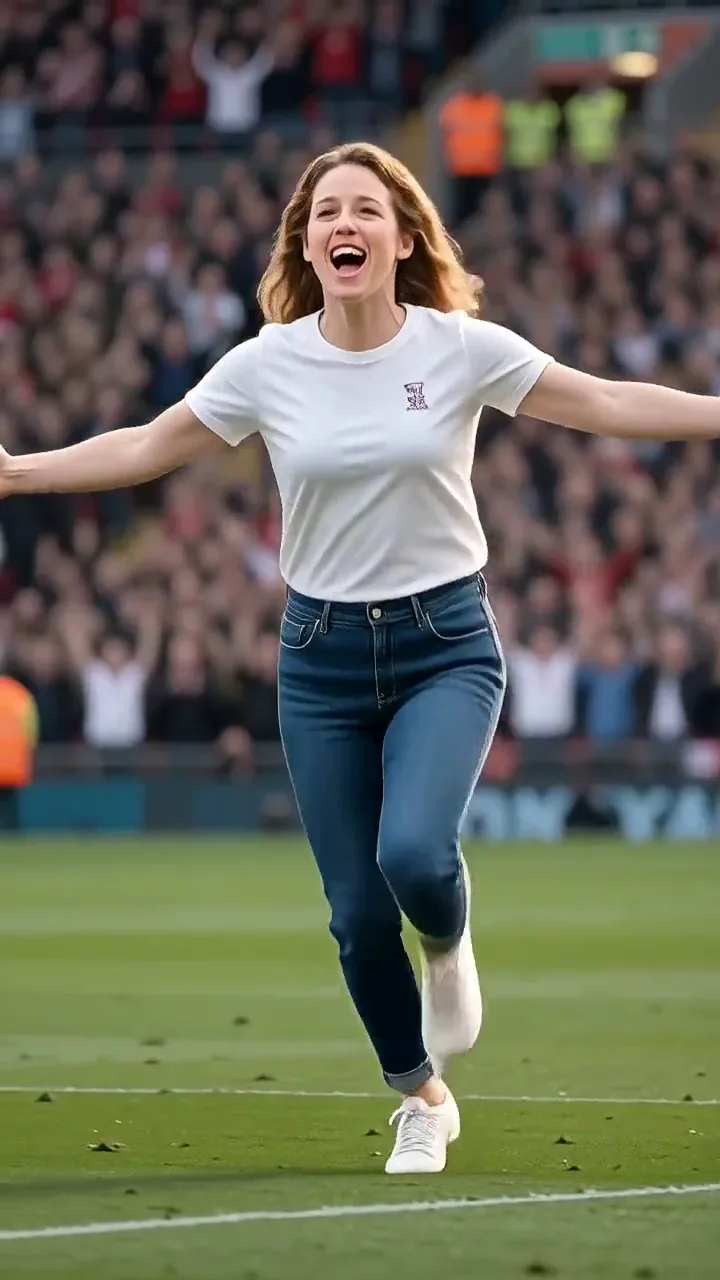
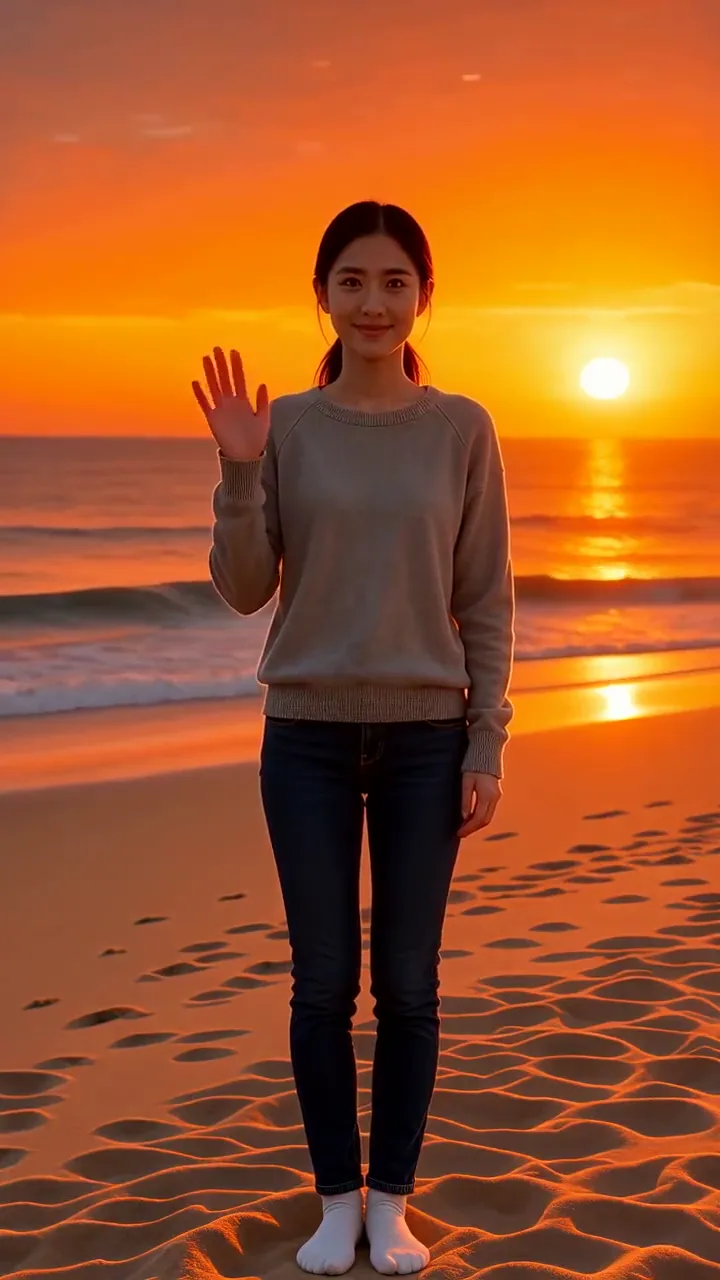
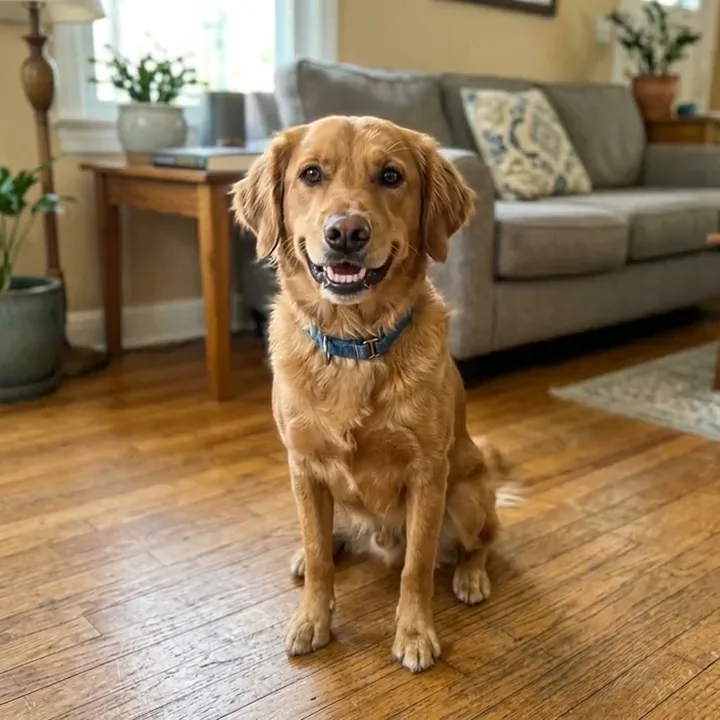
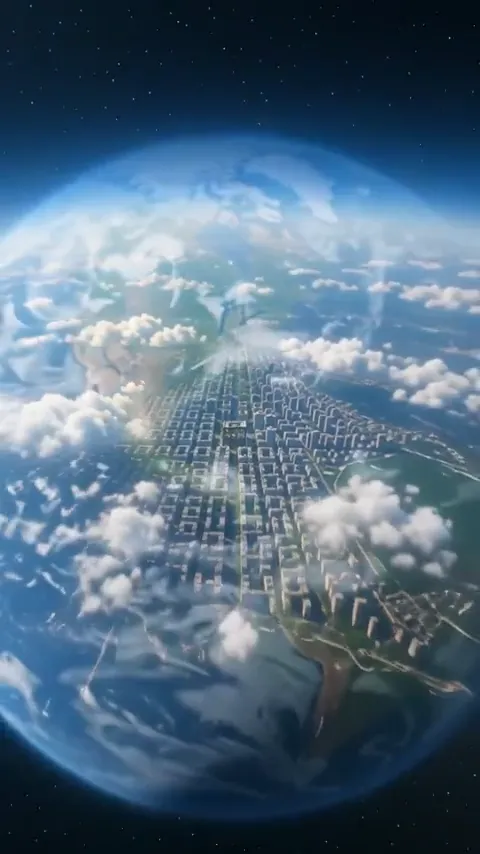
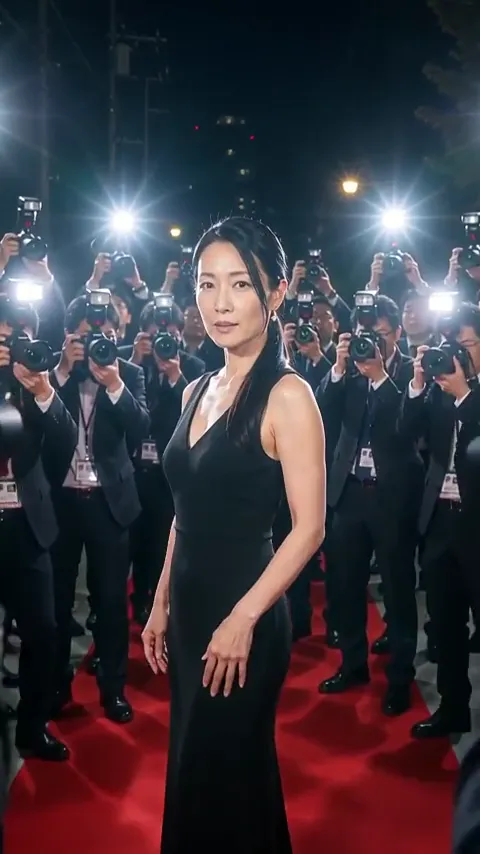
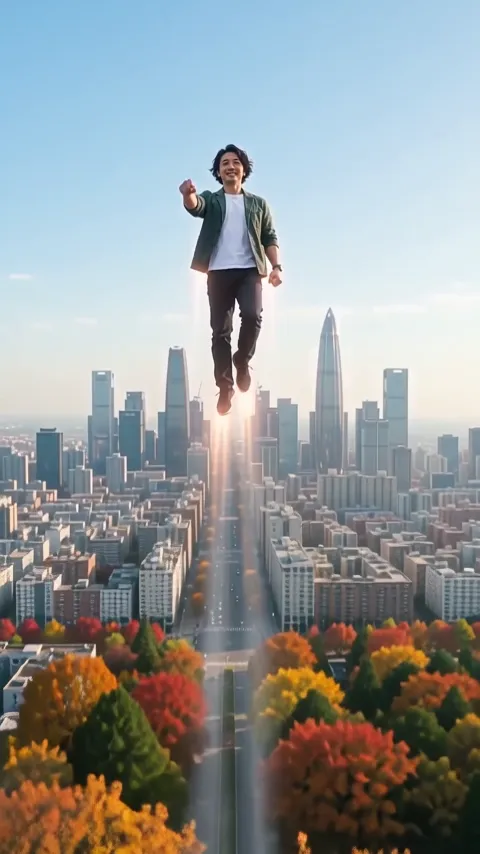
For each tool, what you bring sits next to the video it makes. Every example was generated in Video Studio.
01
Write the scene you want and get a video of it. Length and quality come from the options each model offers.
Seedance 2.0 Fast
Glowing blue-white molten metal pours into a hexagonal mold as sparks drift in slow motion
02
Add a photo of a person and a reference video, and the person in the photo makes the same moves as the reference.
Kling 3.0 Motion Control
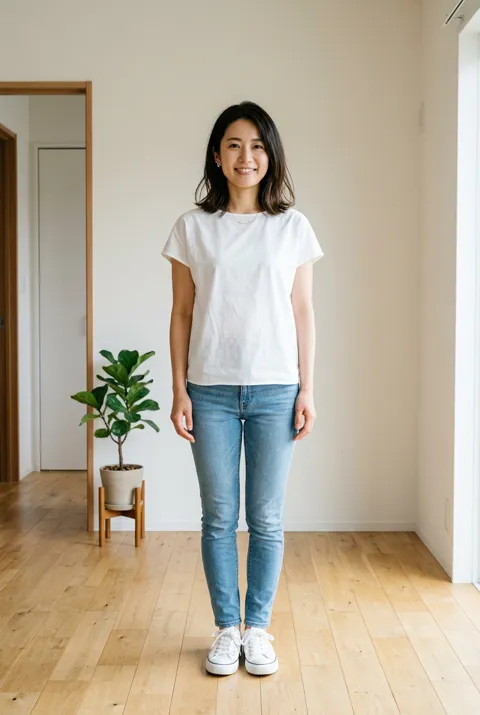
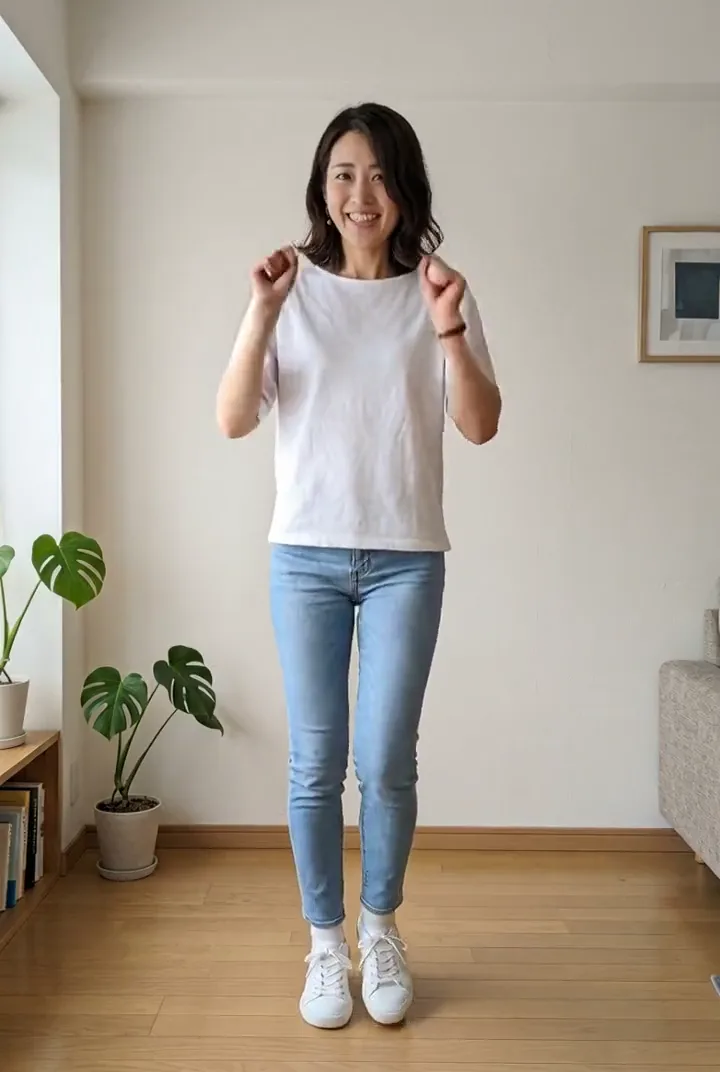
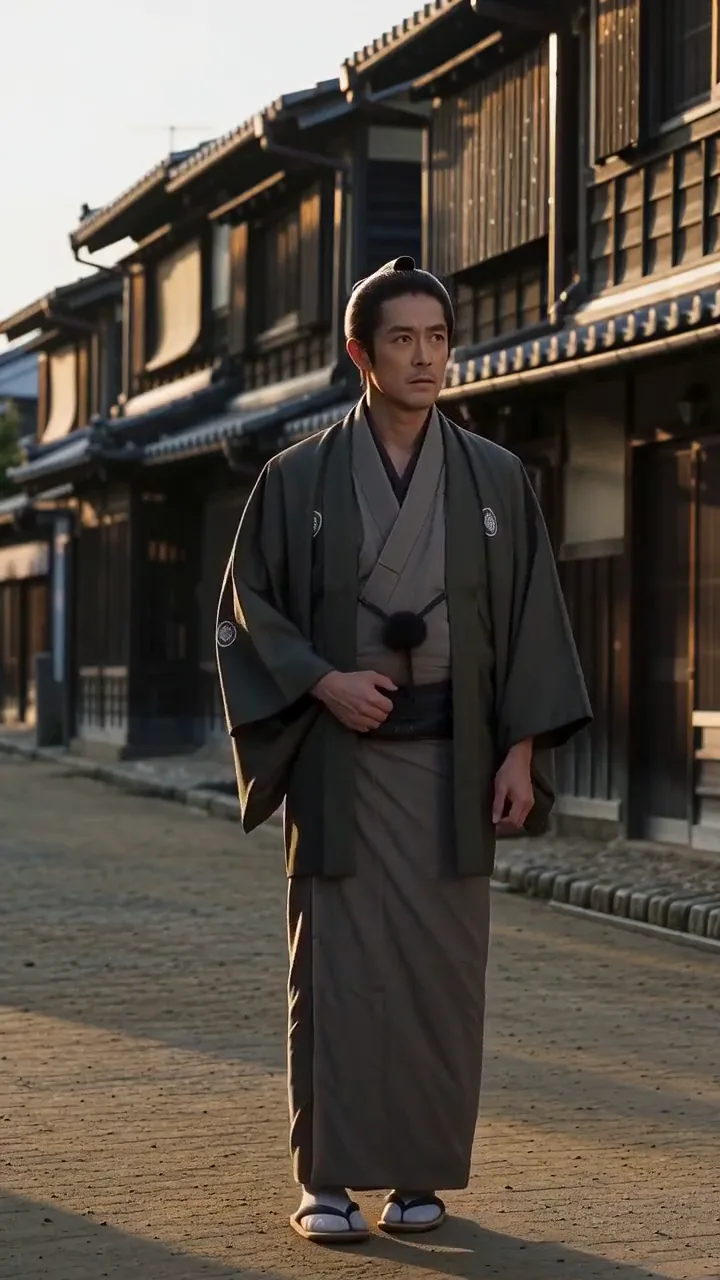
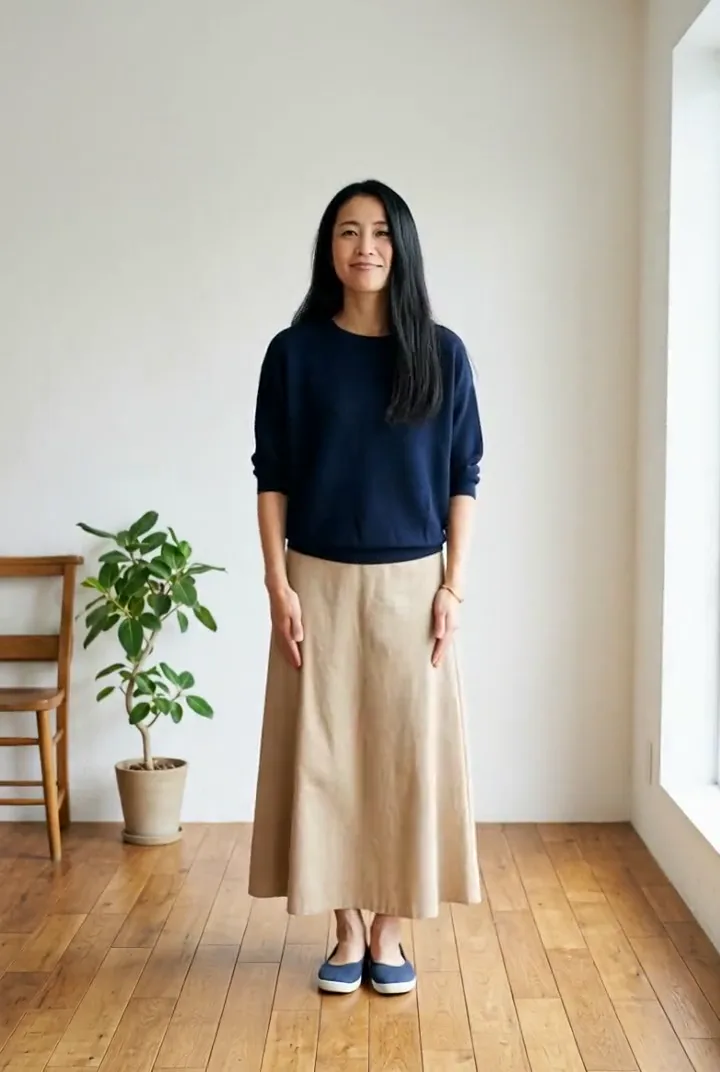
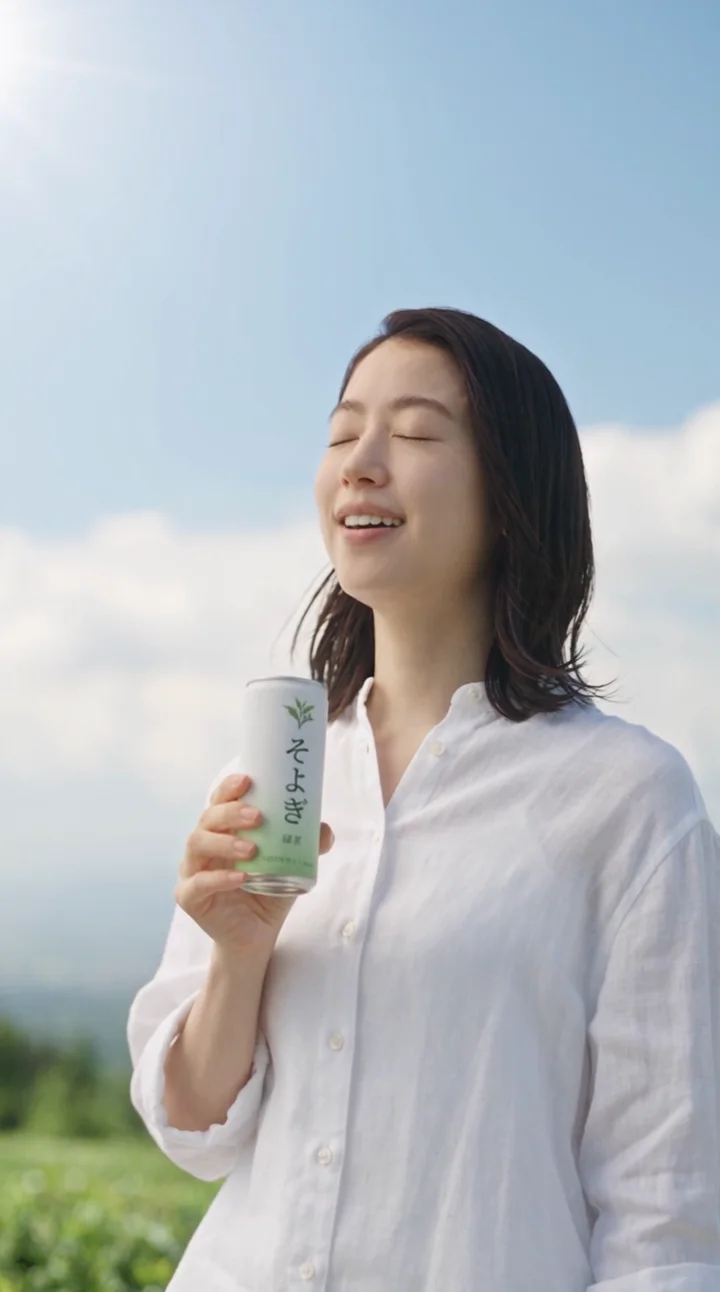
Studio comes with three ready-made people and one product. With no photos of your own, you can make images and videos that keep the same person or product from one to the next. You can also add photos of your own people and products and use them the same way.
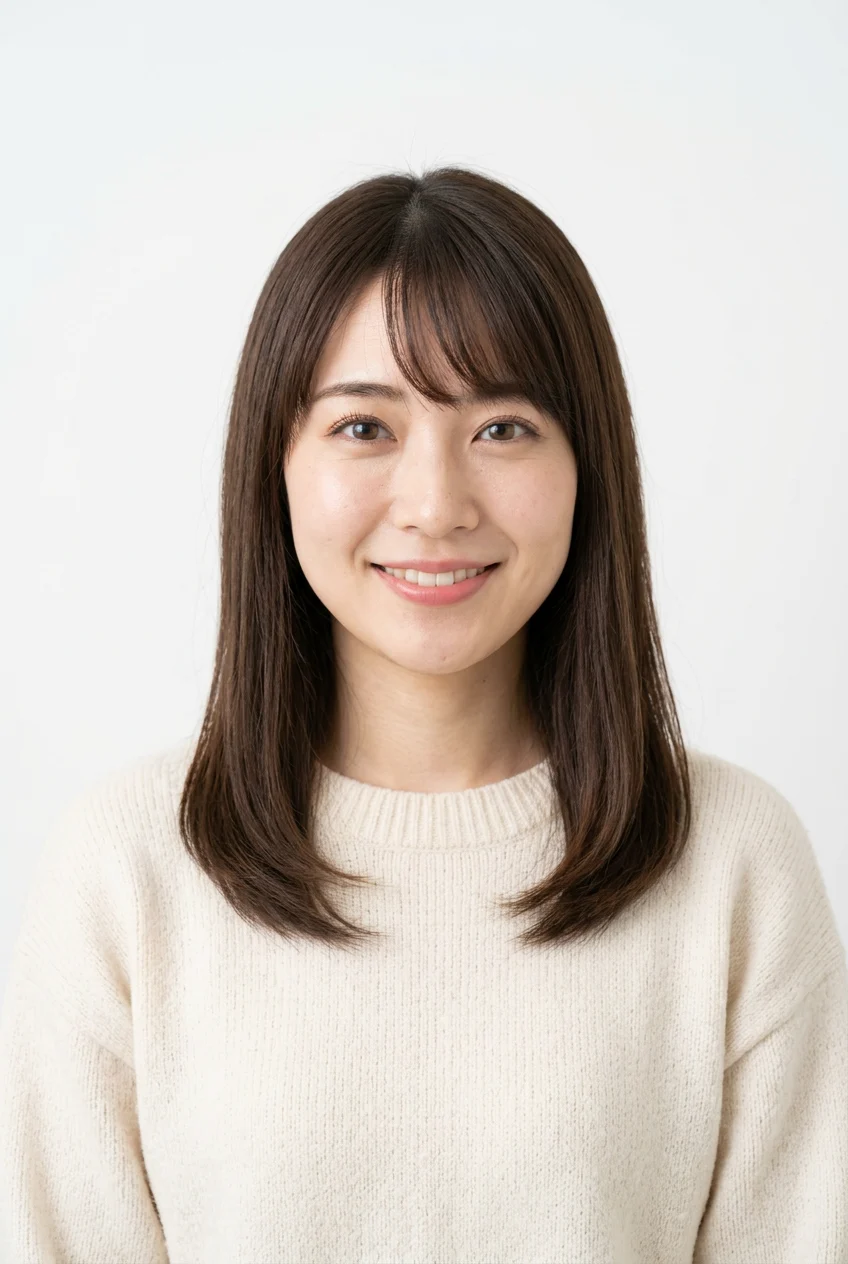
A friendly woman in her 20s. A good fit for creator-style reviews and for everyday goods, cosmetics and fashion.
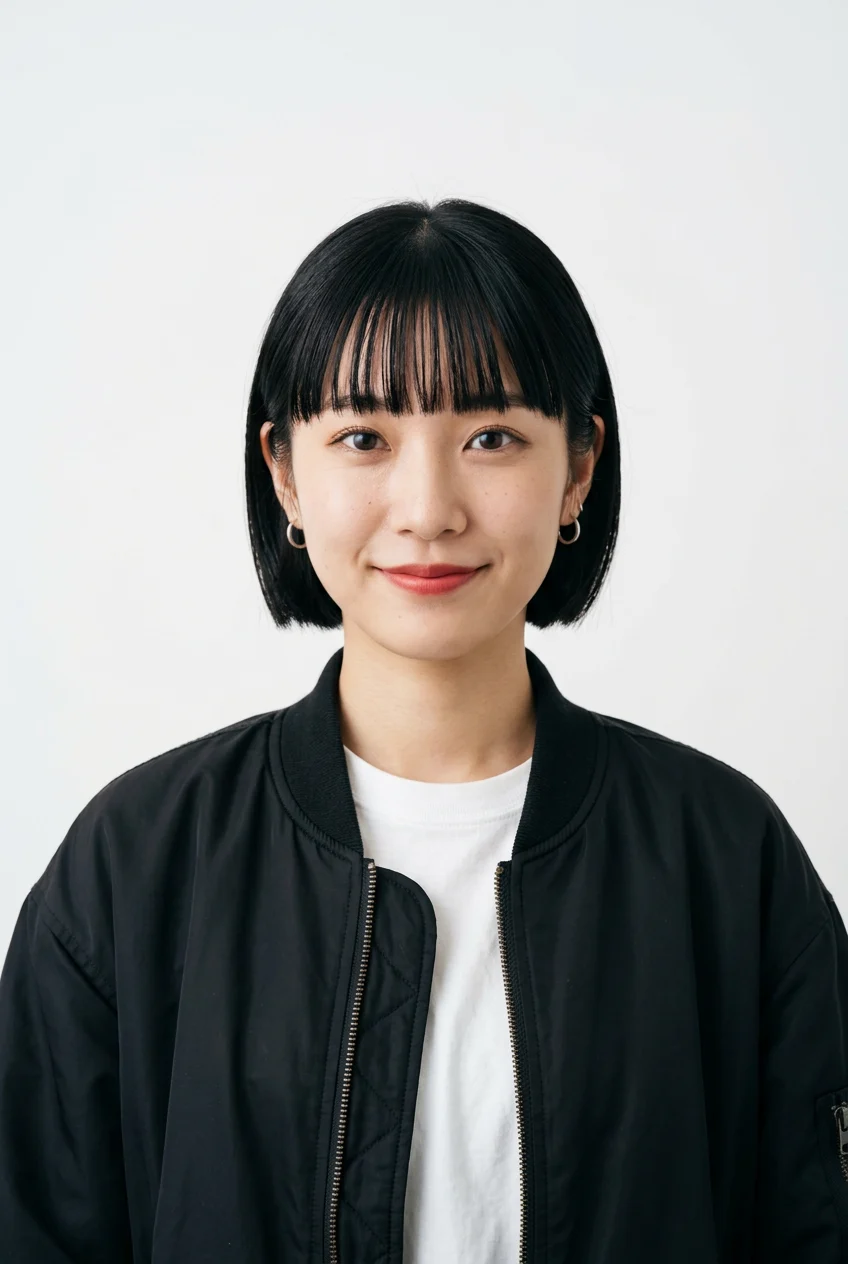
A woman in her 20s with a short bob. A good fit for street fashion and try-on videos.
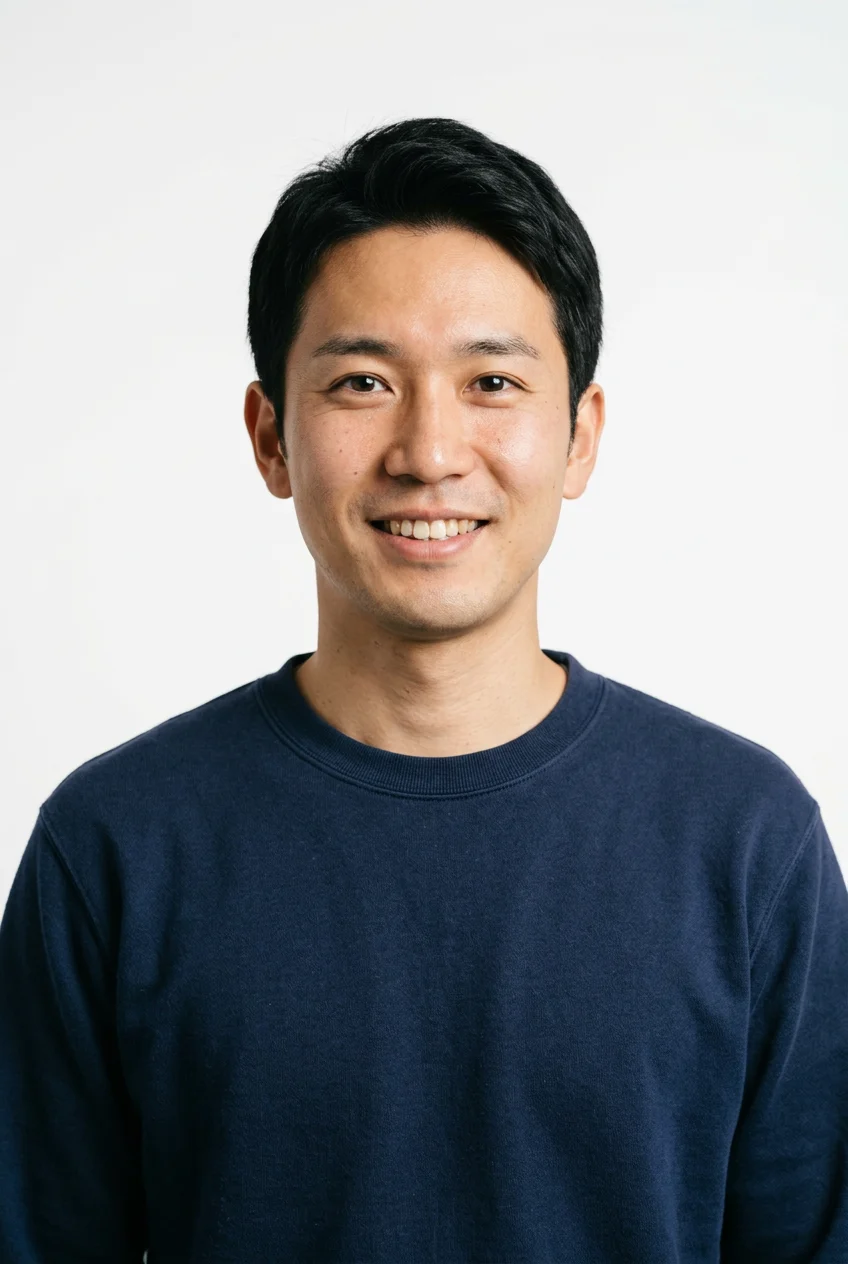
A relaxed man in his 30s. A good fit for apps, gadgets and everyday tools.
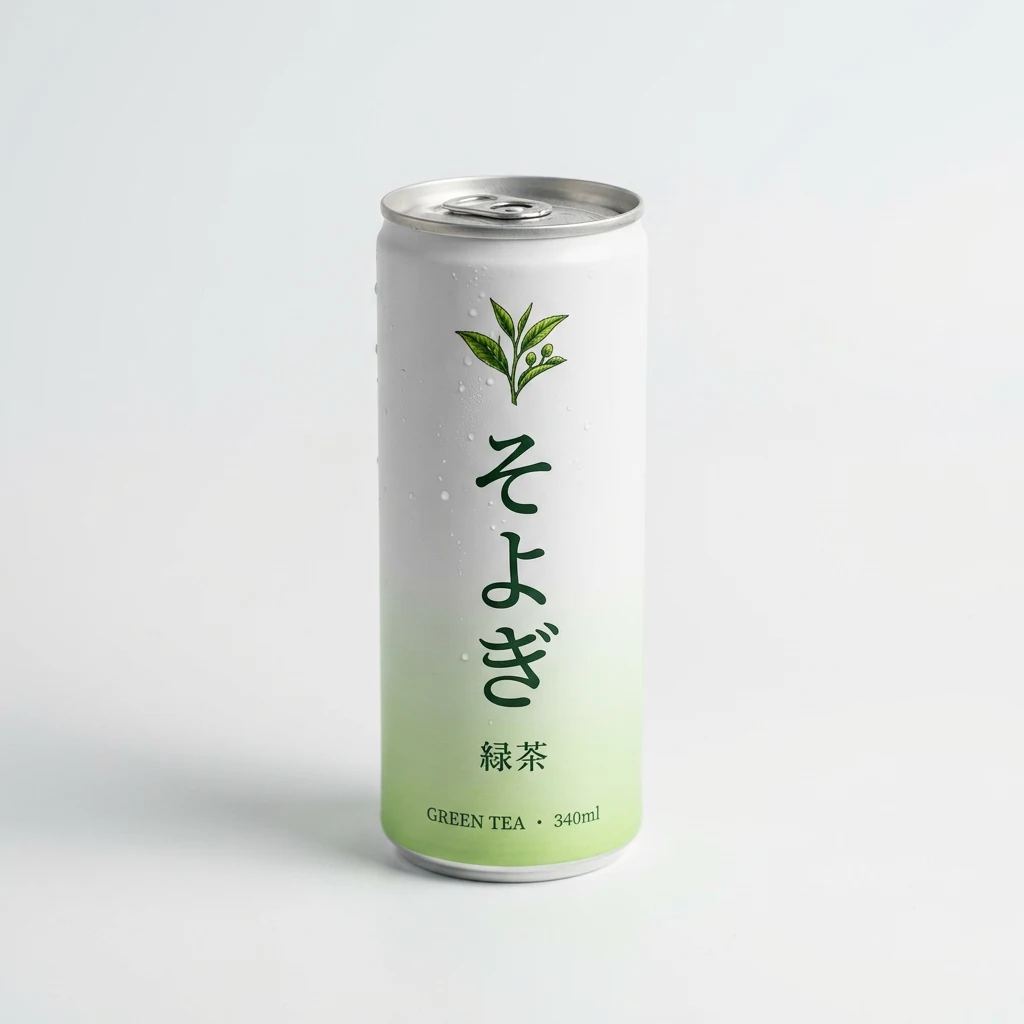
A clean white and light green can of green tea, with the invented name そよぎ (Soyogi) printed down the front. It has three photos: front, angled and in a hand. A good fit for drink ads and creator-style reviews.
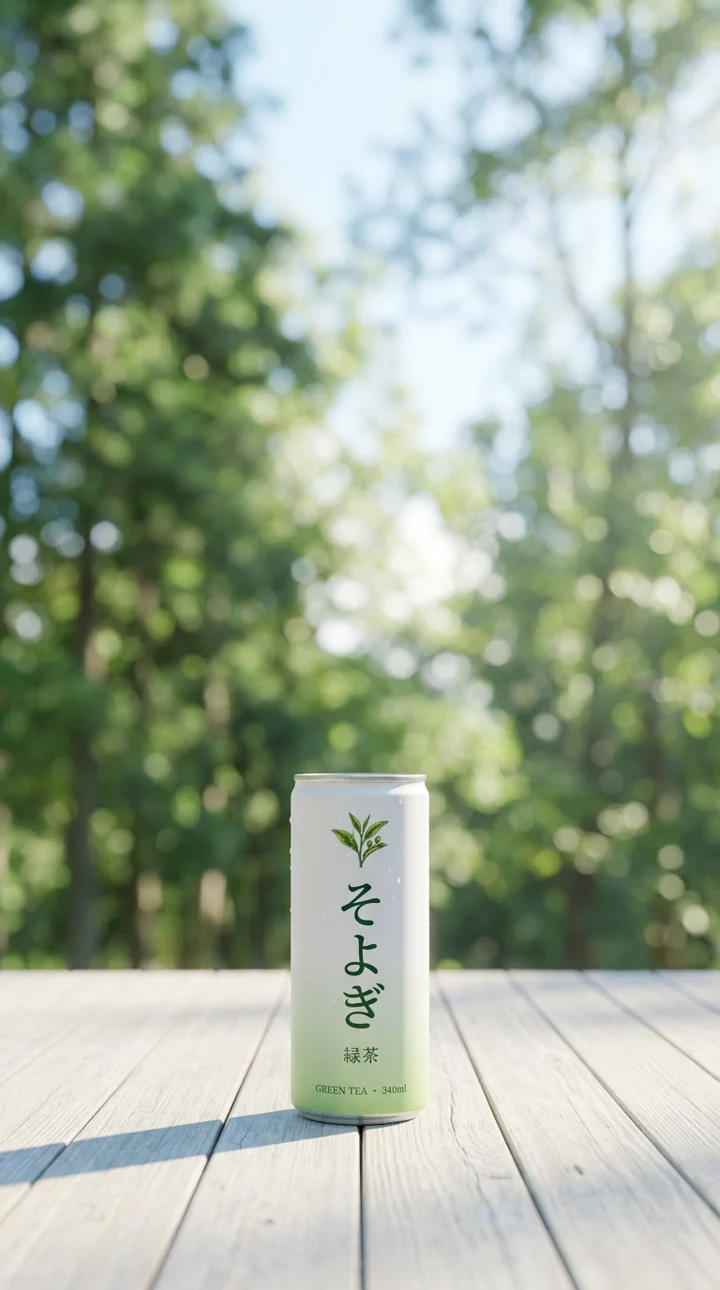
Use Item swap to change the clothes, product or place while keeping the person and the moves. Use Character swap to replace the person in a video with the person in a photo. Use Motion transfer to make the person in a photo perform the moves from a reference video. In every tool, say clearly in text which part to change and which part to keep, and the video is more likely to follow your instructions.
Read the guide 'Swapping clothes and people in video with AI'Pick a template and Video Studio opens with everything set. The example and the price are on each template's page before you make anything.
Video templates made for ads that show a product or a service. Watch the example, then make your own with the same settings.
Background music and sound effects for a video made in Video Studio can be generated from one line of text in Audio, on the same account. The people or pets that appear in your video can also be made from text in Image Studio. Every cost comes out of the same prepaid balance.
Video Studio is priced per video. The price for the model and settings you chose is on the generate button before you generate. Some tools, such as Motion transfer and Item swap, are priced per second of the source video.
Payment comes out of your prepaid balance. The balance is shared with Image Studio and Audio, and it is the upper limit on what you can spend.
New accounts on this site are billed in US dollars by default, and a yen account is also possible. You can add credit by card. Yen accounts can also pay by bank transfer and get a Japanese qualified invoice for each purchase.
See the pricing pageIn FastMetal Video Studio, the price for the model and settings you chose is on the generate button before you generate. You can check the amount first, and it is deducted from your prepaid balance. Prices for each model are on the pricing page.
It is the tool that takes a photo of a person and a reference video of moves, and makes a video where the person in the photo makes the same moves. It uses the model Kling 3.0 Motion Control (as of November 2026). Among the templates, 'Idol-style dance', 'Street dance' and 'A bow and a wave hello' are made with Motion transfer.
Yes. In 'Create video' you choose the length and quality from the options each model offers.
In your Library. You can also generate again with the same settings.
Yes. One account and one prepaid balance cover Image Studio, Video Studio and Audio.
Once you sign up, Video Studio opens right away. Add credit by card and you can make your first video.
03
Add a source video and a reference photo, and the clothes, product or place in the video are swapped for the one in the reference photo. The example was made with the template 'Change into a yukata' (a light summer kimono).
See the template 'Change into a yukata'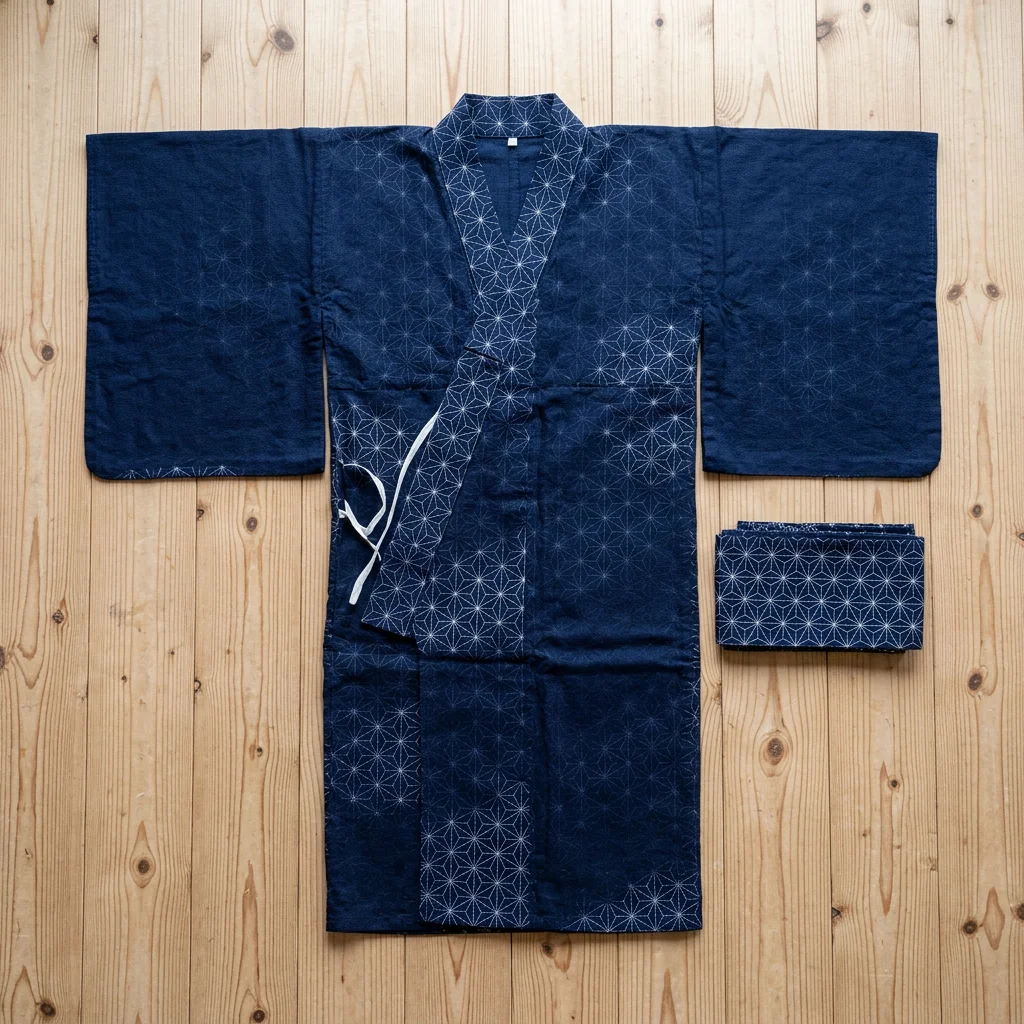
04
Pick a template, add one photo you already have, and get a short video made from it. The example is the template 'Shiba Inu sushi chef', made from a photo of a Shiba Inu.
See the template 'Shiba Inu sushi chef'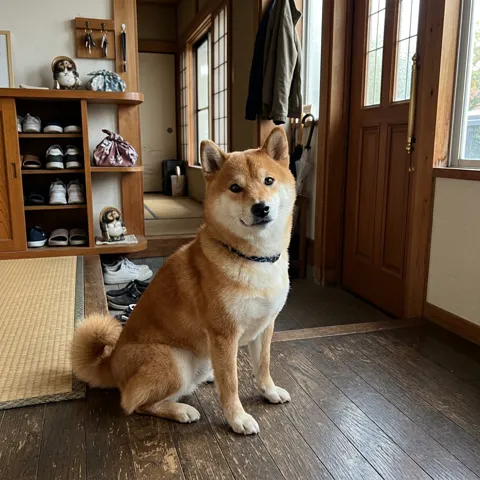
The Shiba Inu in the reference photo stands at a sushi counter in a white chef's coat and a twisted headband, shapes a piece of nigiri with its front paws and holds it out to the camera. A spirited voice says 'Hey, order up!' in Japanese.
05
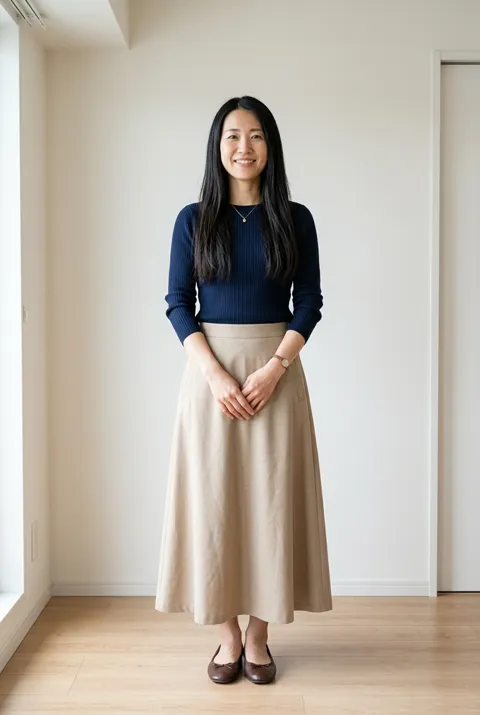
Add a photo of a new person and a source video, and the person in the video is replaced by the person in the photo. The source video in the example comes from the template 'Sing on stage'.
Wan 2.7 Video Edit
06
Add a face photo and a line of dialogue, and the person or pet in the photo says that line in a video. The example was made with the template 'Your pet talks'.
See the template 'Your pet talks'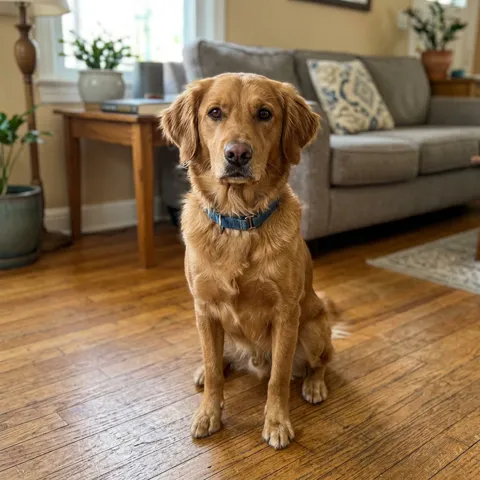
I have been sitting here for an hour. Where is my dinner? I will wait. Quietly. Judging you.
Seedance 2.5