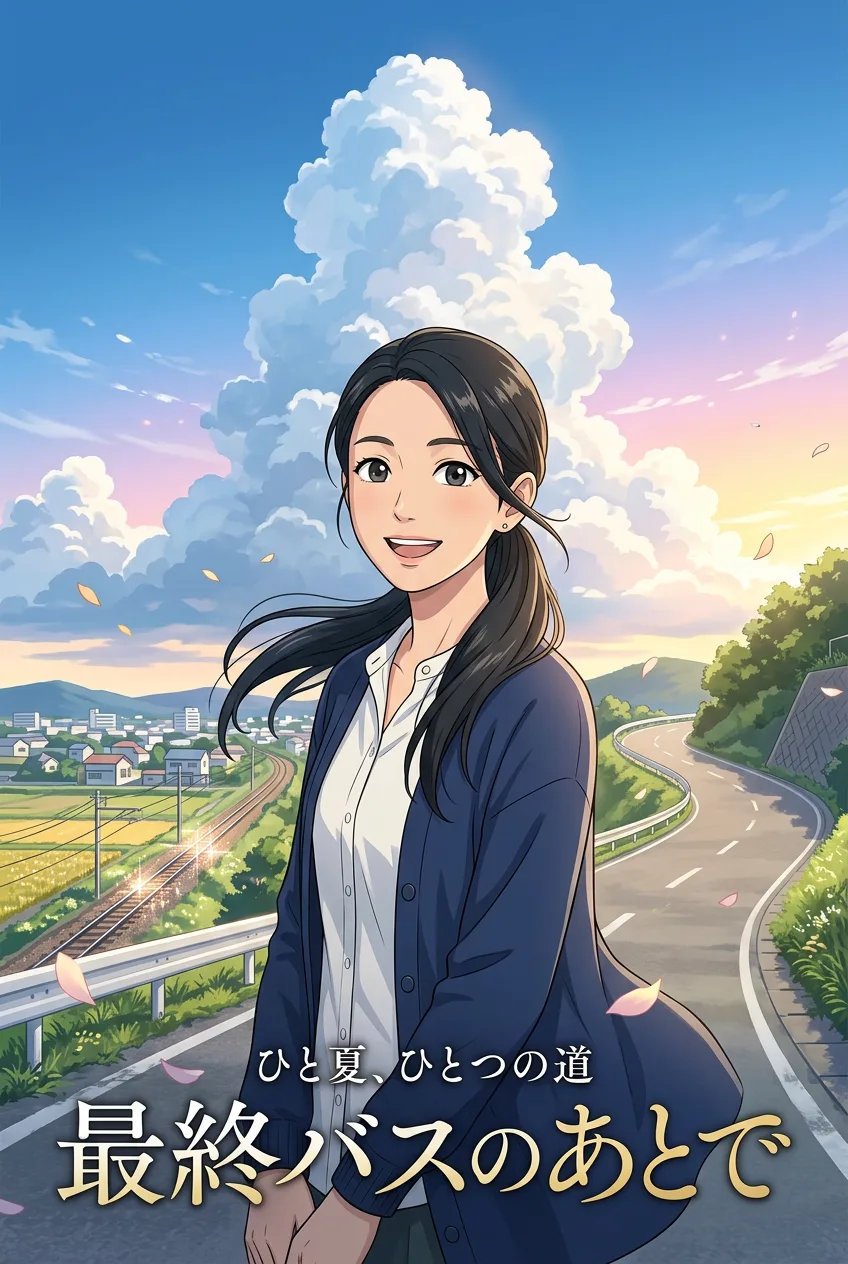
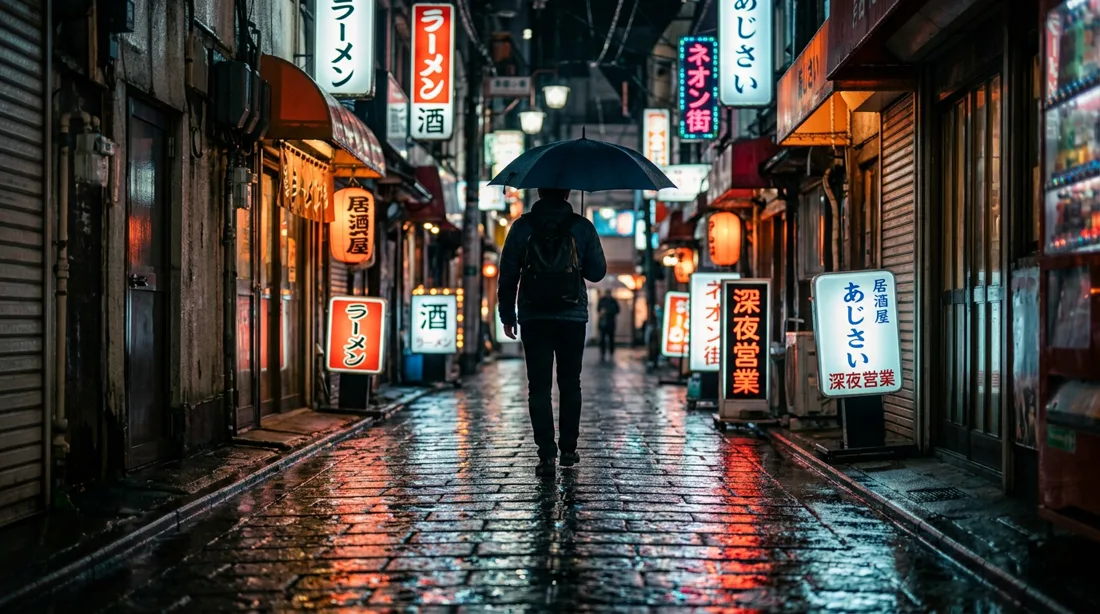
AI image generation: illustrations, postersand New Year cards from one photo or one line
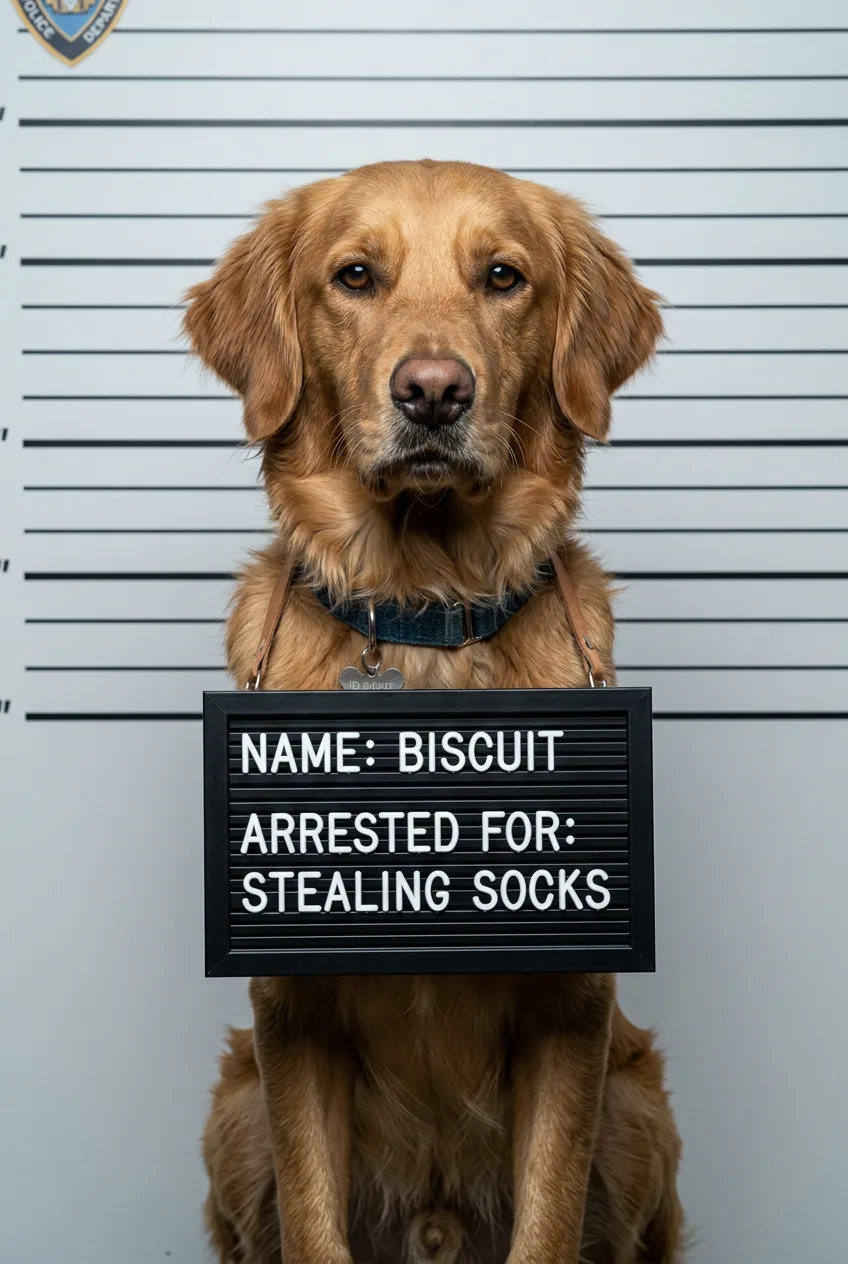
FastMetal Image Studio is an AI image generator that runs in your browser. Describe the scene you want, or upload one photo you already have, and the image is made for you. Choose the model, the style and the aspect ratio before you generate.
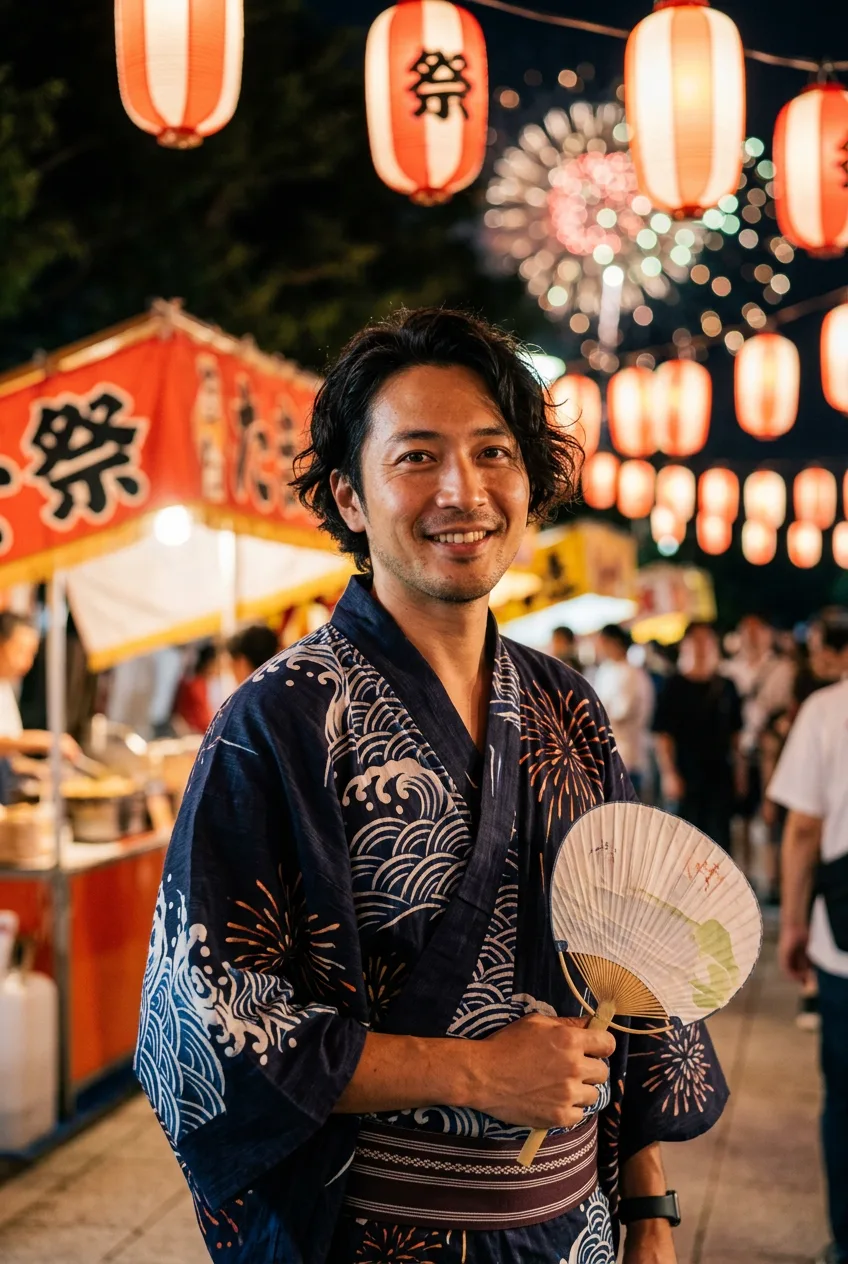
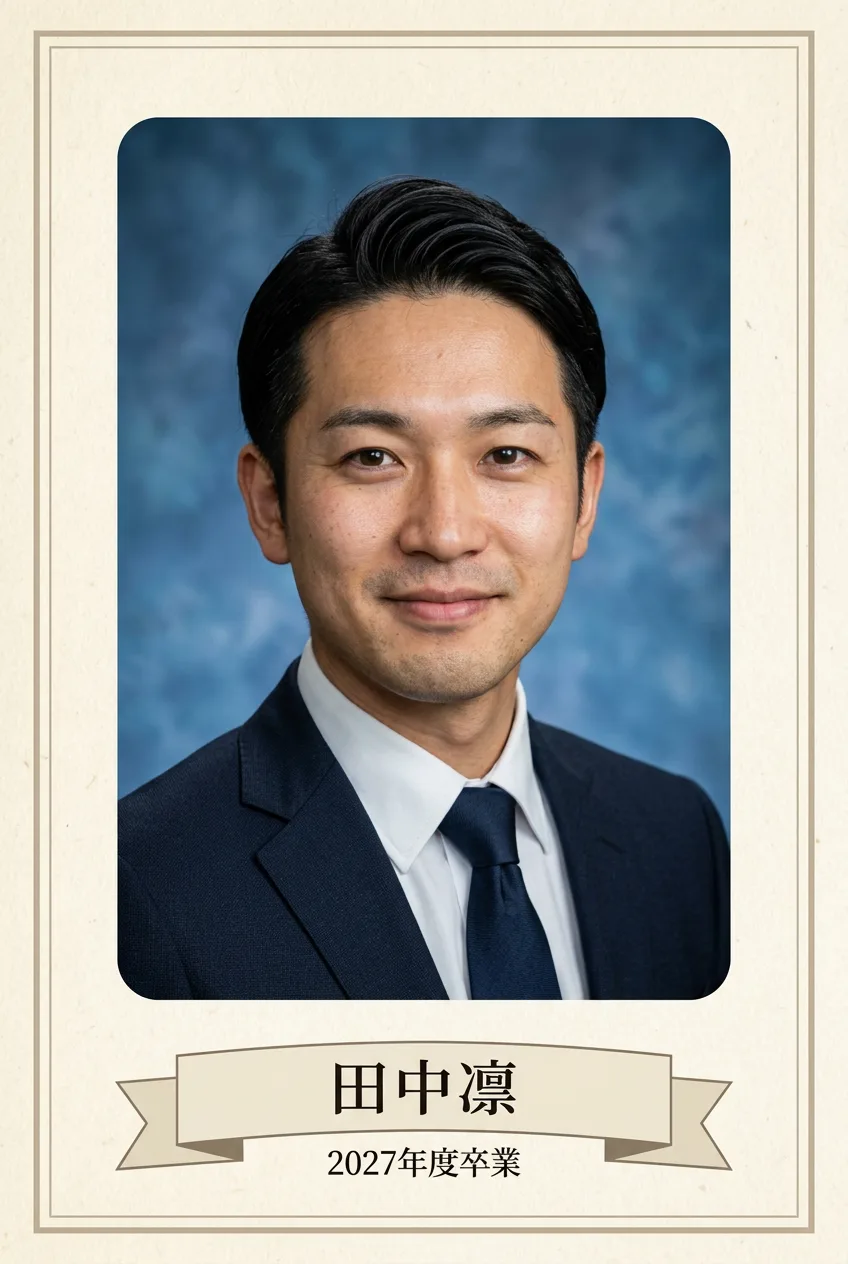
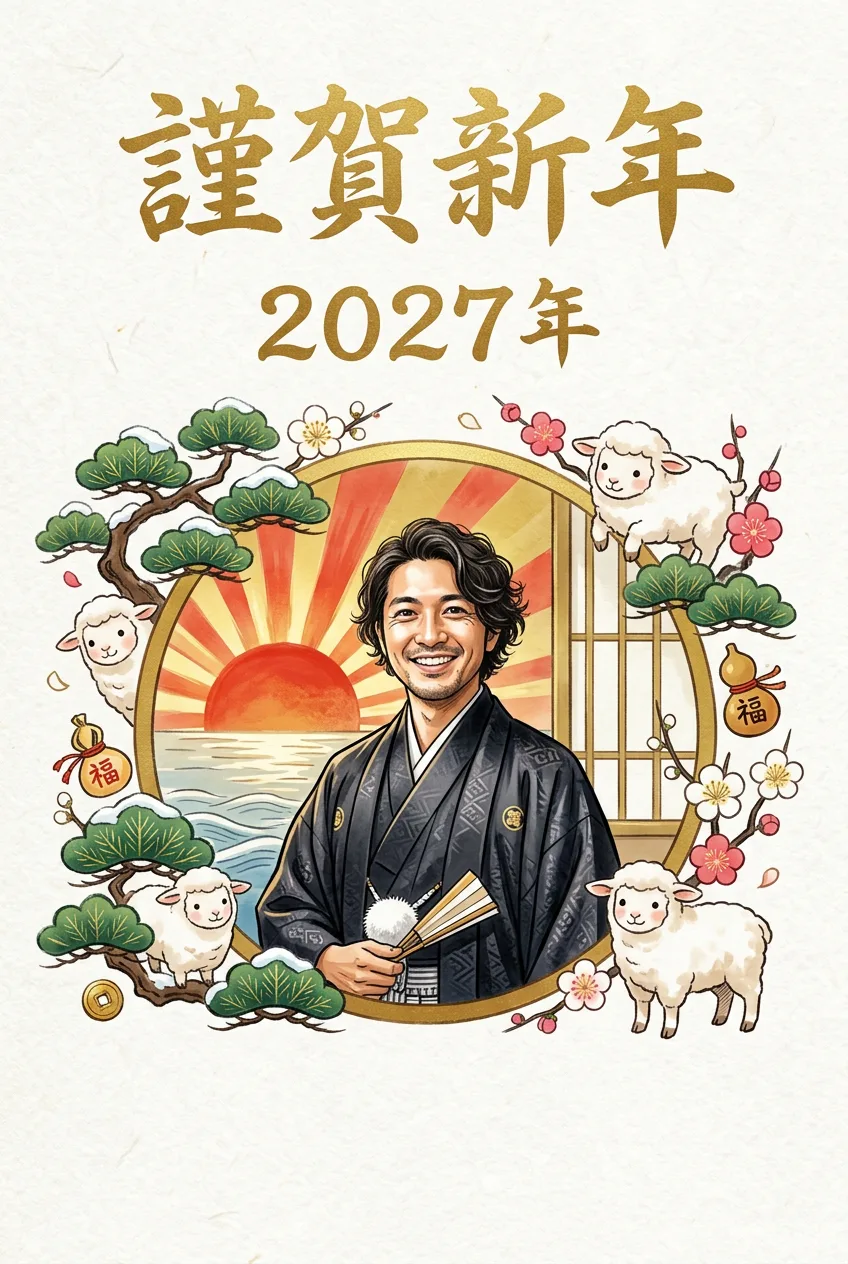
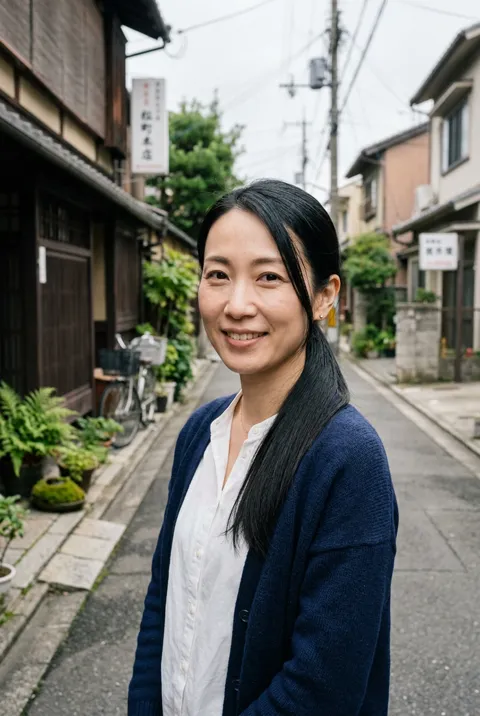
For each tool, the text or the original photo you put in sits next to the image it made.
01
Create image
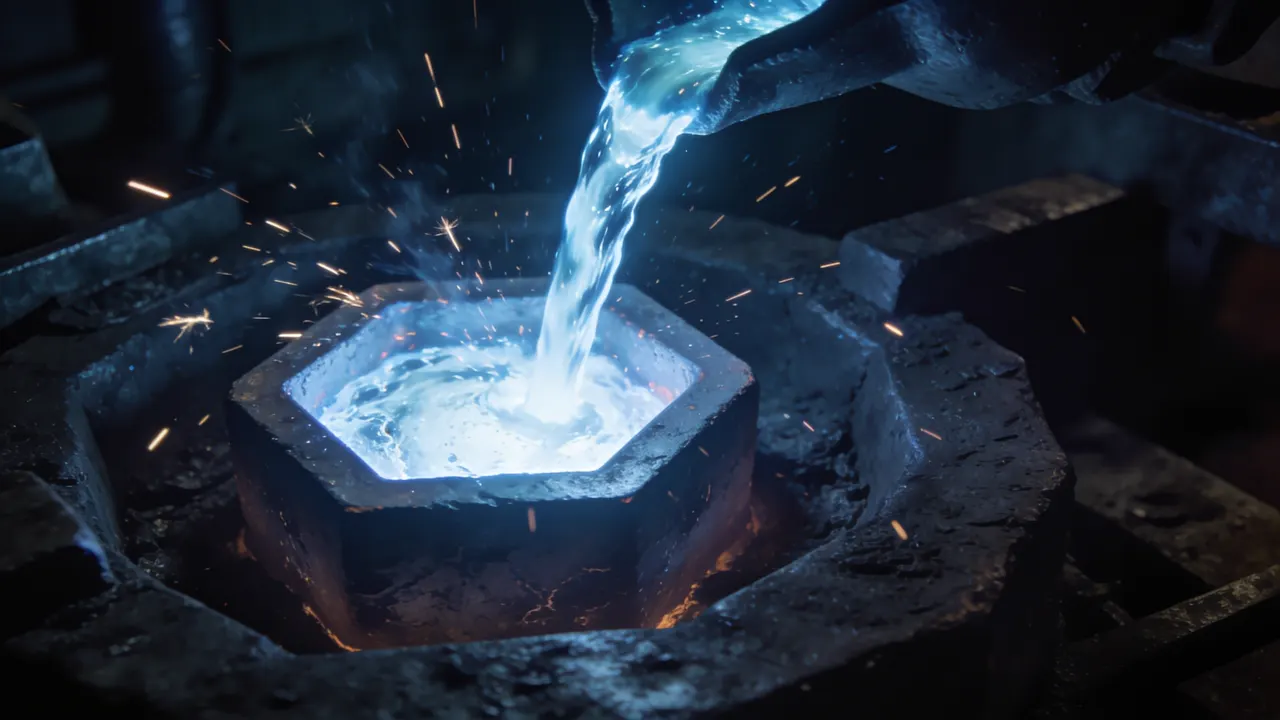
Write the scene you want, pick a style, a model and an aspect ratio, and generate. Some models can also edit from a reference photo.
Seedream 4.5
Text you wrote
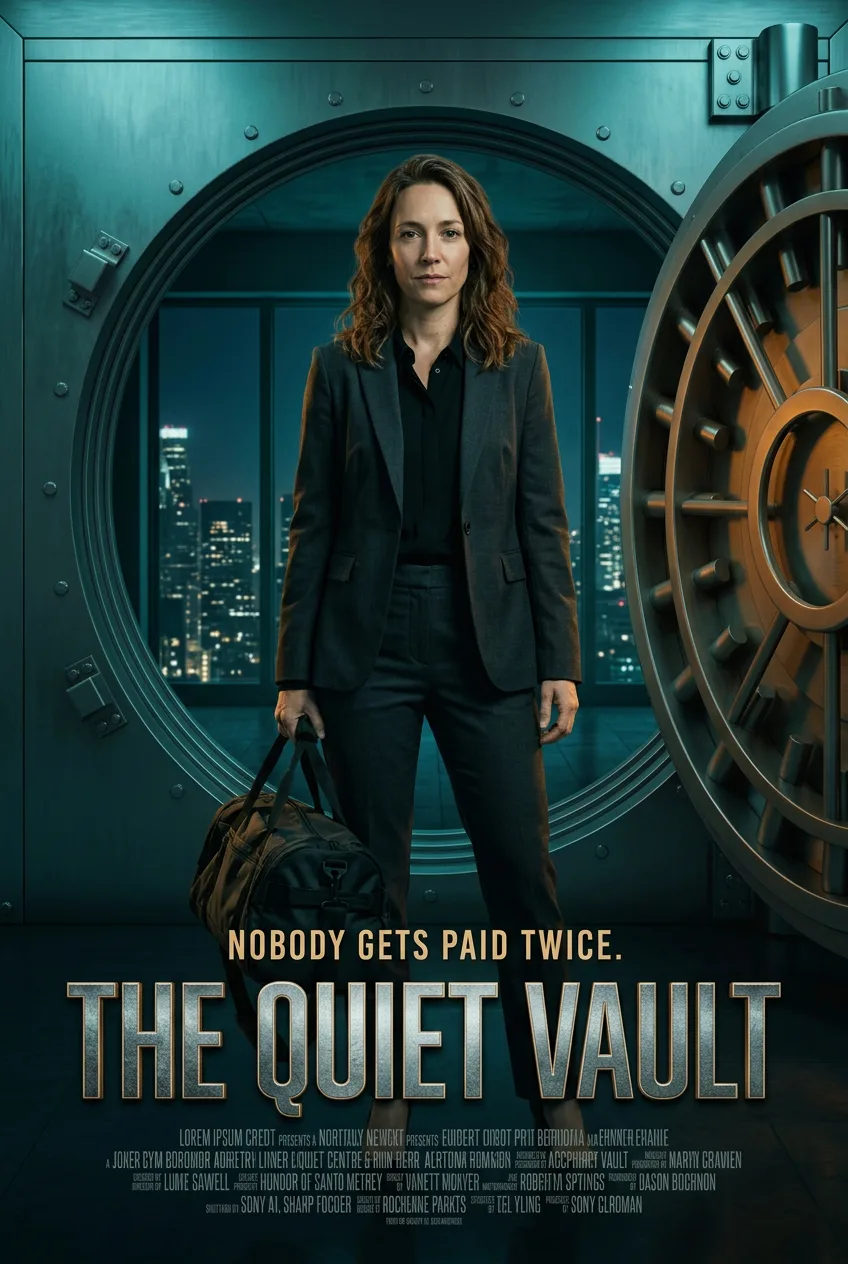
A dark forge at the moment glowing blue-white molten metal is cast into a hexagonal ingot. Flying sparks, metallic texture, cinematic lighting
Generated image
02
Make an image from a photo
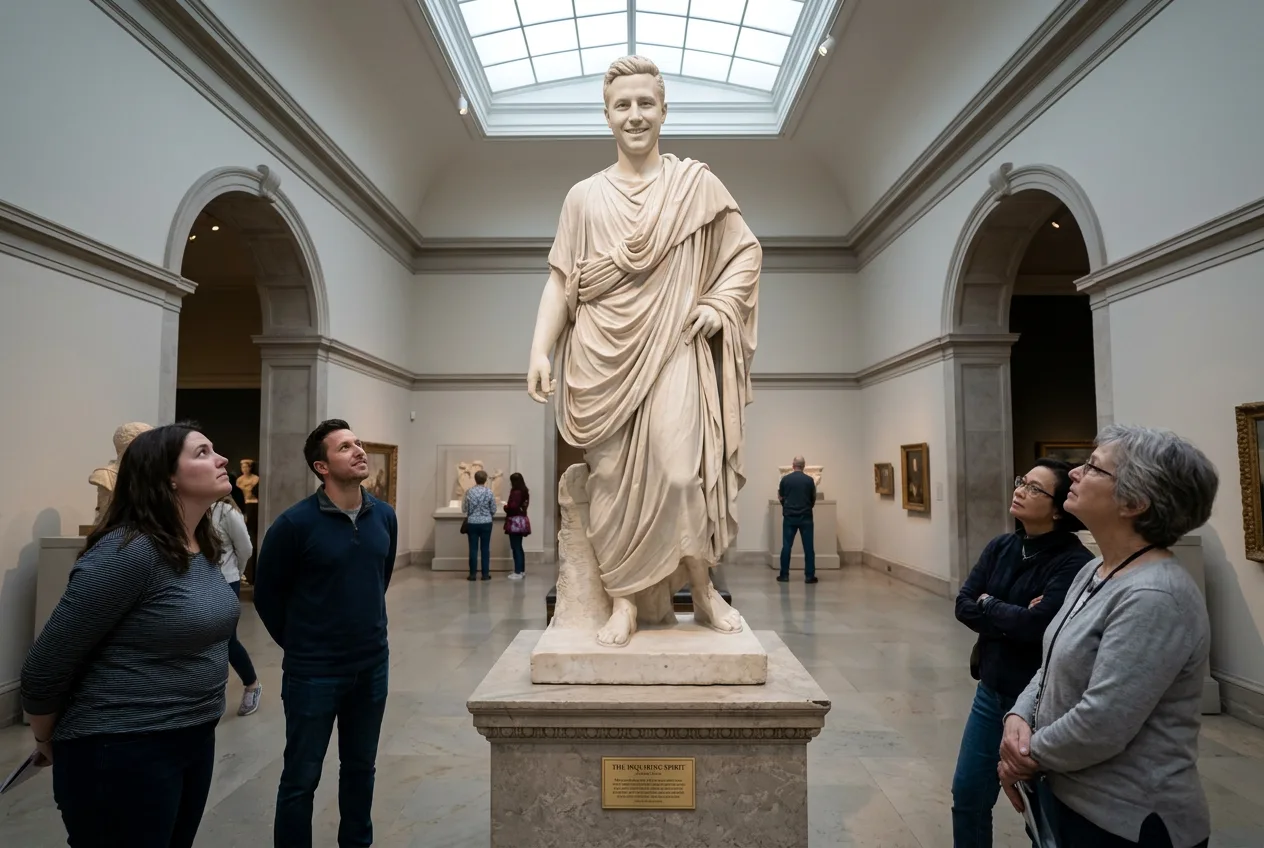
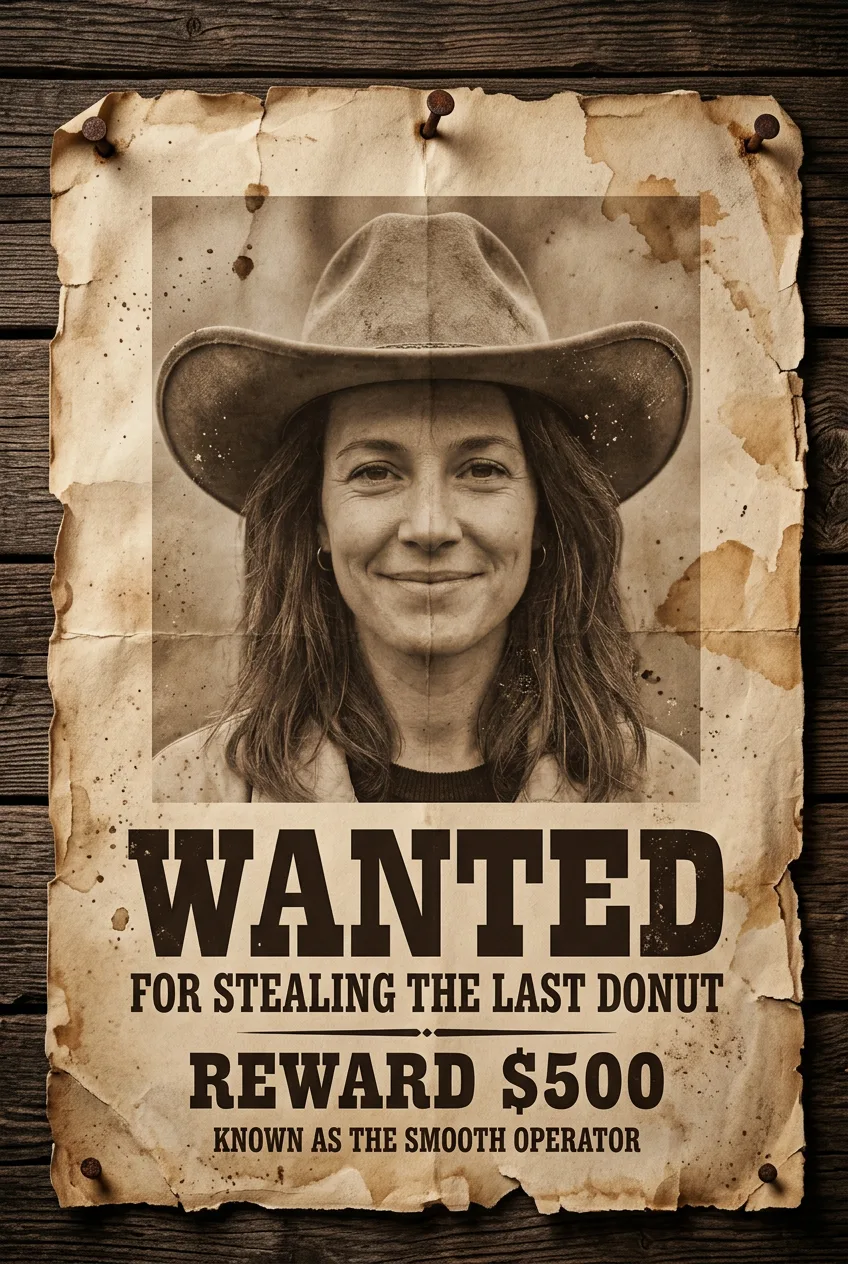
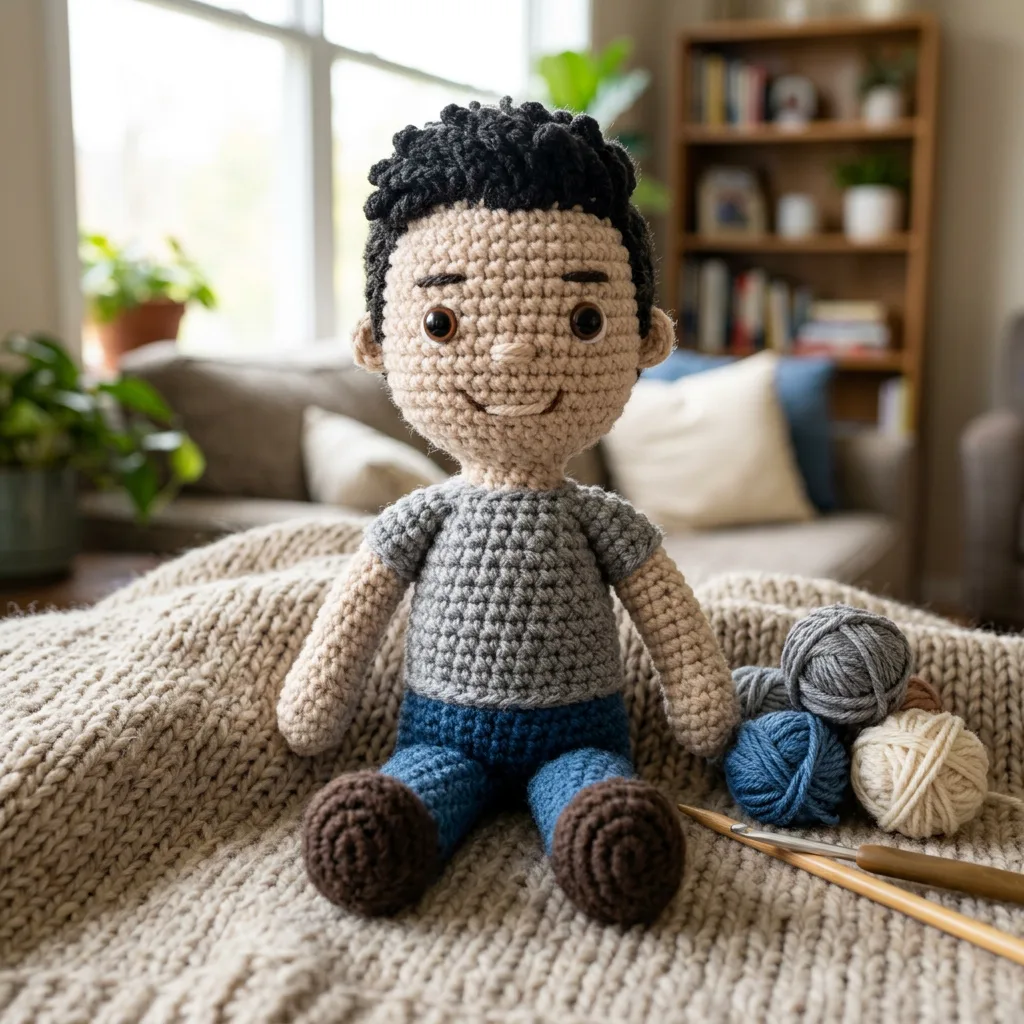
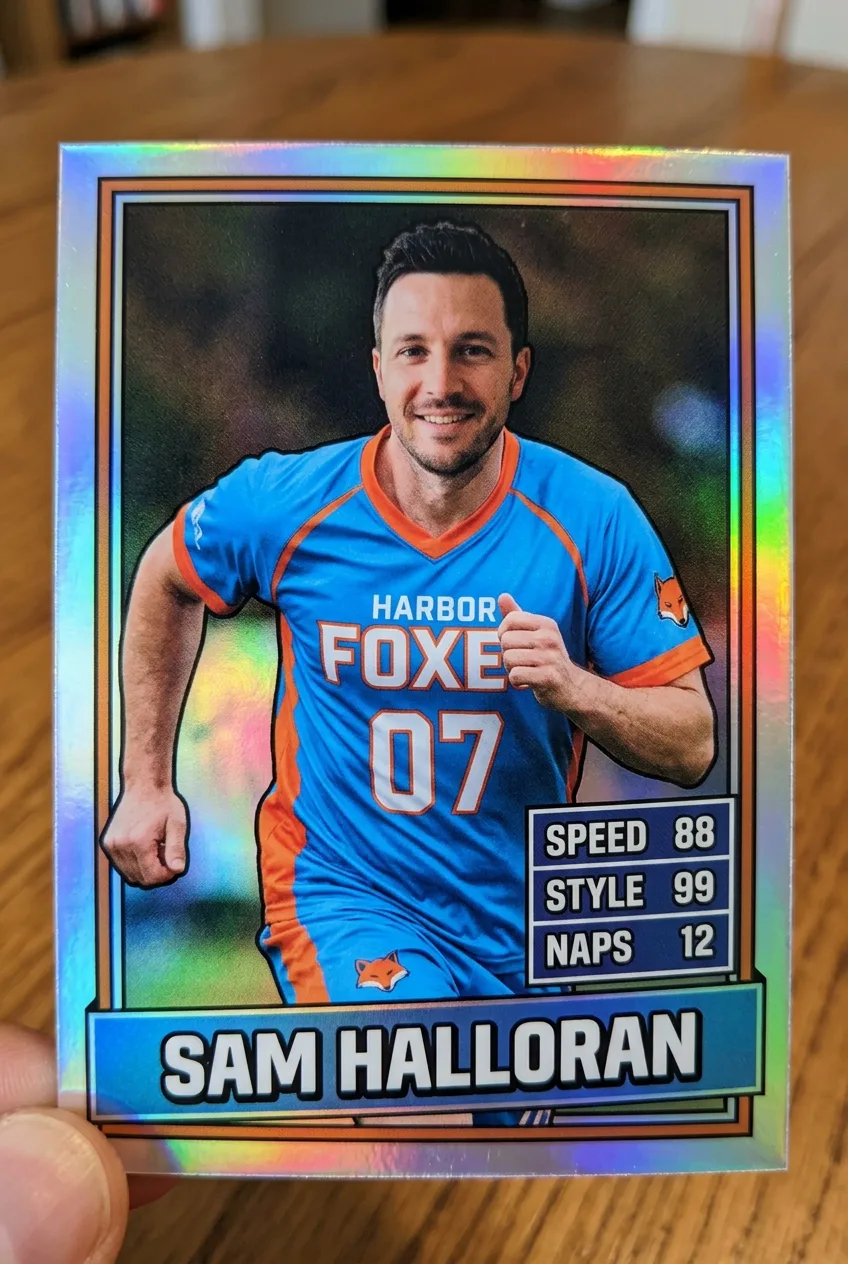
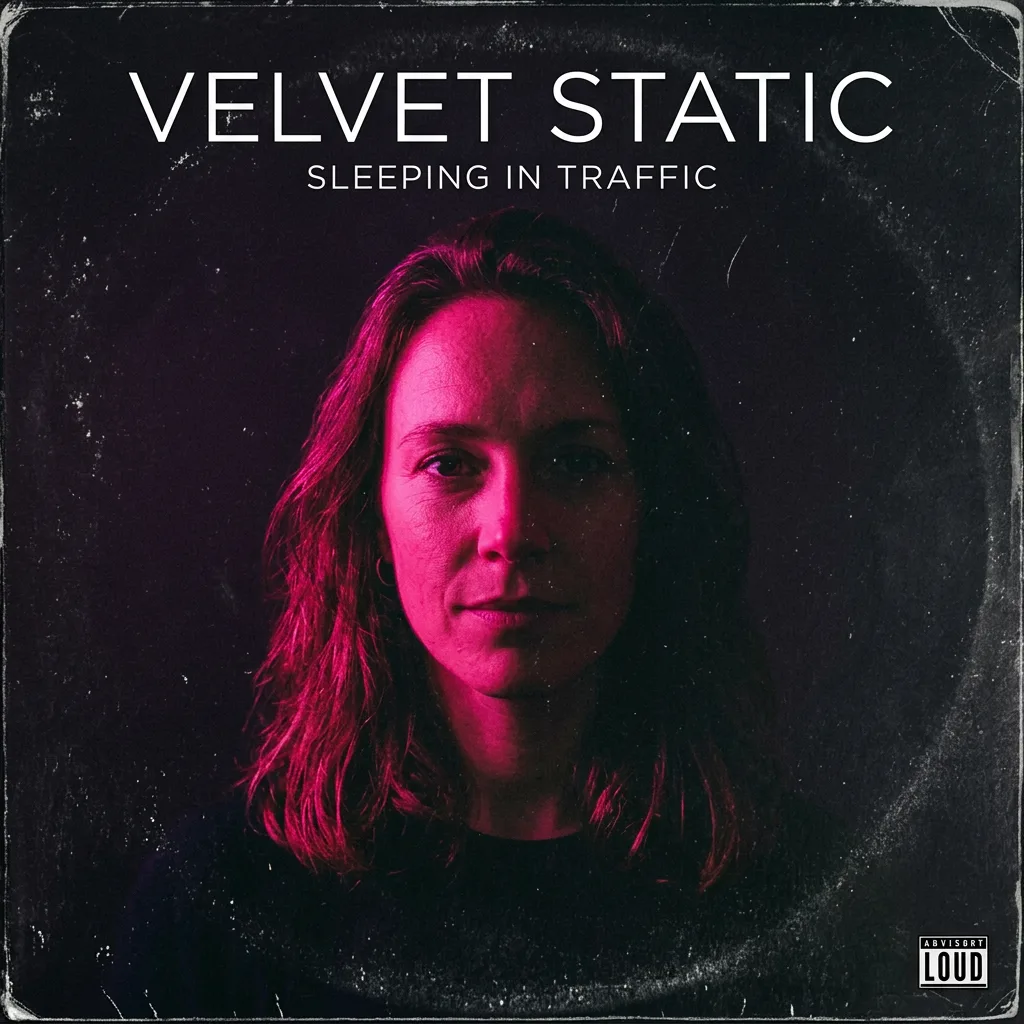
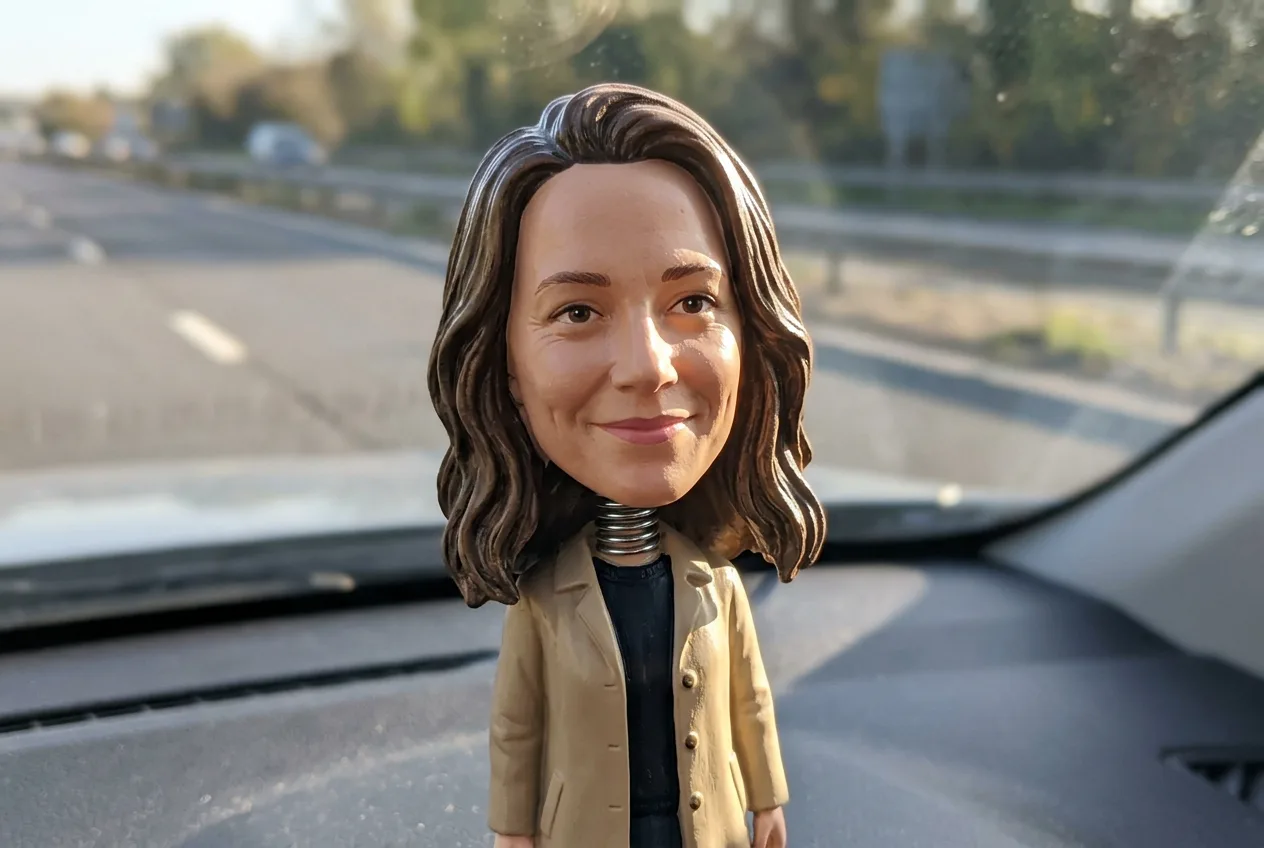
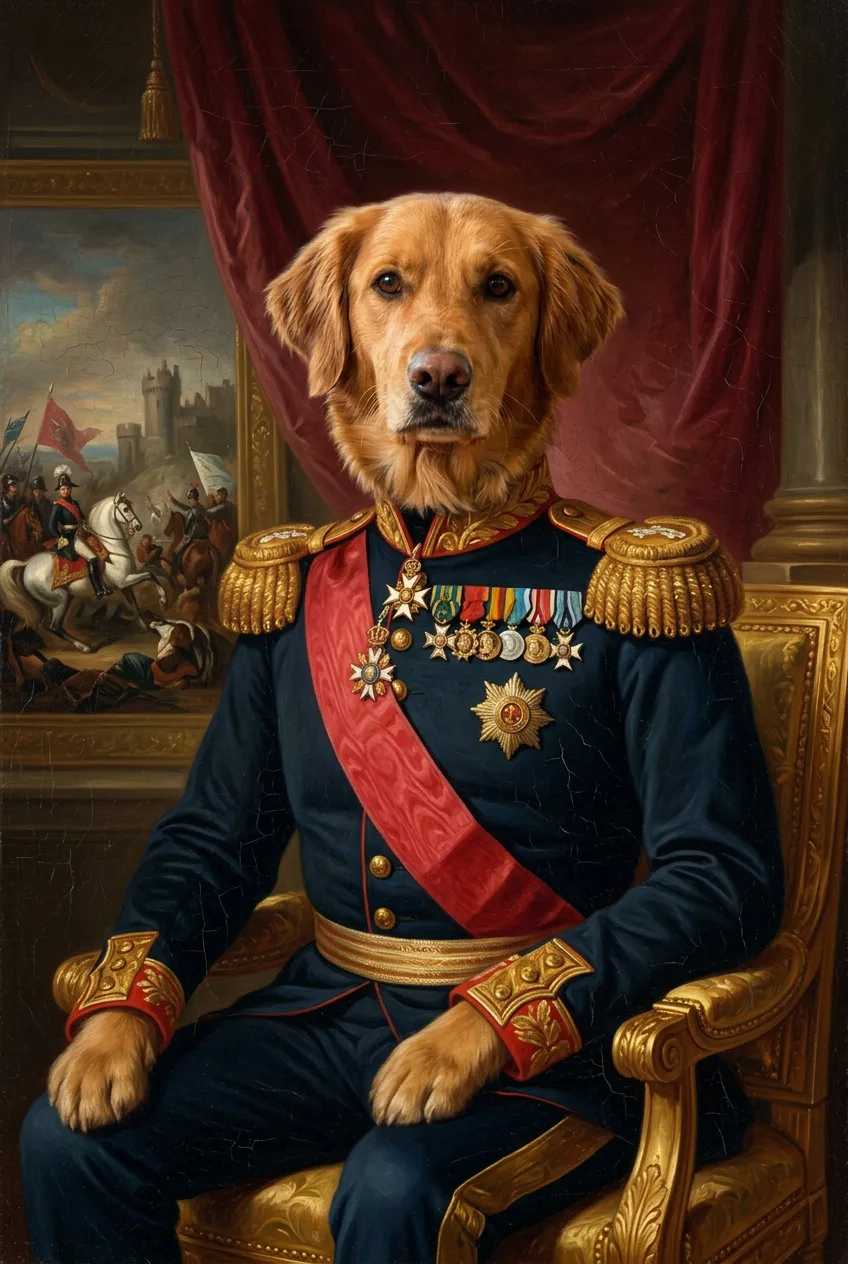
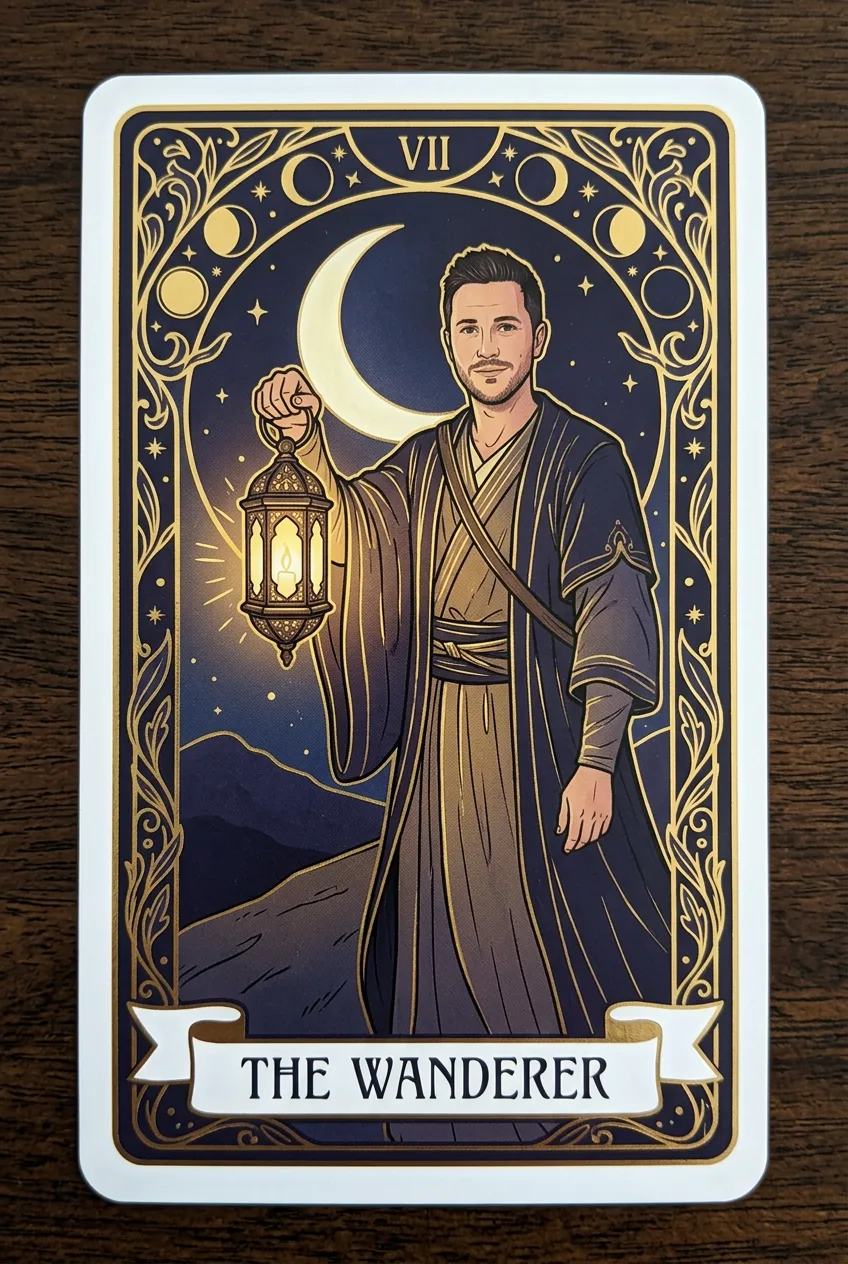
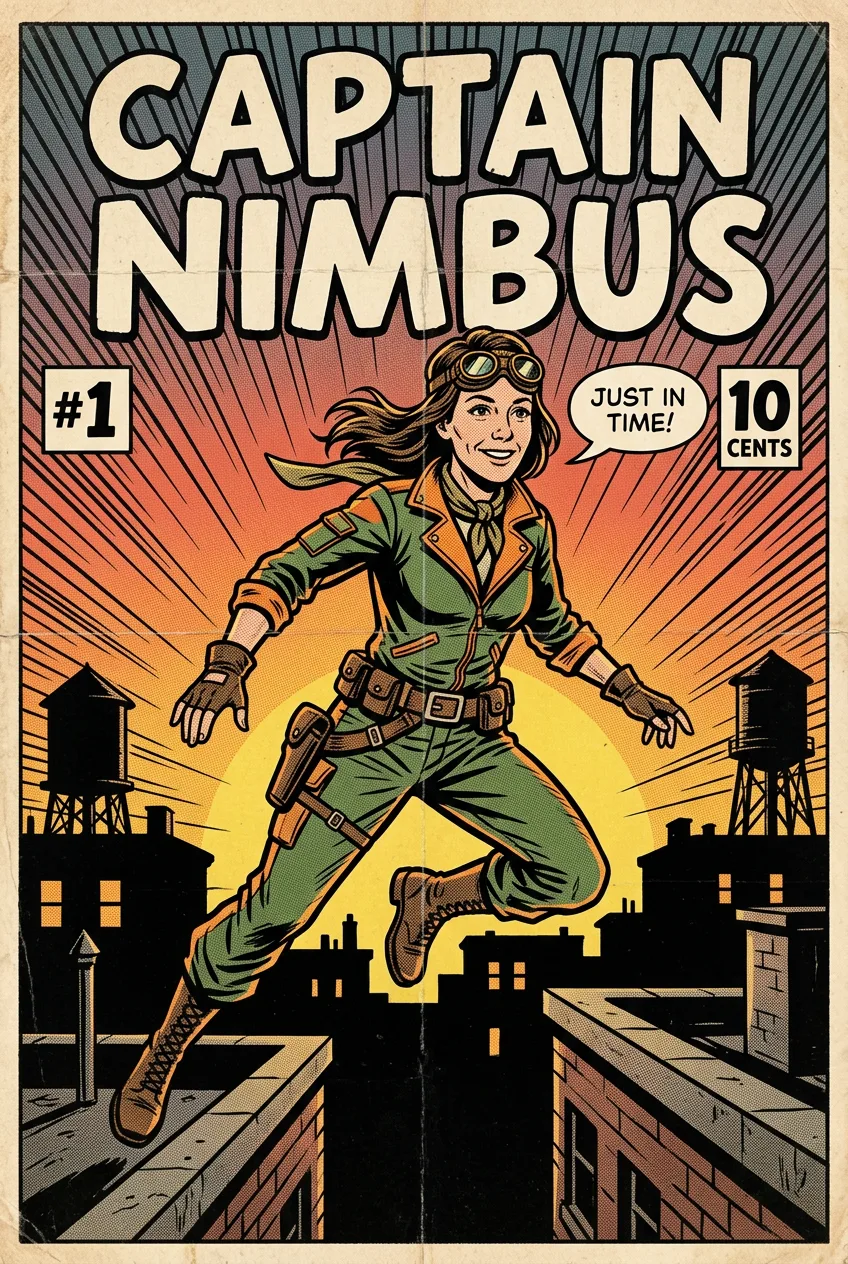
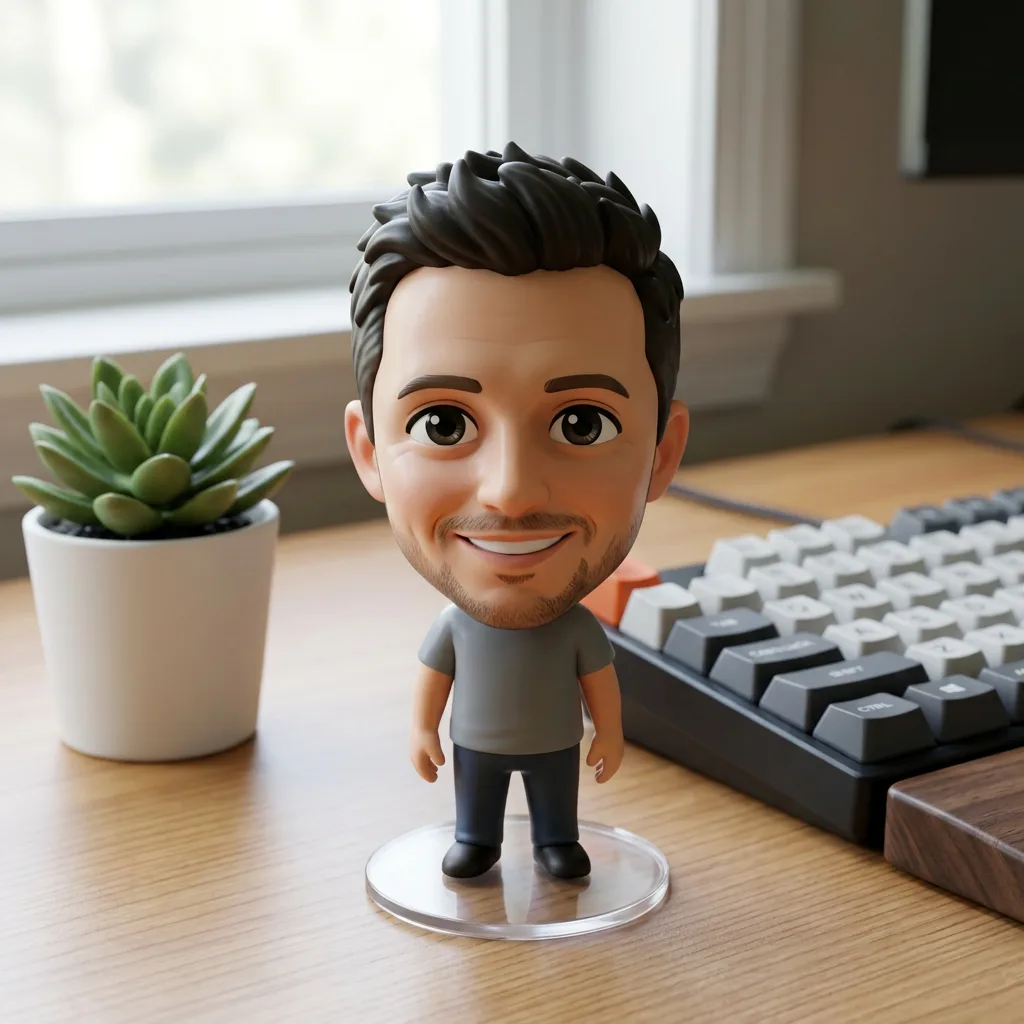
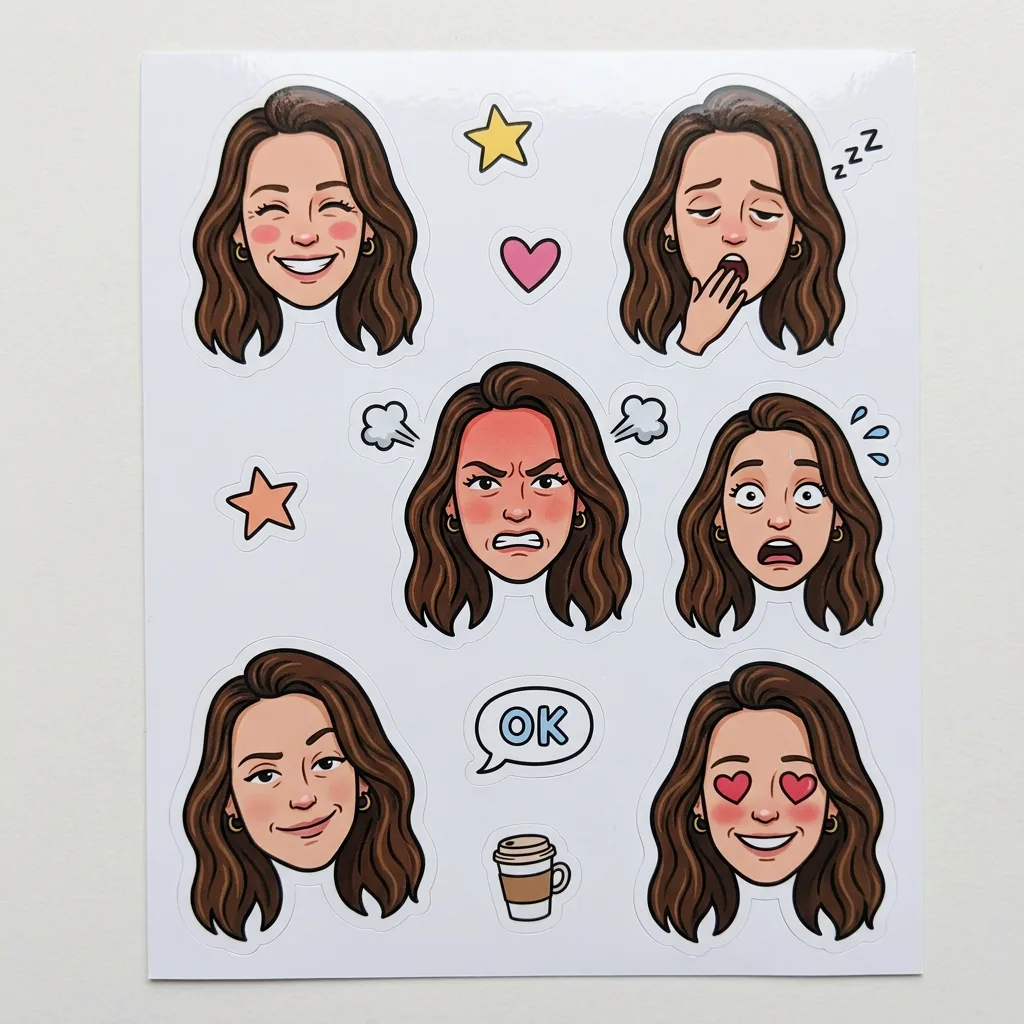
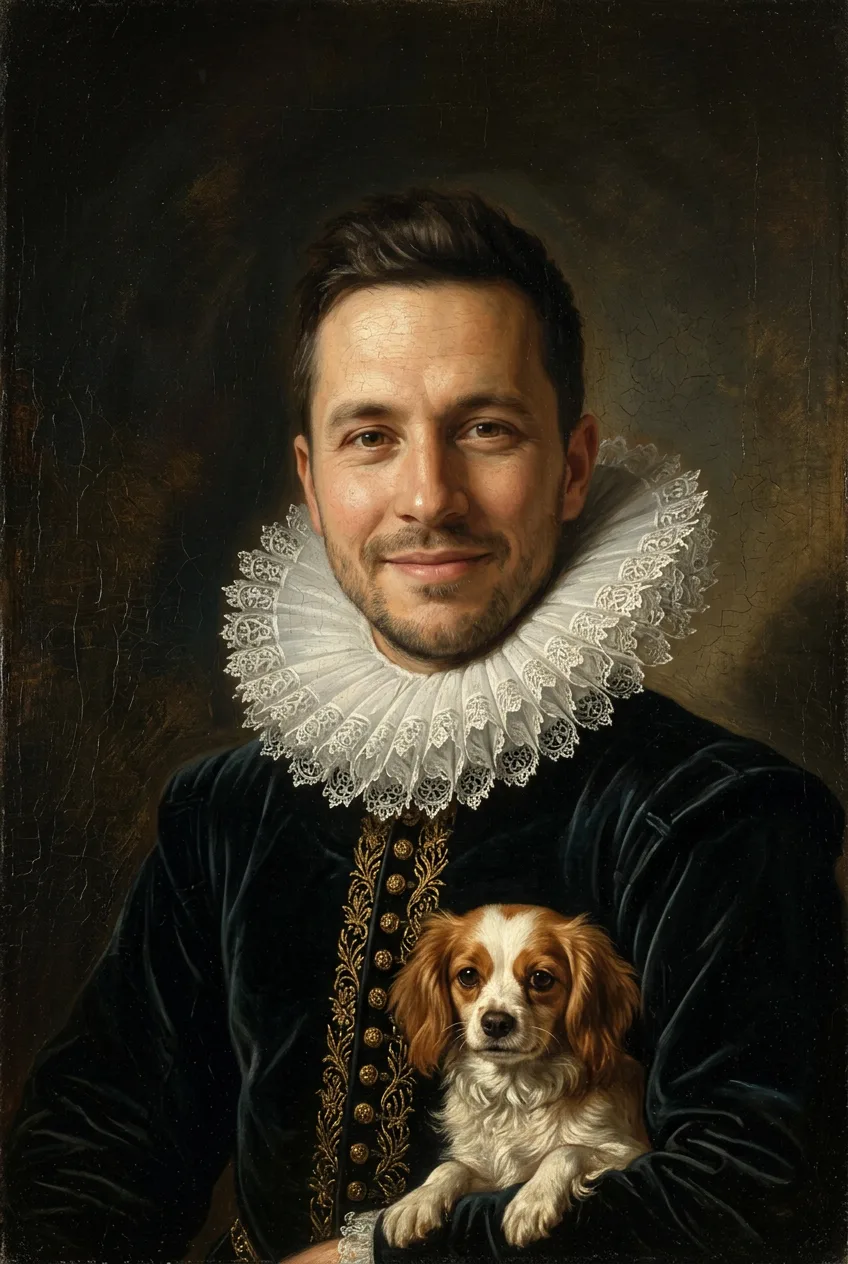
Upload one photo, pick a template, and get an image built from that photo. This example is a nengajo (Japanese New Year card), made with AI from the template 'New Year greeting postcard'.
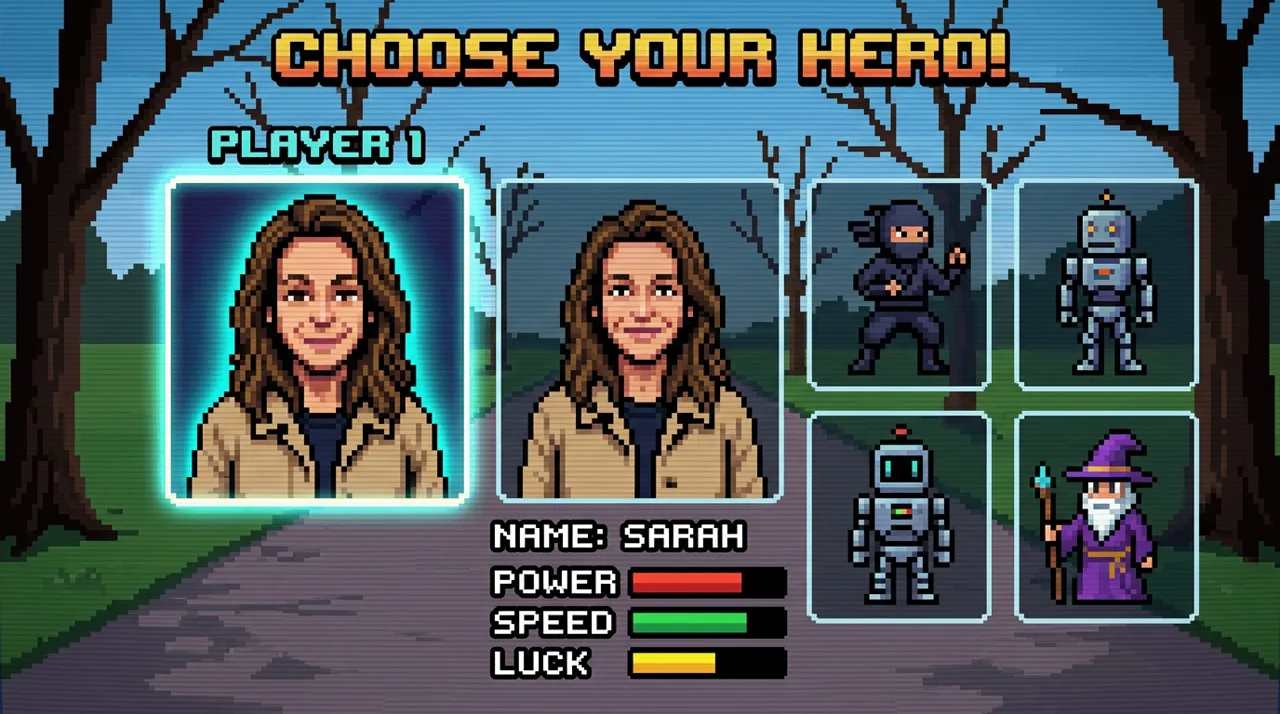
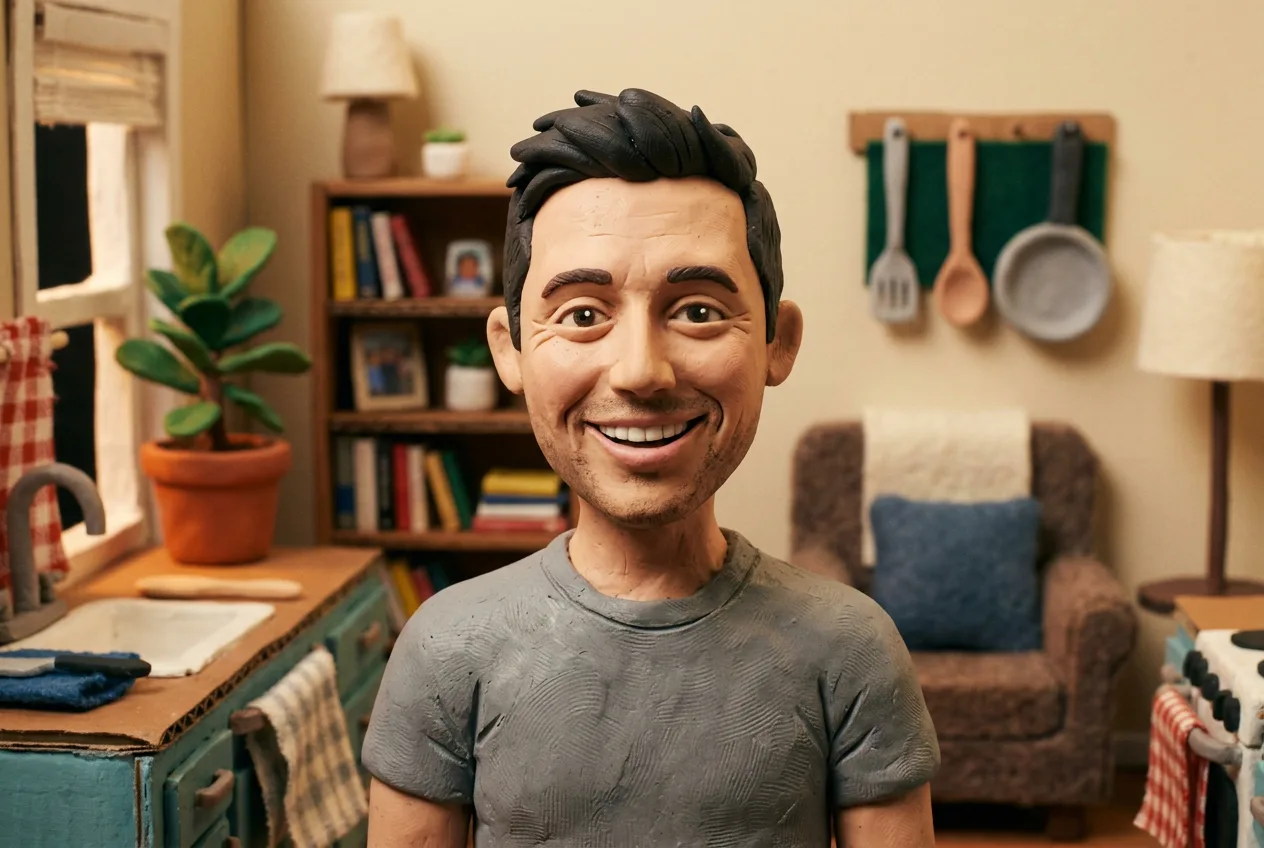
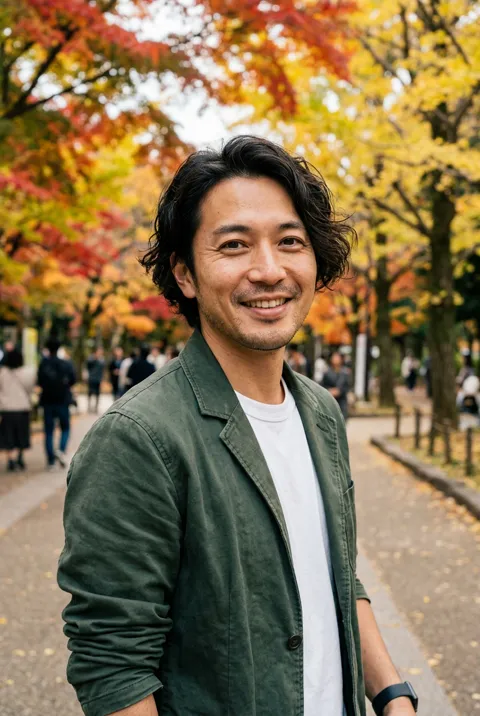
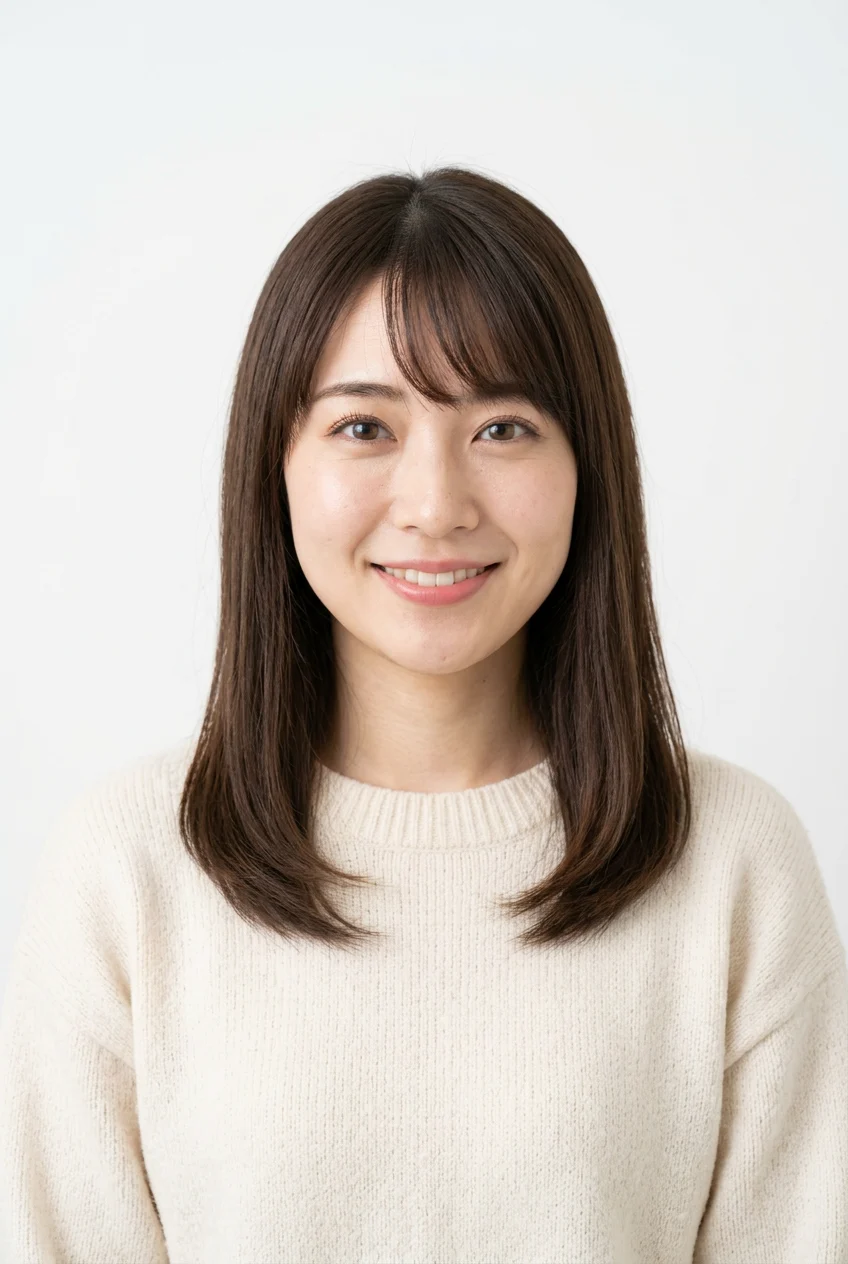
Studio comes with three ready-made people and one product. With no photos of your own, you can make images and videos that keep the same person or product from one to the next. You can also add photos of your own people and products and use them the same way.
Aoi
A friendly woman in her 20s. A good fit for creator-style reviews and for everyday goods, cosmetics and fashion.
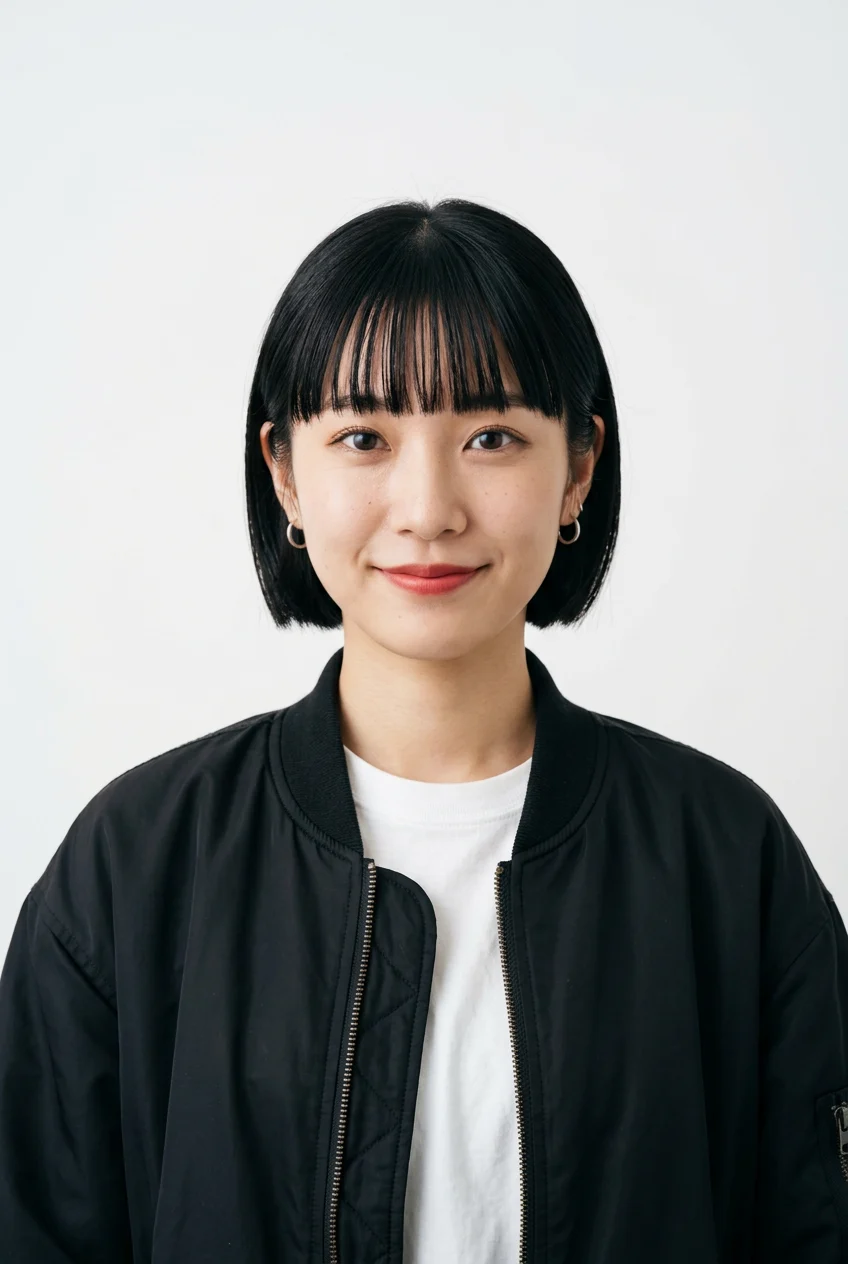
Mio
A woman in her 20s with a short bob. A good fit for street fashion and try-on videos.
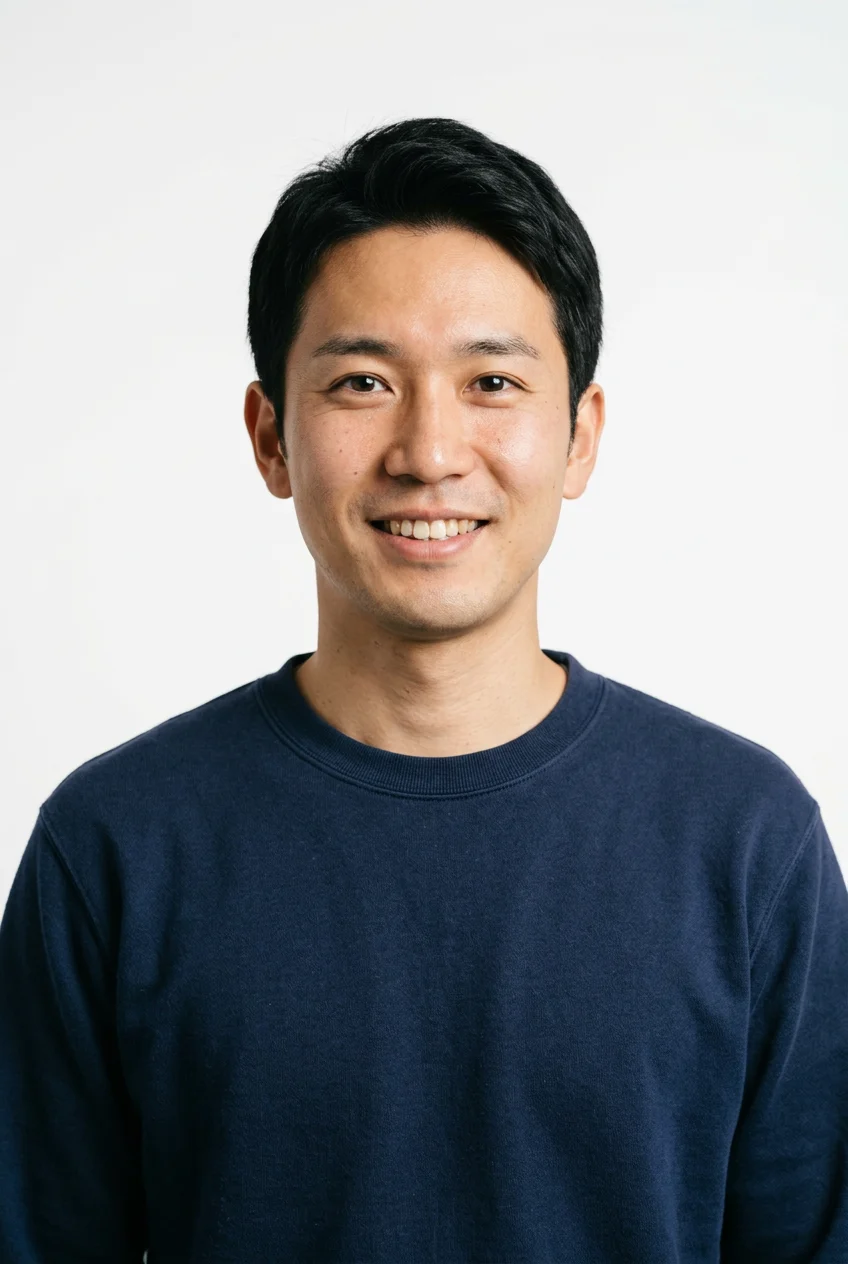
Ren
A relaxed man in his 30s. A good fit for apps, gadgets and everyday tools.
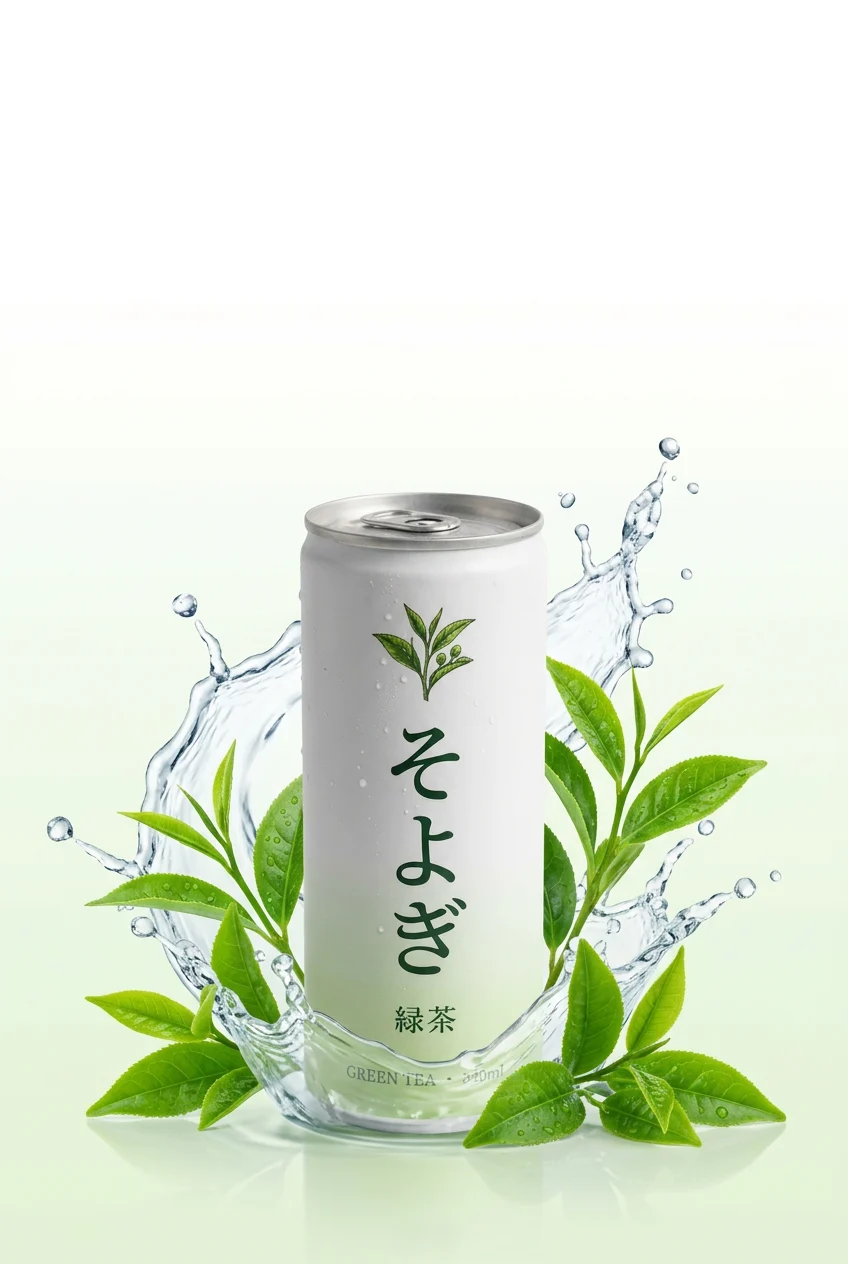
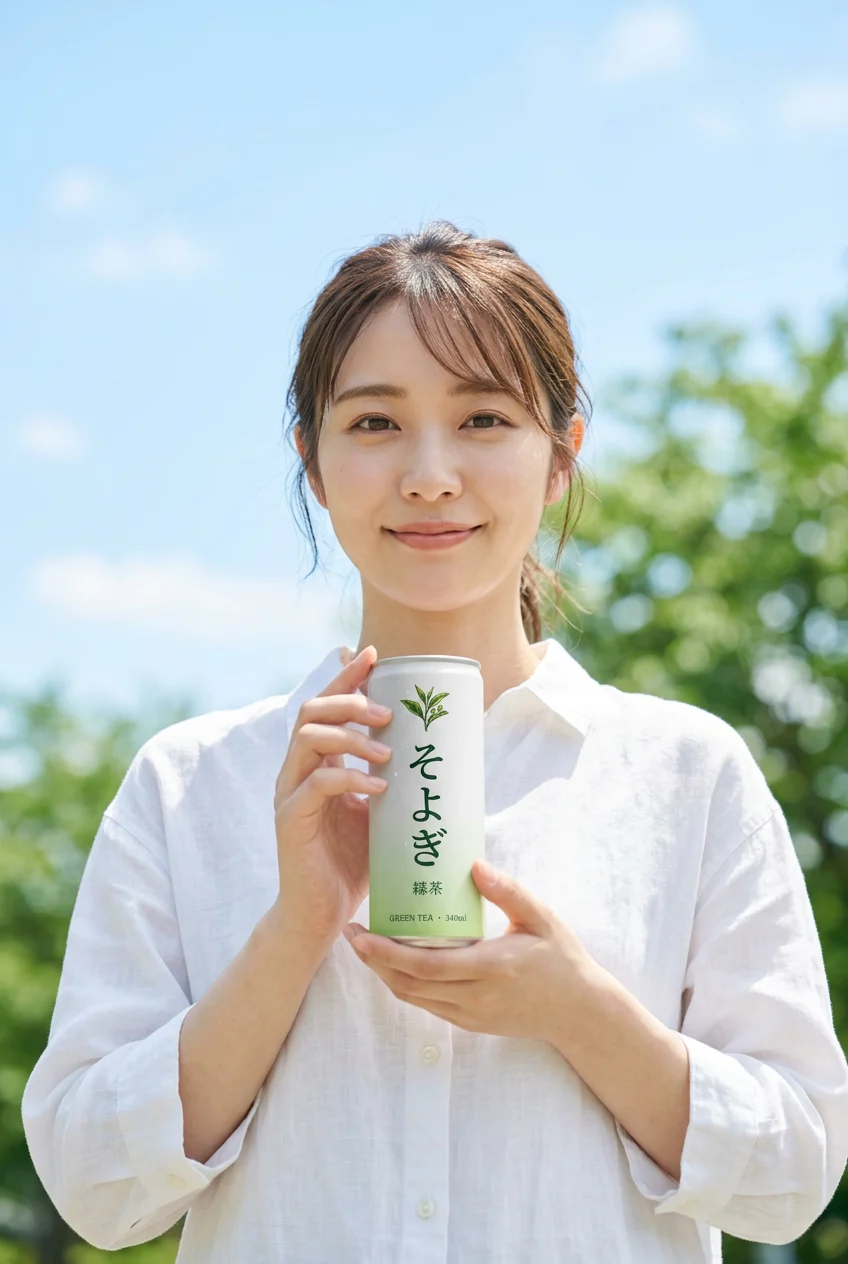
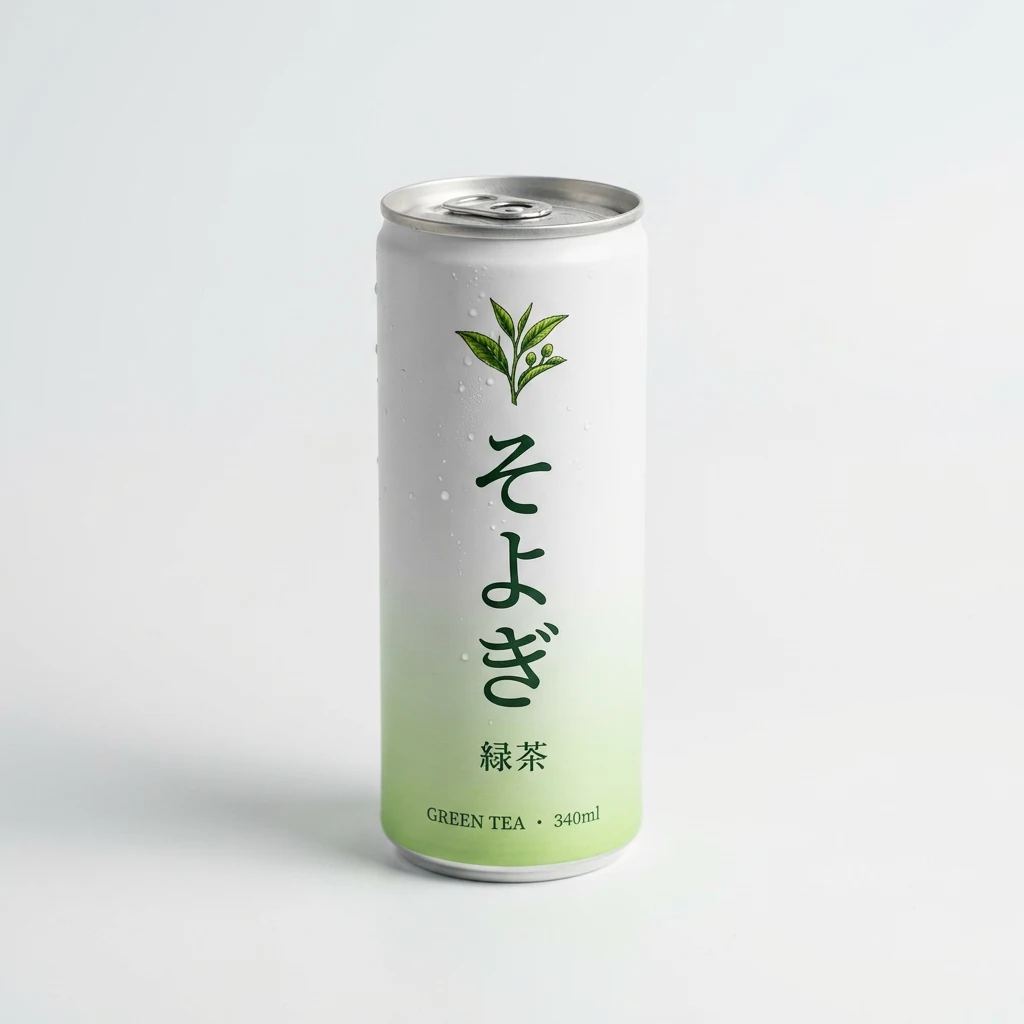
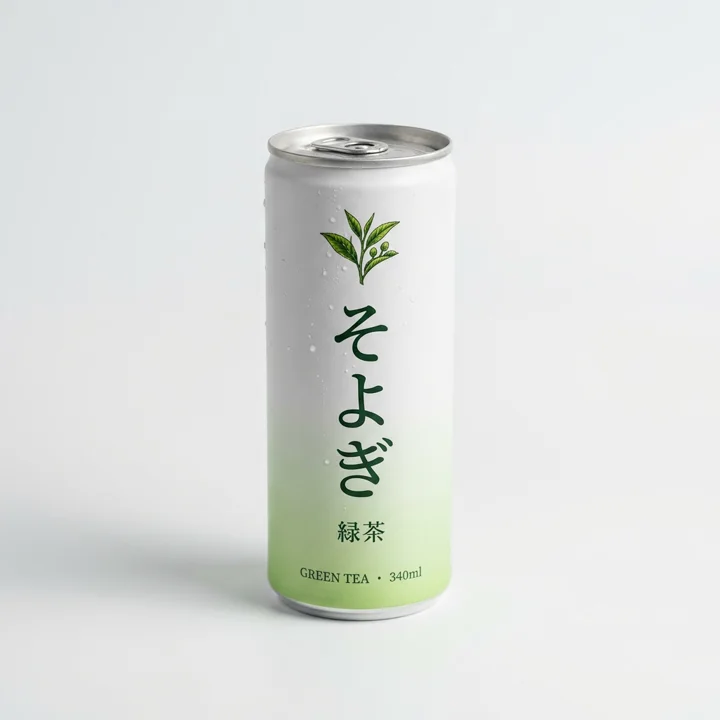
Soyogi green tea can
A clean white and light green can of green tea, with the invented name そよぎ (Soyogi) printed down the front. It has three photos: front, angled and in a hand. A good fit for drink ads and creator-style reviews.
Ready-made product: Soyogi green tea can
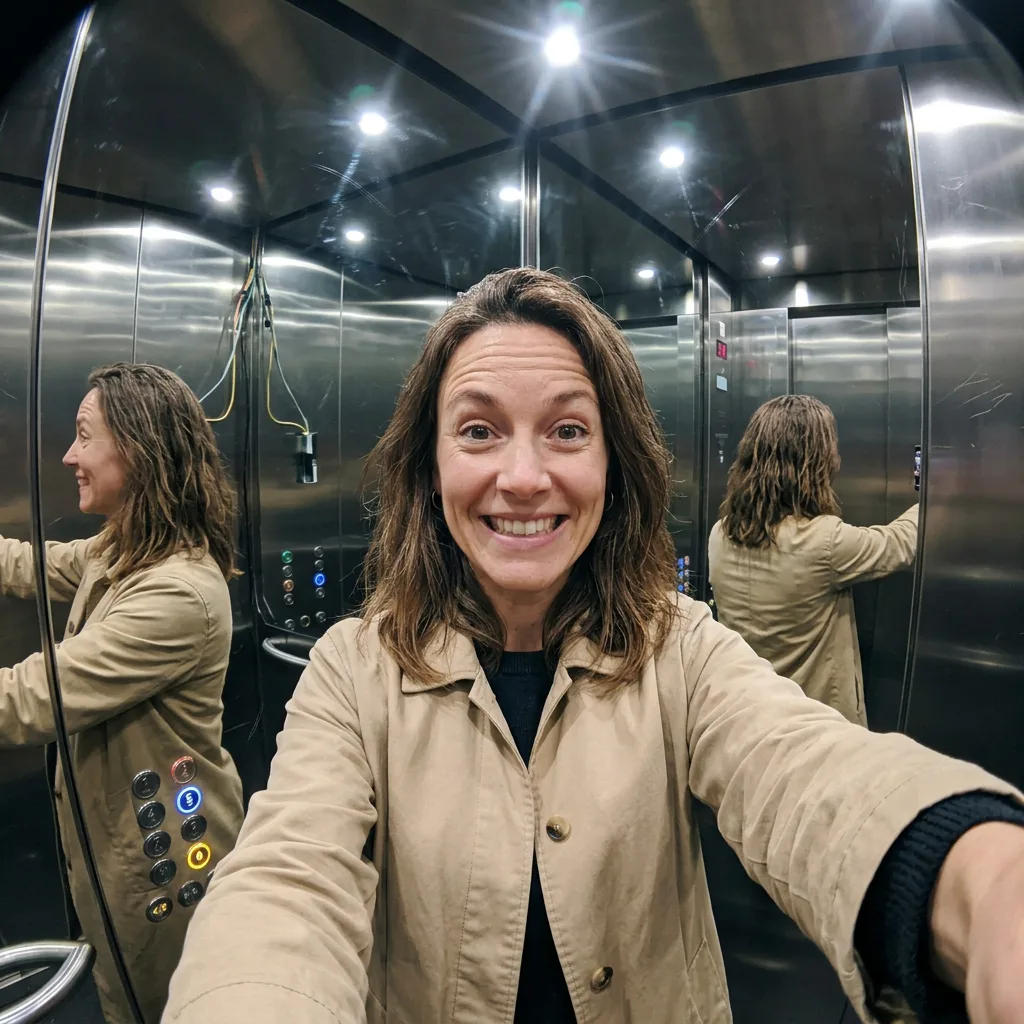
Model with the product
google-nano-banana-2
Choosing between Seedream 4.5 and Nano Banana 2
Image Studio lets you pick the image model that fits the picture you want. As of November 2026 the main models are Seedream 4.5 and Nano Banana 2.
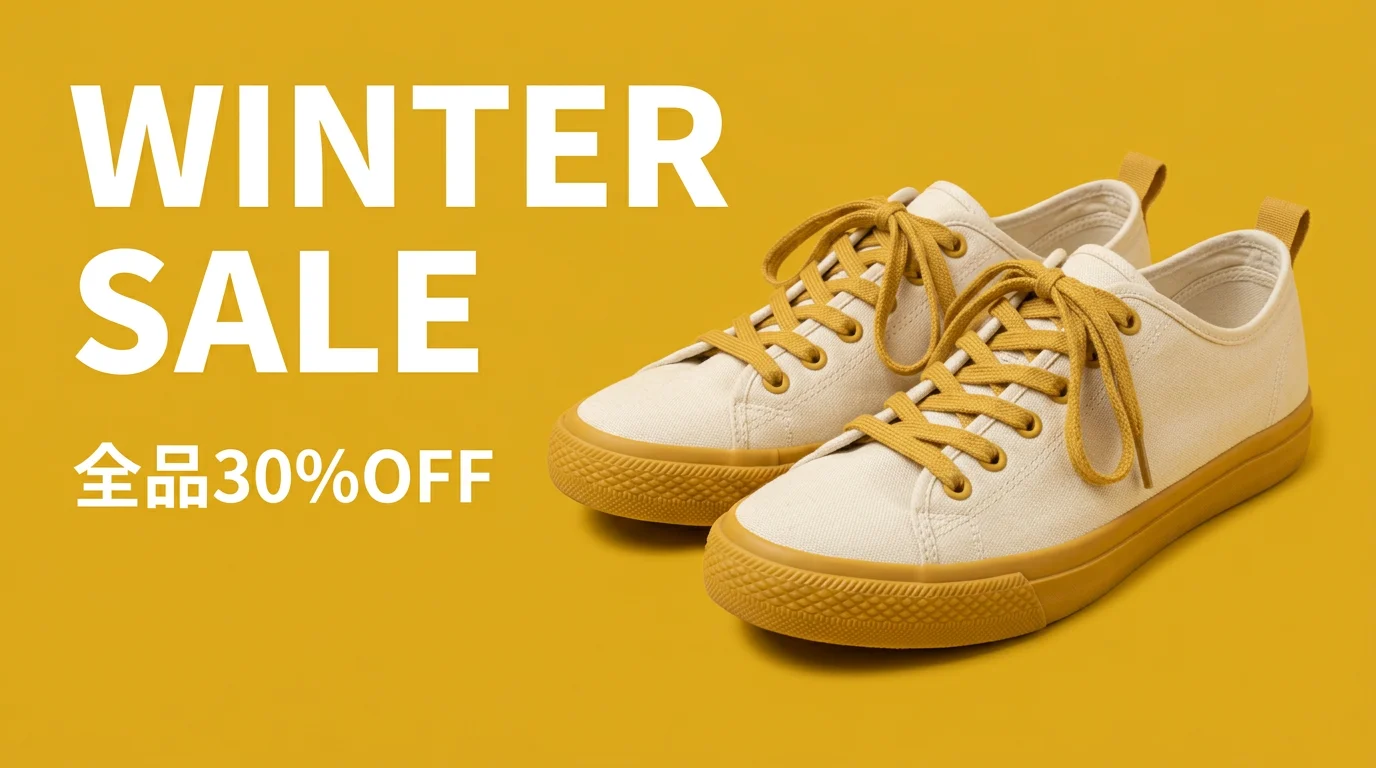
Seedream 4.5 handles lighting, composition and color well, which suits a polished single image for an ad or a portfolio. It also copes with mixed looks such as anime combined with photographic detail, and it can keep a character or product looking the same across a series. For Japanese text inside an image, keep it to short phrases of about four to six characters per line so the letters hold up.
Nano Banana 2 draws text inside an image clearly in many languages. That shows in logos, banners and announcement graphics. It generates quickly, so it is also a good choice when you want to compare several compositions.
Templates that finish one photo in the style of the example
Look at the examples, pick a template and upload one photo to get your image. The example and the price are on each template's page before you make anything.
Three features for reusing examples, people and settings
Templates
Upload a different photo to the same template and make as many images in that style as you like.
Characters
Register photos of a person or a belonging, and they keep the same look in other images.
Library
Your images are saved, and you can generate again with the same settings.
Turn your images into video in Video Studio
Images made in Image Studio can go into Video Studio, into 'Photo to video' or Motion transfer, and become video. Video Studio is the AI video generator that makes a person dance or talk from a single photo. Costs come out of one prepaid balance shared by Image Studio, Video Studio and Audio.
Image Studio is pay as you go, priced per image, and the price depends on the model. The generate button shows the price, so you can check the amount before you generate.
Payment is prepaid. Add balance, and each generation is deducted from it. Your balance is also your spending limit. New accounts on this site are billed in US dollars by default, and a yen account is also possible.
05Yen accounts can also pay by bank transfer and get a Japanese qualified invoice for each purchase
Frequently asked questions
Can I use it without any drawing experience?
Yes. In FastMetal Image Studio you pick a template from the examples and upload one photo, and the image is made for you. In 'Create image' you write the scene you want and generate it.
When do I see the price?
The price per image is on the generate button, so you can see the amount before you press it. When you generate, it is deducted from your prepaid balance. Prices for each model are on the pricing page.
Which models can I use?
As of November 2026 you can choose from models such as Seedream 4.5 and Nano Banana 2, the two used in the examples on this page. Some models can also edit from a reference photo.
Can I make many images of the same person?
Yes. Register photos of a person or a belonging as a character, and they keep the same look in other images.
Where are my images saved?
In your Library. You can also bring back the same settings and generate again.
AI image generation that starts with one photo you already have
Sign up and add balance, and you can use Image Studio.
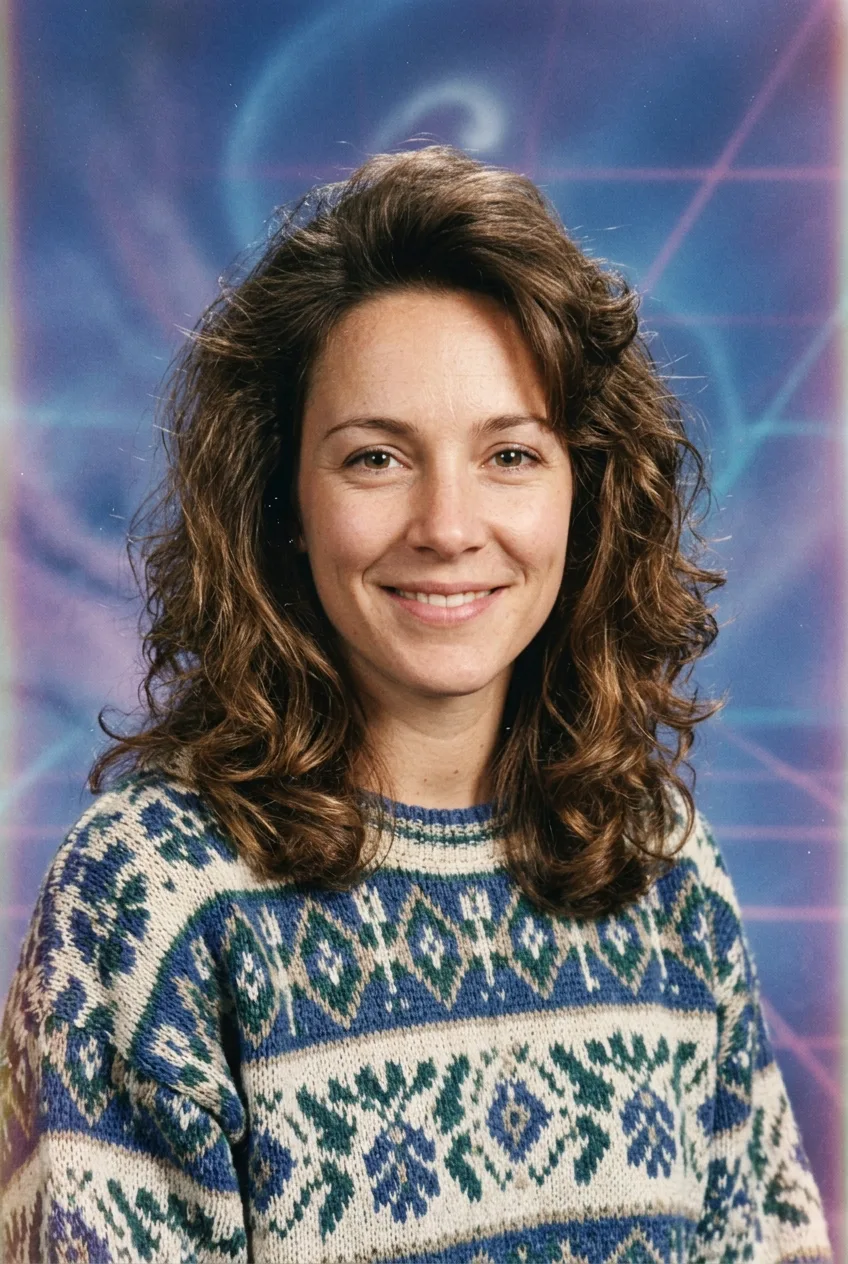
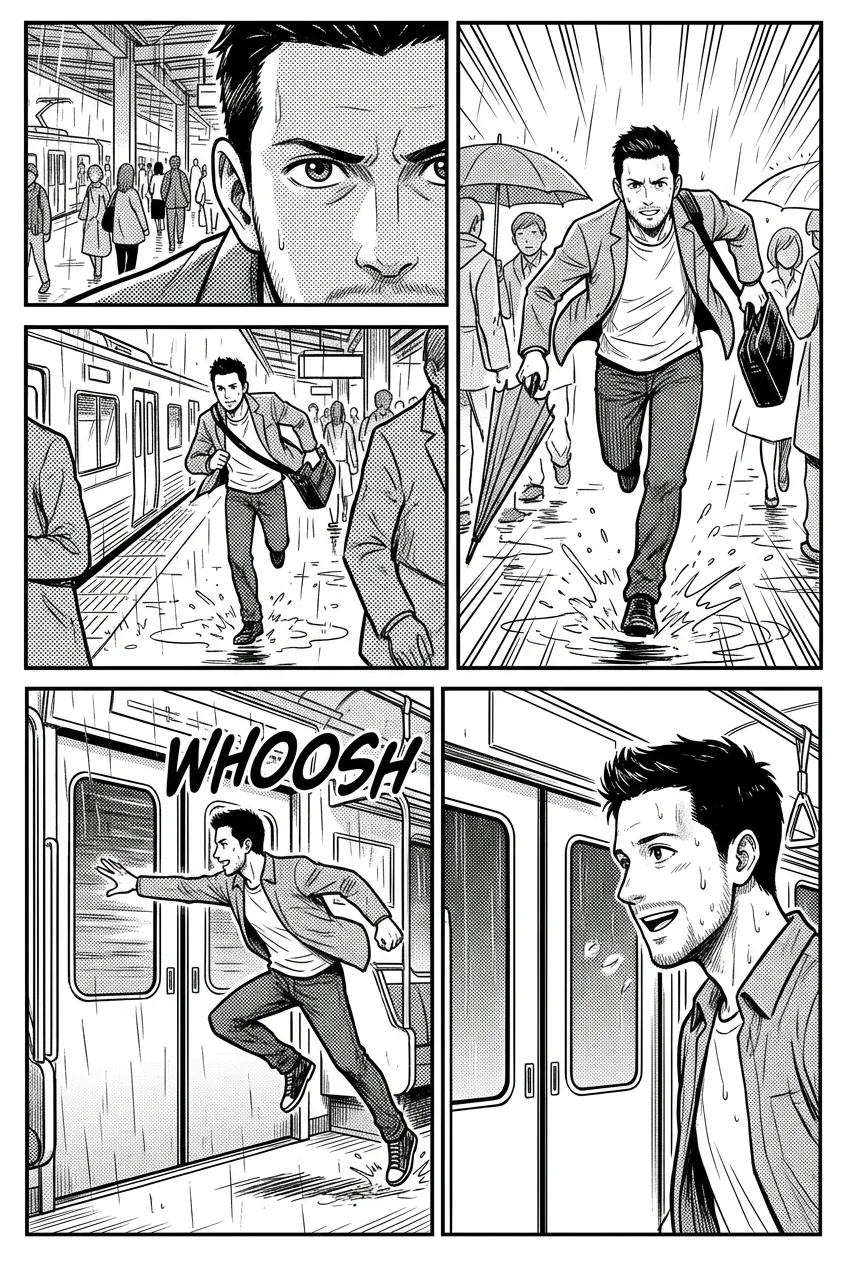
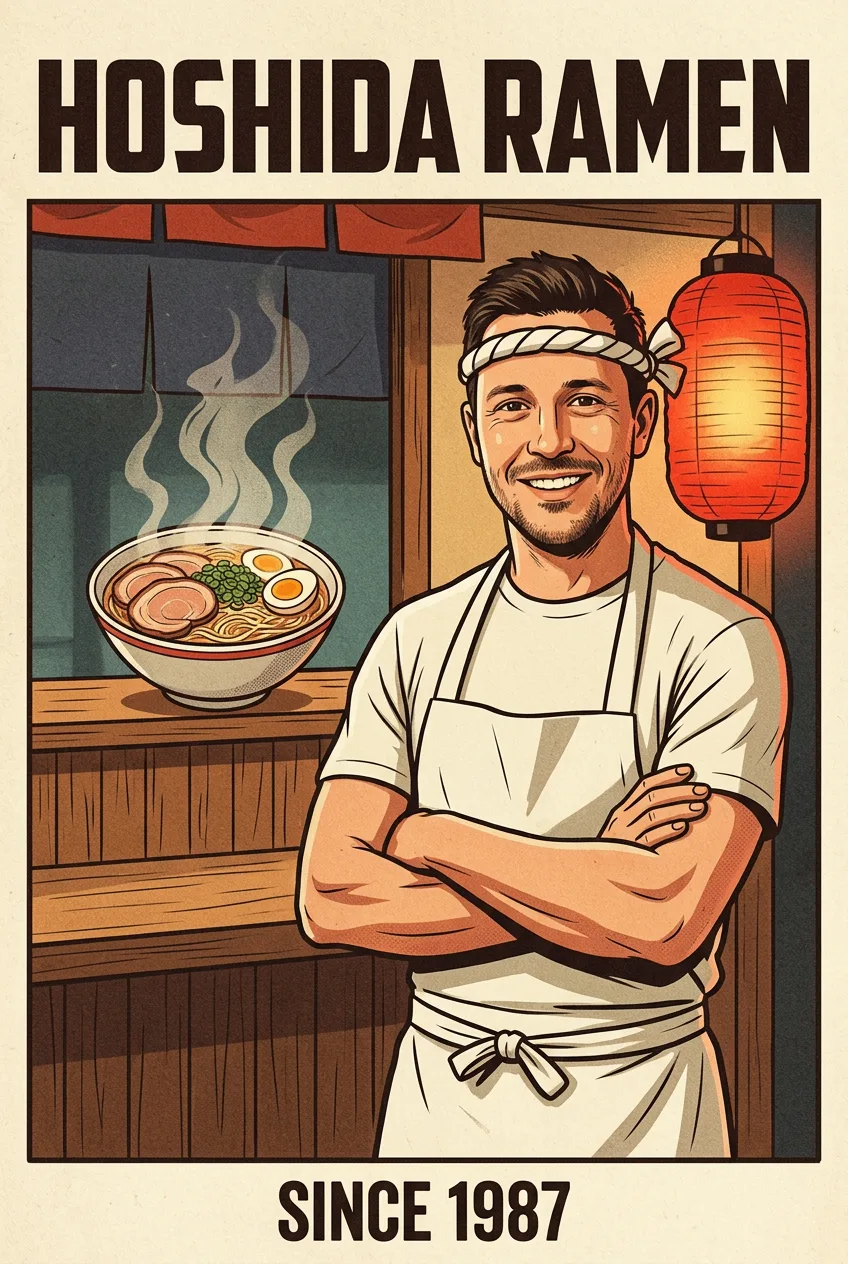
Redraw a photo as an AI illustration in an anime or manga style while keeping the person's face and features. This example uses the template 'Anime-style key visual'.